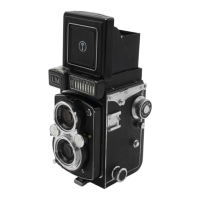
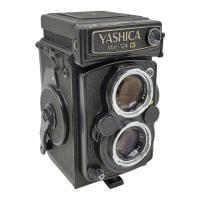
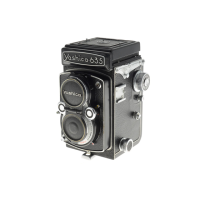
LOADING FILM
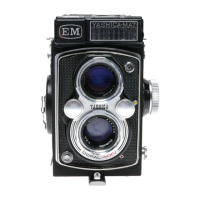
(1 ) To unlock the back cover turn the tripod socket in the direction marked 'O.' Then open the Back
Cover by swinging it out.
(2) Remove the Take-up Spool in the Lower Film Chamber by pulling out Lower Spool Locking
Spring.
Place the Take-up Spool in the Upper File, Chamber by pulling out the Upper Spool Locking
Spring.
(3) Place a new roll of size 120 film in the Lower Film Chamber.
(4) Flip up, the Film Transport Crank and slowly wind it
clockwise so that the wider slot of the Take-up Spool in the
upper Film Chamber faces upward. Then gently draw out the
film leader and thread it firmly and evenly into the slot.
(5) Gently wind the Crank clockwise.
(6) Advance the film by slowly winding the Crank until the
arrow on the film points to the triangles on either side of the
camera body.
(7) Close the camera back cover and lock it by turning the
Tripod-Socket in the direction marked 'C'. The letter 'S' will
appear in the Film Counter Window.


 To Next Page
 Loading...