How to Use
1
3
2
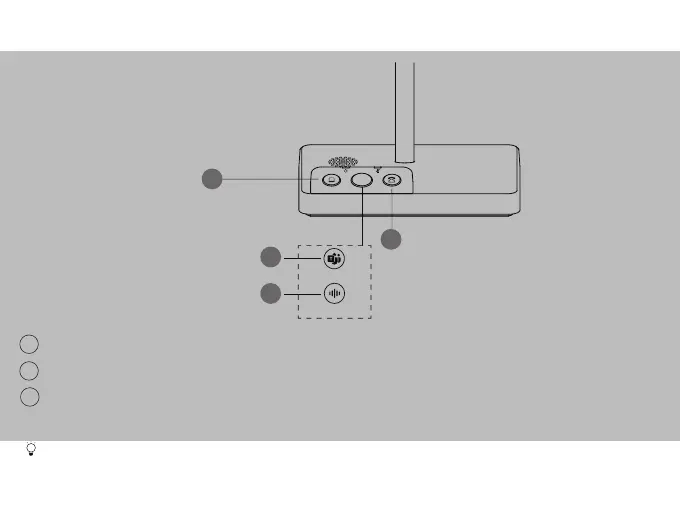
(Teams Edition) Press to invoke the Teams client; Hold 2 seconds to activate Cortana.
(UC Edition) Hold 2 seconds to activate voice assistant.
PC Button
Teams Button
Voice Assistant Button
Before using the Teams button functions, you should install the Microsoft Teams client on your PC, smartphone
or tablet.
3
Teams Edition
UC Edition
3
1
2
Phone Button
Press to enter the phone dialing screen, answer or end a phone's call.
Press to enter the softphone dialing screen, answer or enter a softphone's call.



 To Next Page
 Loading...









