Yeastar 4G LTE Module User Guide
11
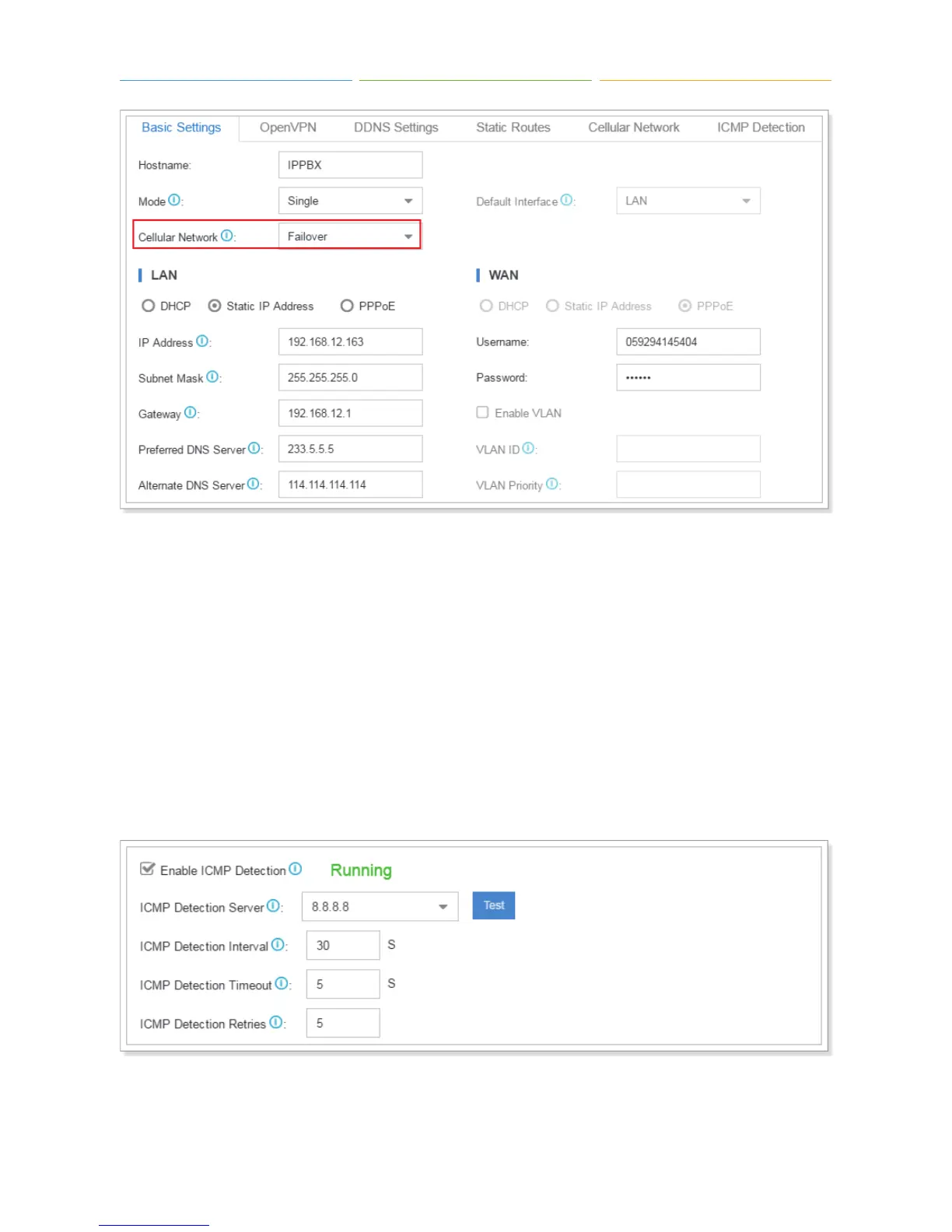
ICMP Detection
ICMP detection is used to check if the current connectivity is active. If you choose cellular network as
a failover network, you need to enable ICMP detection.
1. Check the checkbox for “Enable ICMP Detection”.
2. Select a detection server from the drop-down menu, or you can enter a server in the textbox
directly. Click “Test” to test if the PBX could access the detection server.
3. Set detection interval, timeout and retries.
4. Click “Save” and “Apply”.



 To Next Page