Yeastar 4G LTE Module User Guide
7
network via “Settings > System > Network”.
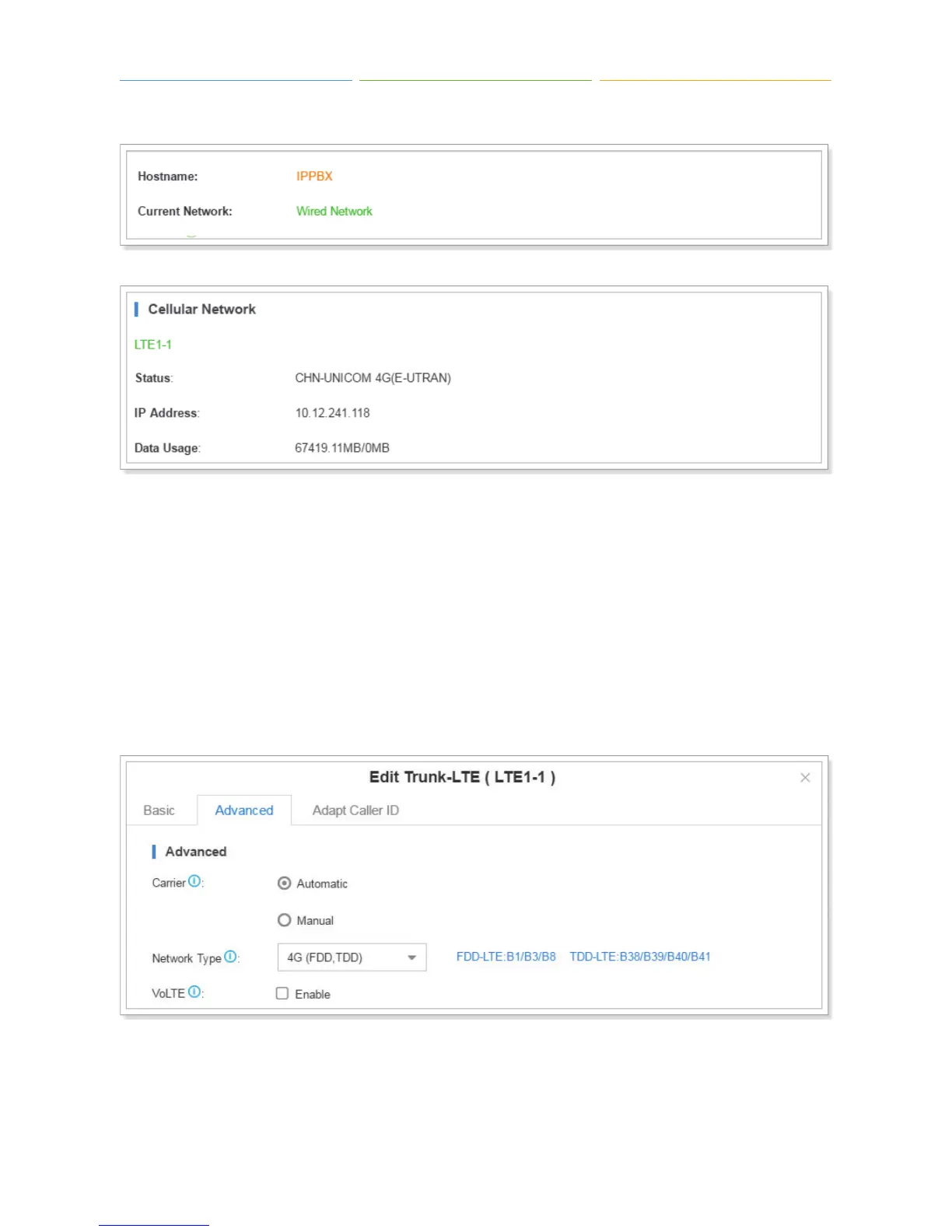
Changing 4G LTE Network
Changing 4G Network Type
Navigate to “Settings > PBX > Trunks”, edit your 4G LTE trunk, click “Advanced” tab, change the
network type according to your network circumstance. For example, if the 3G network is better than
4G in your place, then choose 3G.
4G (FDD,TDD): use 4G network only.
3G (WCDMA): use 3G network only.
Configuring LTE Dial-up
The Dial-up settings contain the dial up connection parameters. The SIM card will establish Internet



 To Next Page