12
EN
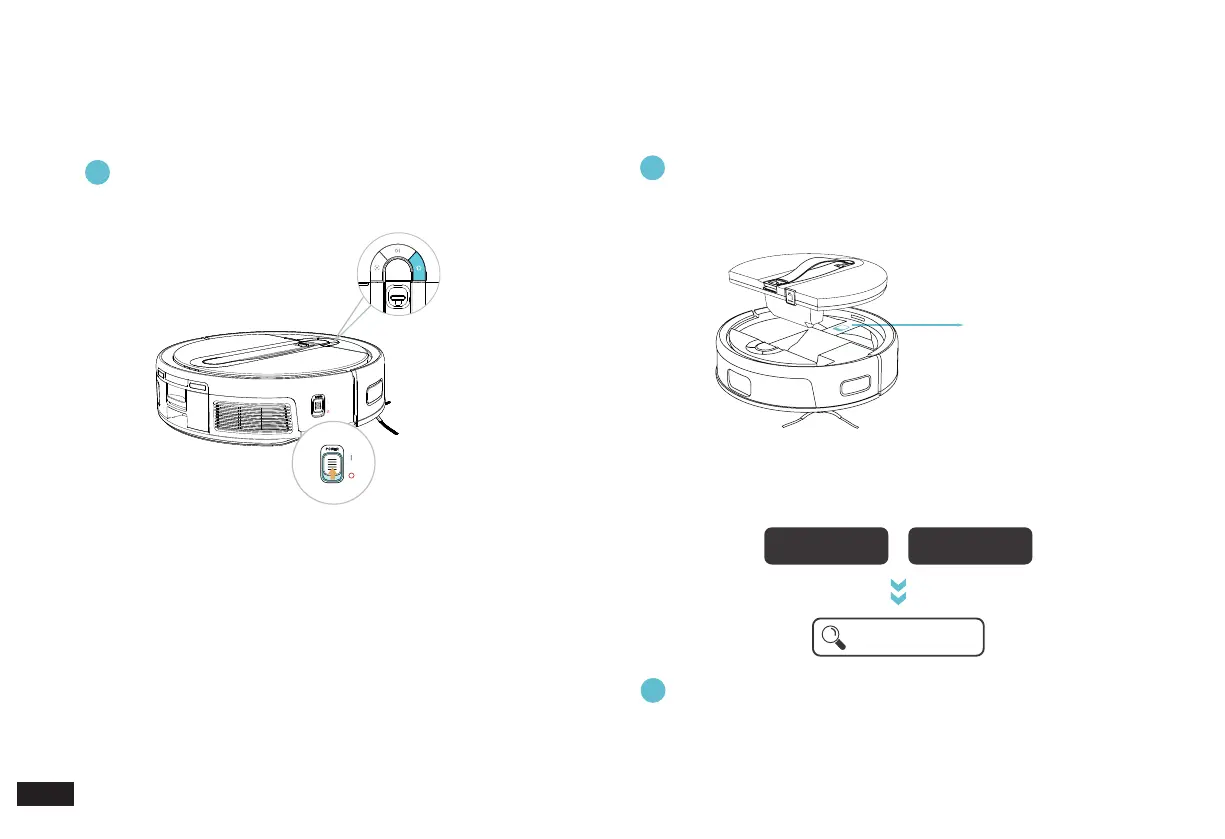
Turn on the power switch, put the Robot near the Cube
Station and press the HOME Button. The Robot will
automatically return to the Station to charge.
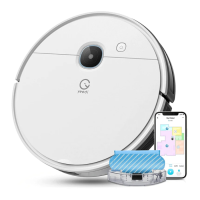
Download the yeedi App to experience more functions:
7
Note:
1. "I"=ON, "O"=OFF
2. The Robot cannot be charged when being powered OFF.
3. When the Robot completes the cleaning or when the battery gets
low, it automatically returns to the Cube Station to recharge.
4. Please make sure that the Robot starts cleaning from the Station.
Do not move the Station while it is cleaning.
2. Mapping and Cleaning/2.3 yeedi
App
After downloading, please complete registration, login, and
the network setup according to the guide in the mobile App
page
.
Method 1
: Open "Scan" in your mobile phone to scan the QR code on the
Robot, download and install the yeedi App according to the
prompts.
Method 2:
Open the mobile App store, search "yeedi", download and
install the yeedi App.
iOS Android
yeedi
Lower side of the UFO
Water Tank
2. Mapping and Cleaning/2.2 Notes
before Using
①
Turn on the power
switch.
②
The Robot will
automatically return to
Station to charge by
pressing the HOME
Button.
③
It will charge for about 6.5 hours until fully
charged.
1
2



 To Next Page