13
EN
2. Mapping and Cleaning/2.4 Connect the Robot to the Mobile Phone
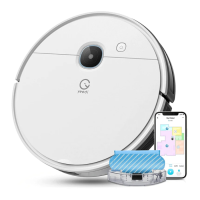
Network setup steps:
1. Please turn on your mobile phone Bluetooth and Wi-Fi;
2. Make sure that yeedi cube Robot Vacuum and Mop is on;
3. Open the yeedi App;
4.
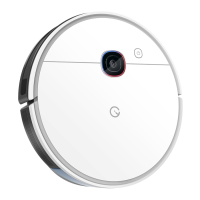
Scan the QR code on the Robot using the yeedi App, complete
"Conrm access to the setup mode", "conrm the device and
Wi-Fi to be connected", and "enter the Wi-Fi password"
respectively according to the prompts in the App, and then wait
for the setup result;
5. If the network setup fails, it is recommended that you try again
according to the above steps, or choose other network setup
methods according to the prompts in the App.
Note:
If you have any problems during the Wi-Fi setup process, refer to the
Troubleshooting section in this manual.
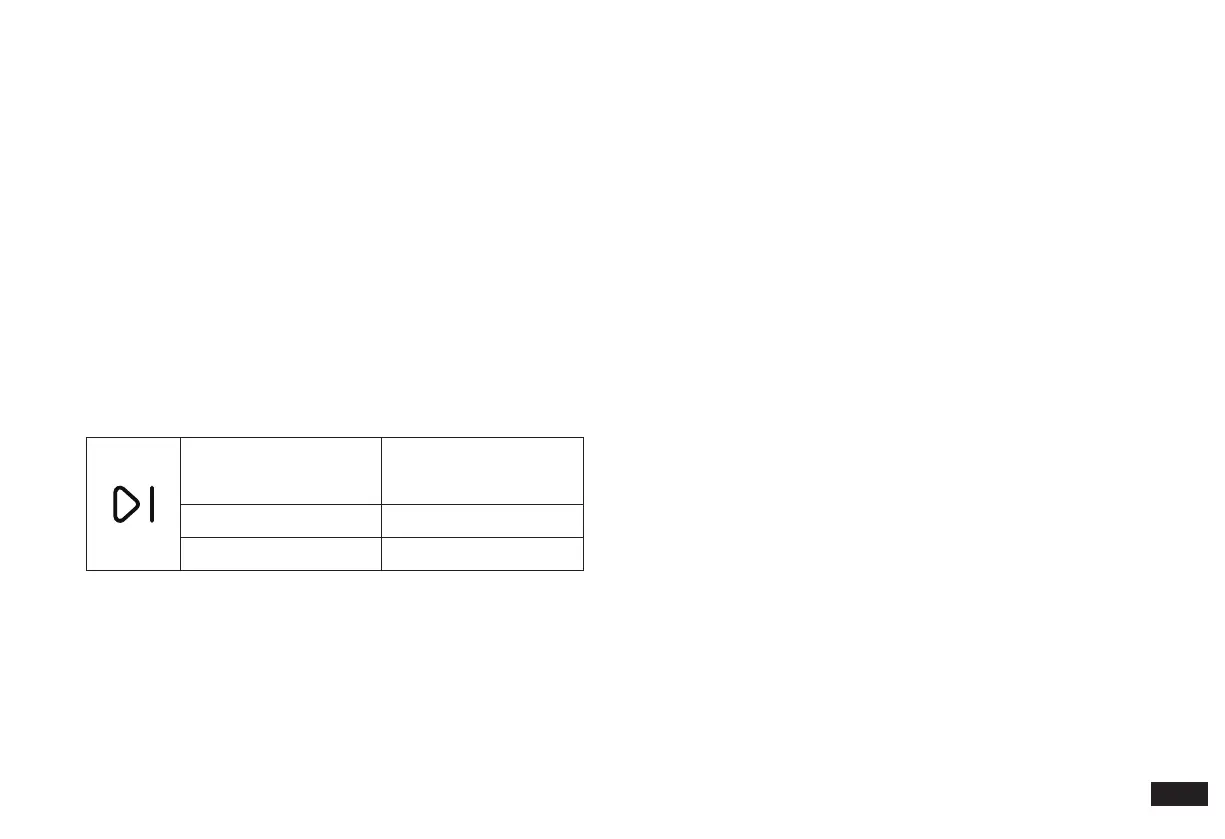
Slowly ashing white light
Disconnected from Wi-Fi
or waiting for home Wi-Fi
connection
Rapidly ashing white light Connecting to home Wi-Fi
Solid white Connected to home Wi-Fi



 To Next Page