14
EN
2
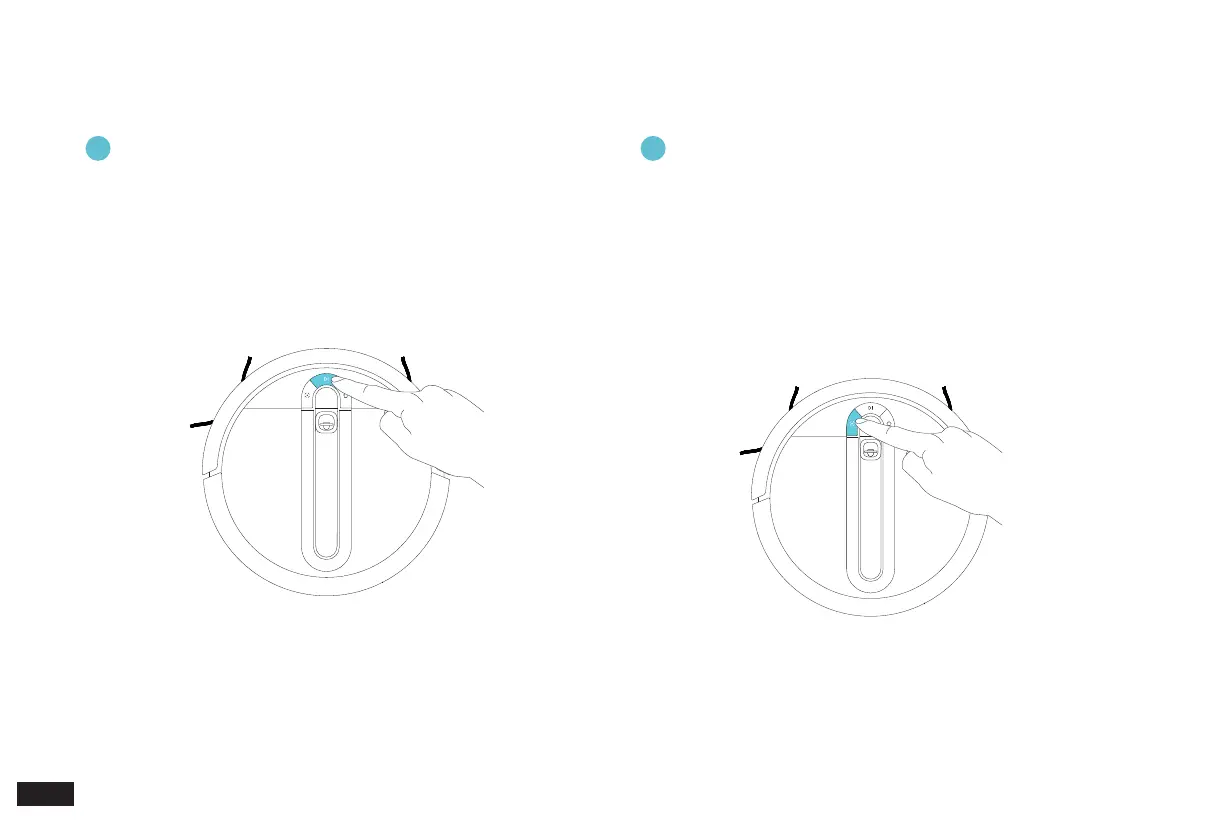
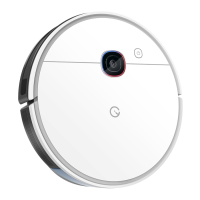
Function of the SPOT Button (Spot Cleaning Button)
2. Mapping and Cleaning/2.5 Robot Operation Buttons
1
Function of the CLEAN Button (Auto Clean Button)
• Please ensure that the Robot is on the Cube Station and is fully
charged before starting.
• Press the CLEAN Button to start the rst mapping and Auto Clean.
• When the Robot is working, press the CLEAN Button to stop
cleaning and press again to continue.
• Press and hold for 2 seconds to end the current cleaning task.
• Please place the Robot in the area to be cleaned before starting.
• Press the SPOT Button to start the Spot Cleaning task, which
will focus on the 1.5*1.5 meters area centered on the Robot (the
Cleaning Settings can be modied in the App).
• When the Robot is working, press the SPOT Button to pause
cleaning and press again to continue.
• Move the Robot to end the current Spot Cleaning and start the
next one by pressing the SPOT Mode Button again.



 To Next Page