15
EN
6.5h
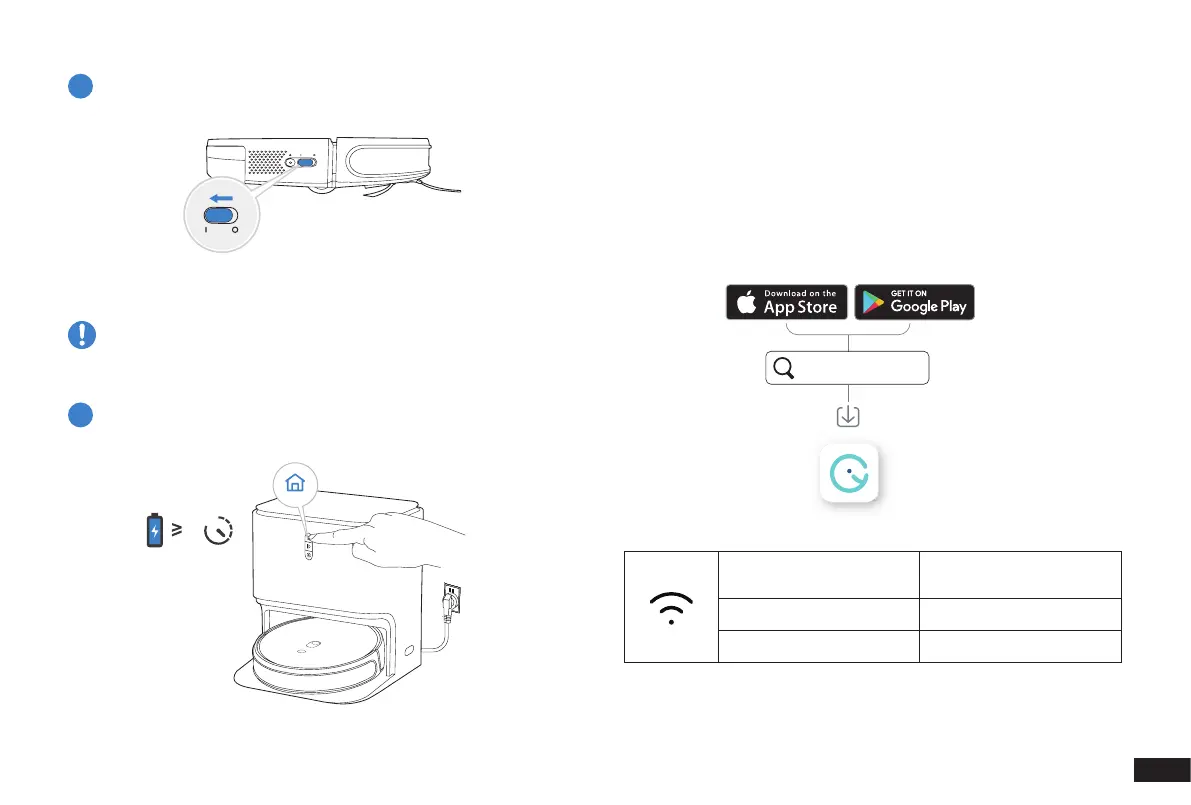
Power ON
Note: I = ON, O = OFF.
Robot cannot be charged when being powered OFF�
5
Charge Robot
6
2. Operating and Programming
/2.3 yeedi App
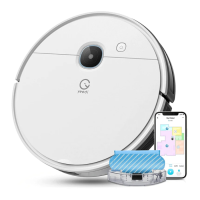
To enjoy all available features, it is recommended to control your
Robot via the yeedi App.
Before you start, make sure that:
• Your mobile phone is connected to a Wi-Fi network�
• The 2�4GHz band wireless signal is enabled on your router�
• The Wi-Fi indicator light on Robot is slowly ashing.
yeedi
Wi-Fi Indicator Light
Tips:
If you have any problems during the Wi-Fi setup process, refer to the
Troubleshooting > Wi-Fi Connection section in this manual�
Slowly ashing
Disconnected to Wi-Fi or
waiting for Wi-Fi connection
Rapidly ashing Connecting to Wi-Fi
Solid Connected to Wi-Fi


 To Next Page