28
EN
No. Malfunction Possible Causes Solutions
1
Robot is not able to connect to
the home Wi-Fi network.
Incorrect home Wi-Fi username or password
entered.
Enter the correct home Wi-Fi username and password.
Robot is not within range of your home Wi-Fi
signal.
Make sure Robot is within range of your home Wi-Fi
signal.
Network setup started before Robot was
ready.
Turn ON Power Switch. Press the RESET Button for 3
seconds. Robot is ready for network setup when it plays
a musical tune and its Wi-Fi Indicator light ashes slowly.
2 Robot is not charging.
Robot is not switched ON. Switch ON Robot.
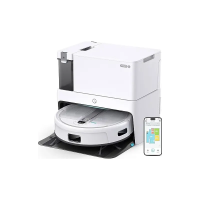
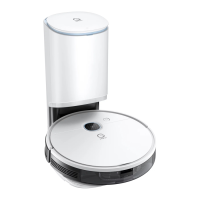
Robot has not connected to the Self-empty
Station.
Be sure that the robot’s Charging Contacts have
connected to the Self-empty Station Pins.
The Power Cord is not connected to the Self-
empty Station.
Make sure the Power Cord is rmly connected to the
Self-empty Station.
The battery is completely discharged.
Re-activate the battery. Switch ON. Place Robot on the
Self-empty Station by hand, remove after charging for 3
minutes, repeat 3 times; then charge normally.
Make sure the Self-empty Station is
connected to the power supply.
The Self-empty Station is not connected to the power
supply.
5. Troubleshooting/5.1 Troubleshooting


 To Next Page