15 EN
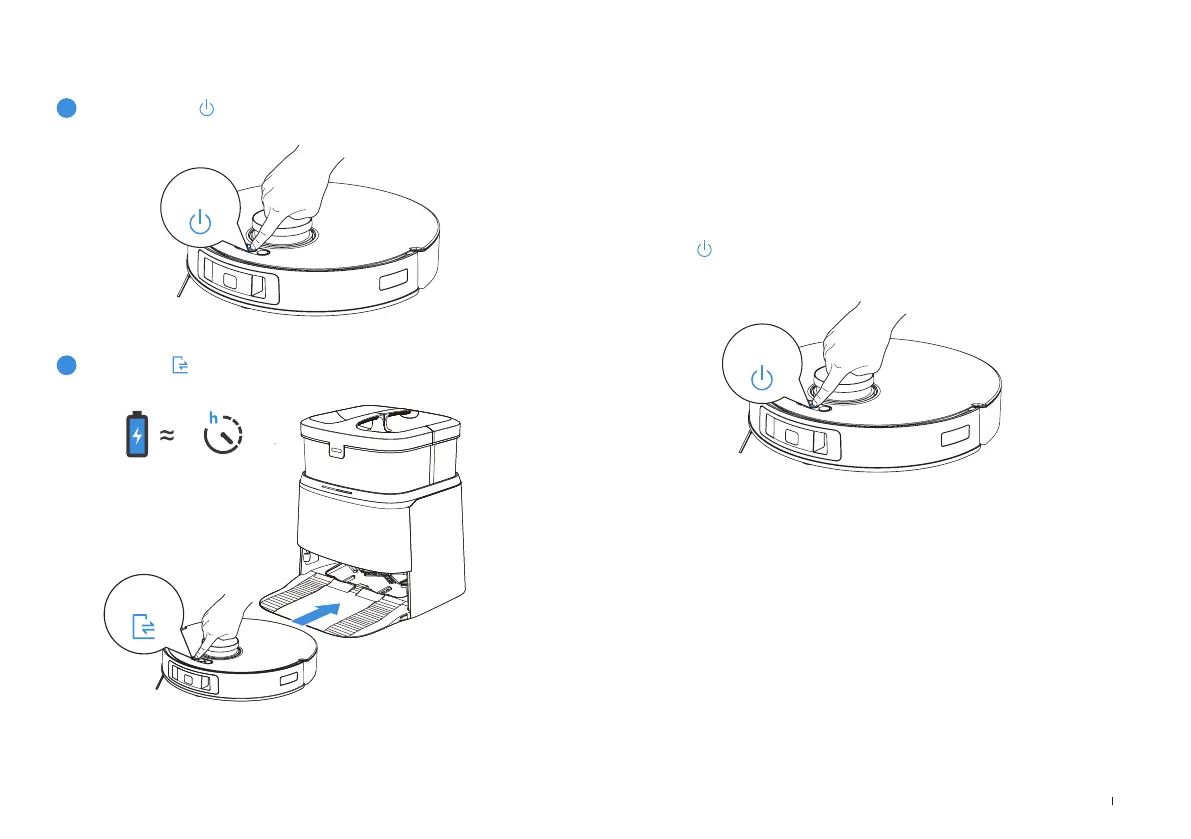
1
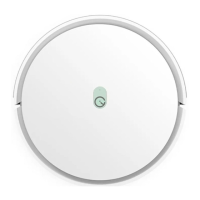
Press and hold for 3 seconds, wait for the startup music to
play, indicating that the robot has powered on.
2
Short press to recall robot to enter the Station to charge.
6.5
Power ON and Charge ROBOT OPERATE ROBOT
Short press
to start� For the rst-time cleaning, please ensure that robot is fully
charged�
Robot will create a map during the rst-time cleaning� When creating a map for
the rst time, please follow robot to help eliminate some minor issues�
For example, robot may get stuck under the furniture� Please refer to the
following solutions:
1� Raise the low sitting furniture if possible;
2� Cover the bottom of the furniture;
3� Set up Virtual Boundary via the App�
Note: When robot is not working, it is recommended to keep it powered ON and
charging�
Note: After robot enters the Station, wait for about 5 seconds and you will hear the
voice prompt "Pairing Successful"�
Short press
Short press
Press and
hold



 To Next Page