3 4
USE ONLY WI TH 250V F USE
1
2
3
1
2
3
4
5
6
8
7
9
1 0
1 1
1 4
1 2
1 5
1 6
1 3
1 7
1
2
3
DC REGULATED POWER SU PPLY
OUTPUT
GND
VAL-ADJ
POWER
AUXILIARY OUTPUT
0-30V
5A
305DB/605DB/3010DB
C.V
C.C
CURRENTVOLTAGE
Memory
Mem
V
A
1
2
3
4
5
7
8
6
1 0
9
1 1
1 4
1 7
1 2
1 5
1 6
1 3
1 8
1 9
2 0
2 1
2 2
2 3
2 4
1
2
3
4
5
6
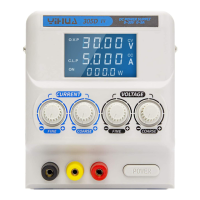
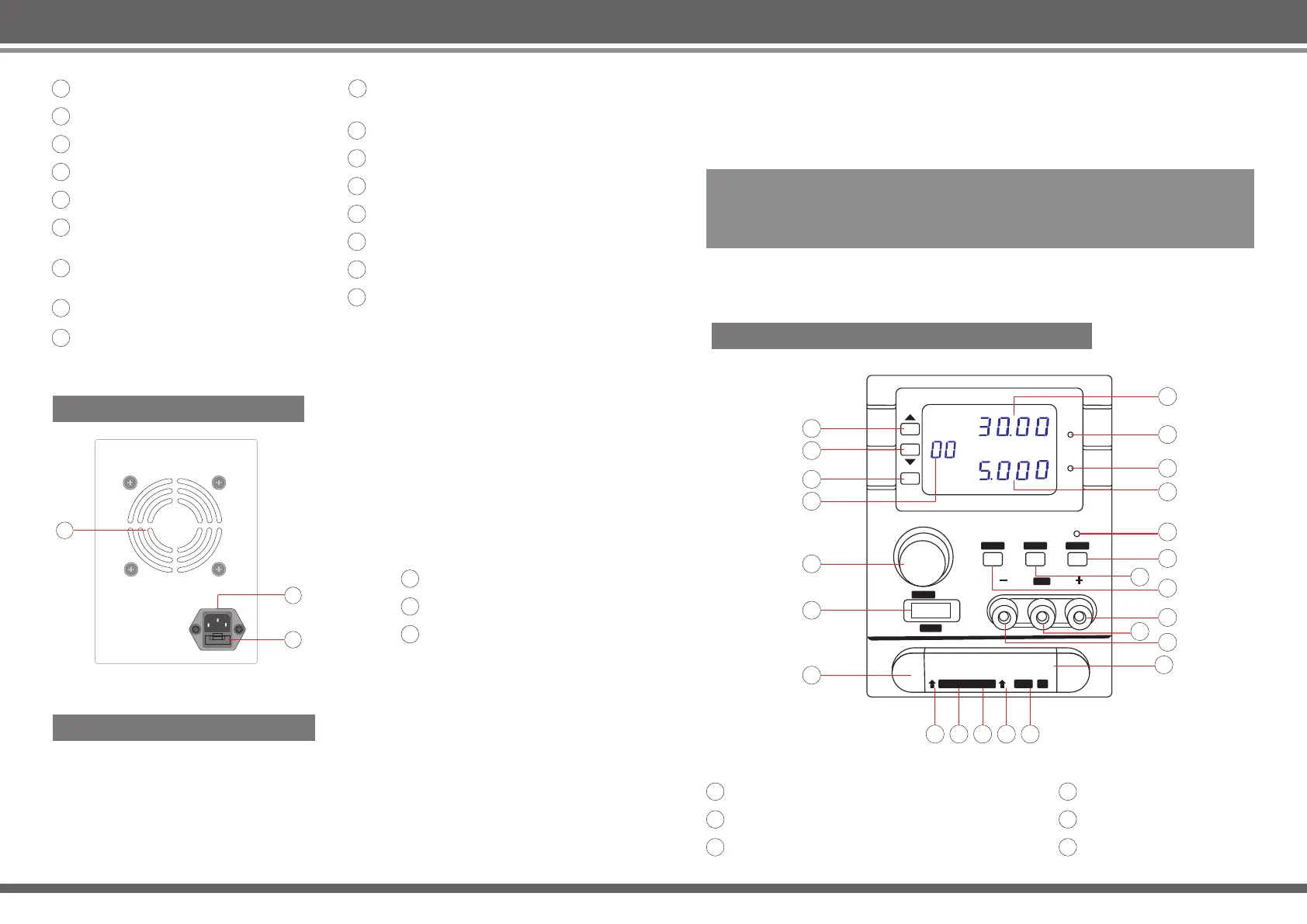
Setting / Actual voltage display
Setting / Actual current display
Setting / Actual current adjustment
Setting / Actual voltage adjustment
Power switch
Auxiliary output 1+ (in parallel with
the main output)
Auxiliary output 2+ (in parallel with
the main output)
Auxiliary output ground connection
Auxiliary output 2- (in parallel with
the main output)
Auxiliary output 1- (in parallel with
the main output)
Main output -
Main output +
Main output ground connection
Setting / Output switch
Output indicator
Constant current indicator
Constant voltage indicator
305DA Back Panel Indicators
Thermal windows
Electric supply input
Fuse holder
305DA Operating Instructions
1. Switch on the power;
2. Adjust the voltage knob; the voltage display window will display the steady-state
output voltage value;
3. Adjust the current knob; the current display window will display the steady-state
output current value;
4. Press the output switching key to switch to output mode; the output indicator
light will turn on;
5. Connect device to the main output; YH305DA will output the actual voltage and
current based on the resistance of the device.
Other: The constant voltage light will be lit when the voltage enters a constant
state; the constant current light will be lit when the current enters a constant state.
NOTE!
Set target values before switching to the operation state to ensure devices are
not connected when the voltage and current is not known, as this may have
unpredictable consequences.
305DB/605DB/3010DB Front Panel Indicators
Storage groups choose increase
Storage groups choose decrease
Storage / Recall button
Display storage group
Encoder potentiometer
Power switch


 To Next Page
 Loading...