2
TI 01W06A51-50EN
Mar.26,2019-00
1. Overview of the LoRaWAN Gateway
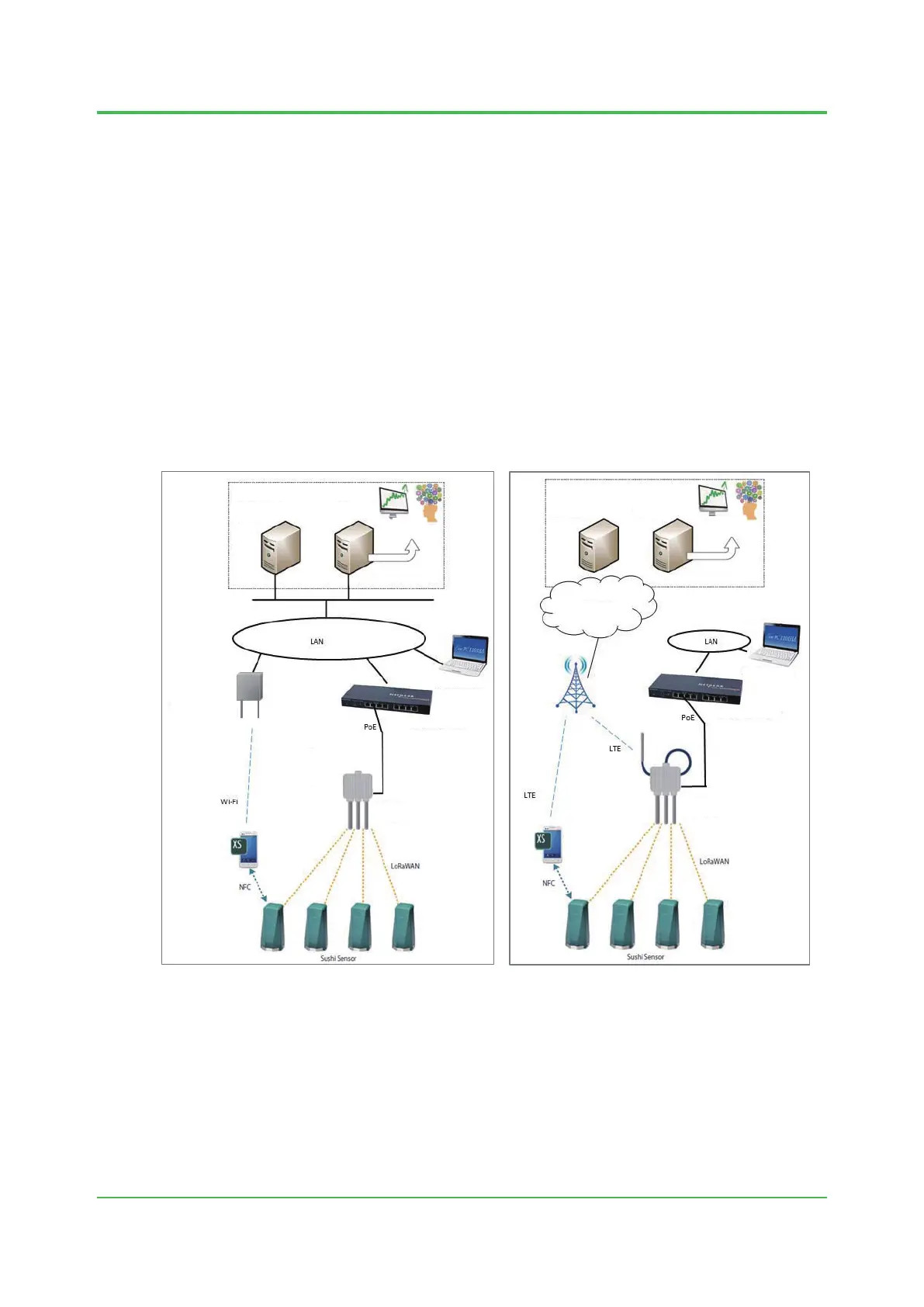
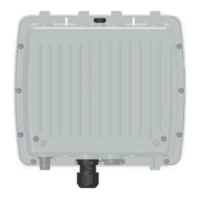
As shown in Figures 1 and 2, the gateway receives data from Sushi Sensors through
LoRaWAN and sends it to the application via a LAN or the Internet. The gateway establishes
communications with the application’s data collection server.
Tocongurevariousgatewaysettings,useaPCandaWebbrowserthatrunsonit.
Encryption key for ensuring LoRaWAN communication security is determined by the Sushi
Sensor system administrator. Set this encryption key to the gateway, and store the same key in
the Support server.
AndroiddevicewithSushiSensorAppinstalledcommunicatewithSupportserverandacquire
App key. Then, this encryption key is written to the Sushi Sensor through the NFC function of the
Android device.
AndroiddevicecanalsoacquireencryptionkeyviaanNFCcard.
Details on the gateway settings and procedures used to set encryption key are described in the
following chapters.
application
Support
server
Wi-Fi access point
PoE compliant switch
LoRa WAN gateway
Sushi Sensor App
(Android device)
PC for configuring
gateway
Data collection
server
Trend monitoring,
predictive diagnosis,
etc
Sushi Sensor App
(Android device)
application
Support server
cloud
PC for configuring
gateway
PoE compliant switch
LTE base
station
LoRa WAN gateway
Data collection
server
Trend monitoring,
predictive diagnosis,
etc
Figure 1 Example of constructing the
application on a LAN
Figure 2 Example of constructing the
application on a cloud


 To Next Page