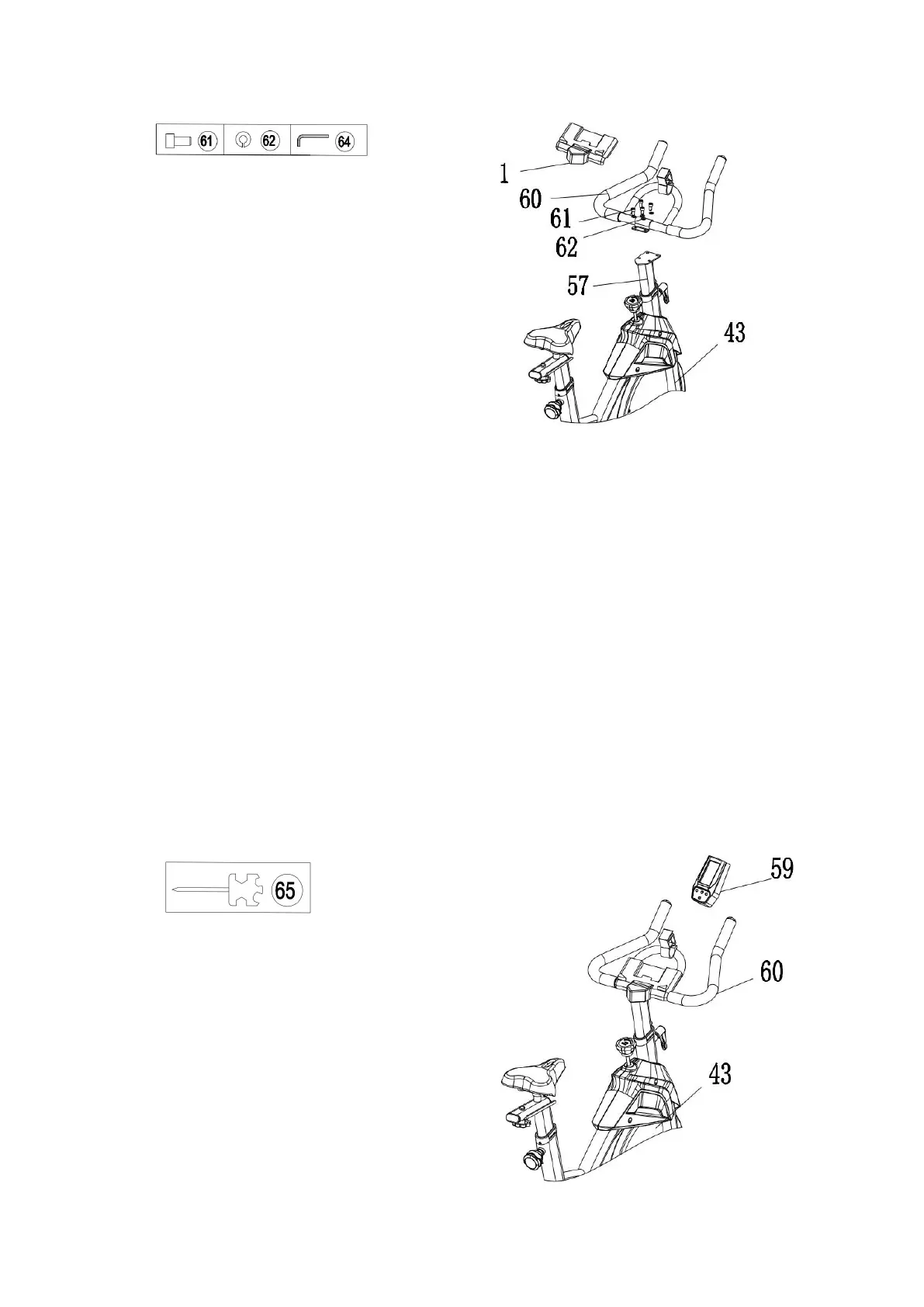
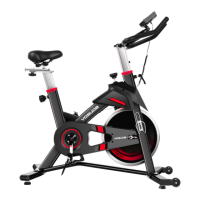
Step 7: Install the Monitor
Required parts:
#59- Monitor #60-Handlebar
Insert the #59-Monitor in the #60-Handlebar according to the direction shown on the picture,
adjust the monitor view angle well, insert the Sensing Cable which remained from the
#43-Main Frame into the speed hole of monitor.
Note: There are two ends of the Sensing Cable. One is on the monitor and the other one is
Near the left Crank.


 To Next Page