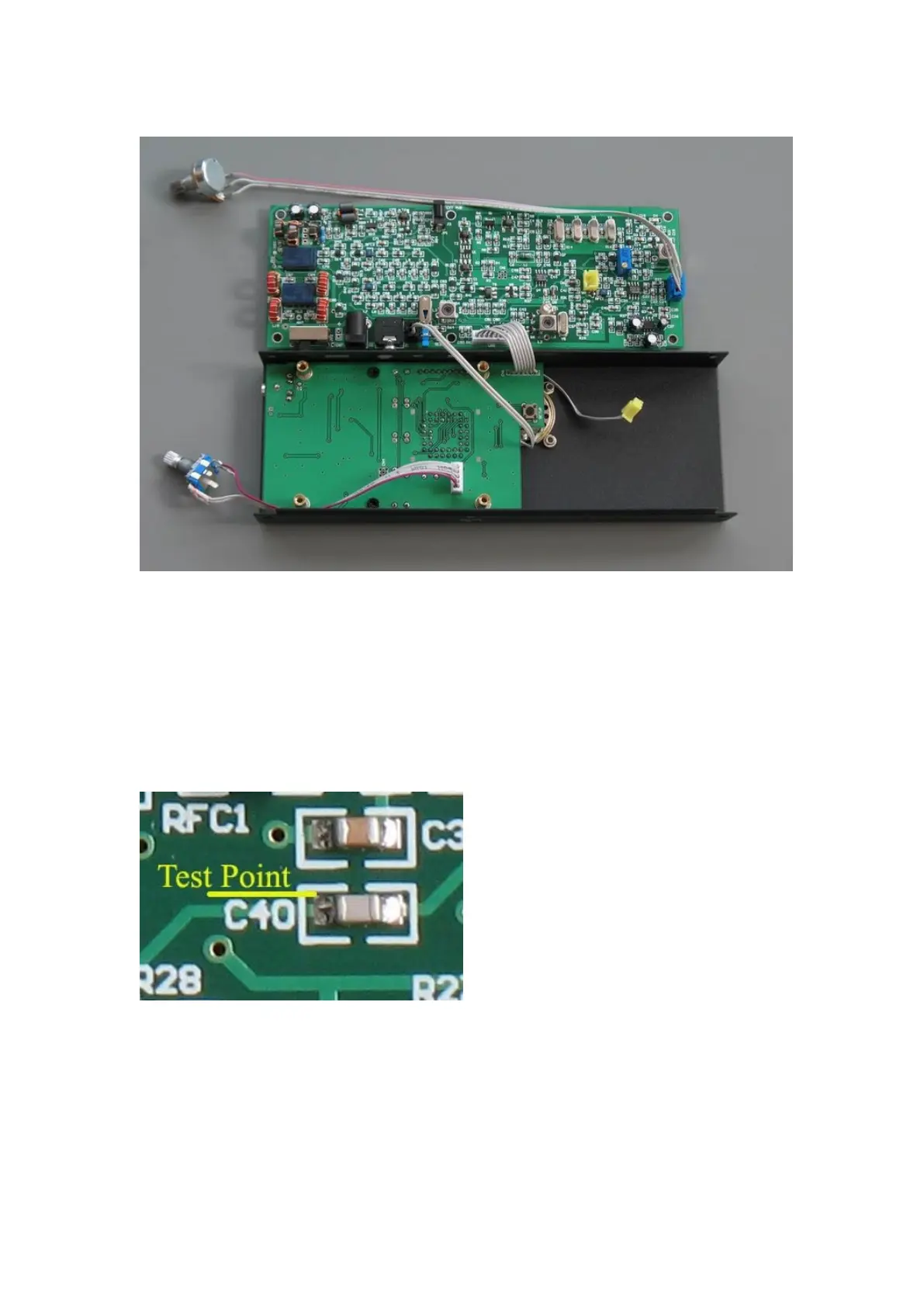
Do not assemble the power transistor assembly to the main board now.
2) Connect 12V DC to J3, or to J2. Never plug in the wrong polarity! The center pin is "+".
Move the power switch to EXT position (external power). If you use J2 as input , move to
BATT position (battery).
3) Measure the BFO frequency.
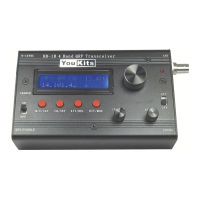
Measure BFO at left side of C40. insert a 470-ohm resistor between the test point and the
probe to minimize the pulling. This resistor value is not very critical, any value from 220
ohm - 1k.
Press MOD to select LSB. Adjust L2 until the frequency is 8.99840 MHz. Select USB,
adjust VC1 until the reading is 2.8kHz higher than that of LSB, i.e., 9.0012MHz.
Adjust the 10k trimmer on CN2 to the end, so that D4, the LED, lights the brightest.
Now, solder the 50 ohm cable. Connect the MIC cable.



 To Next Page