2) Select proper gate time
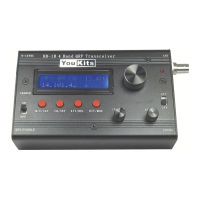
Several gate time buttons appear on the panel: 0.01s, 0.1s, 1s, etc. Which button should
be used? In our case, "1s" button is to be used to obtain the reading in "Hz". 10MHz and
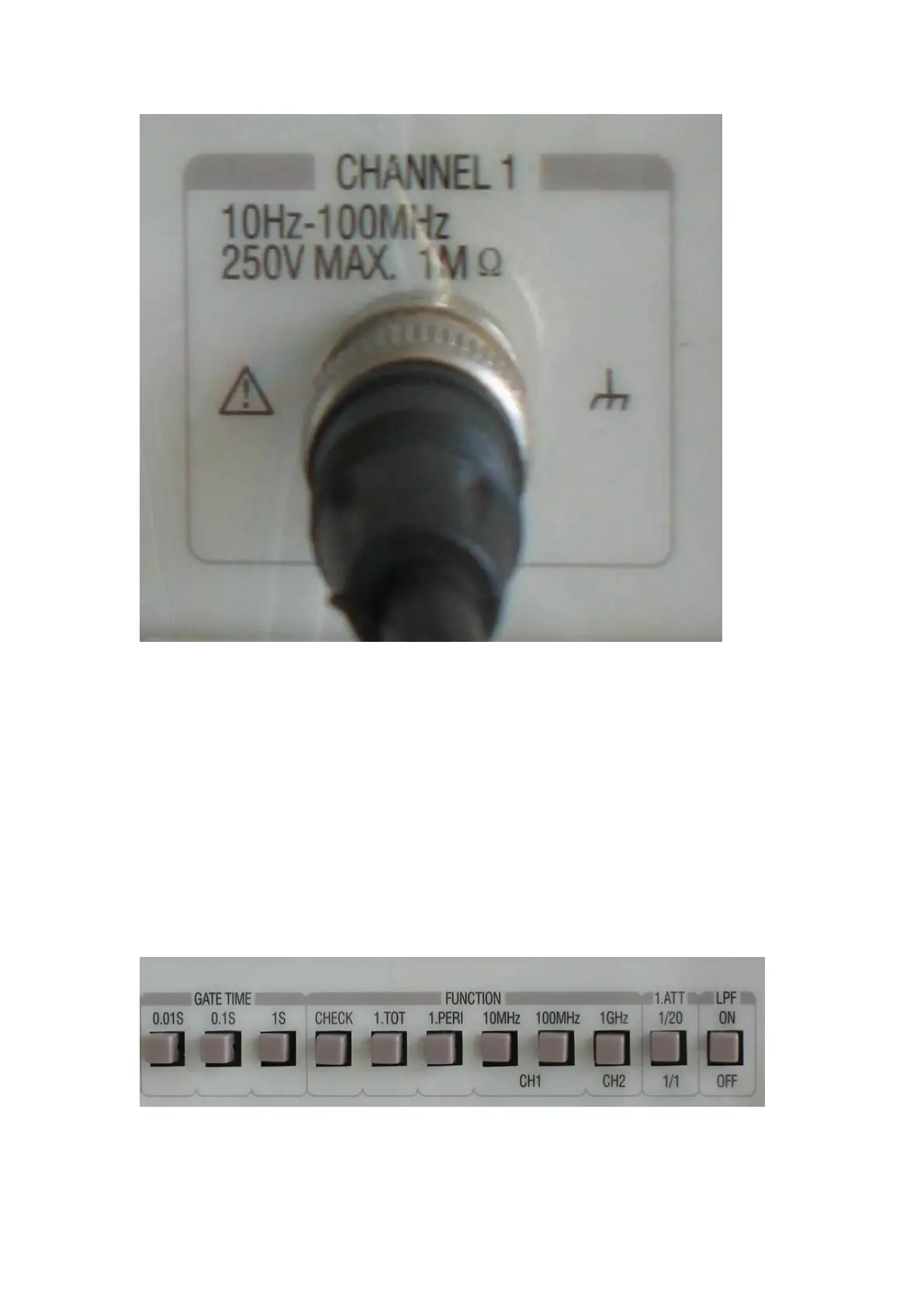
100MHz buttons are for CH1. Use 10MHz button since the DDS output frequency is
12.000000MHz. However, different frequency counter may have different divisions. Use
the division with which the reading in "Hz" is available.



 To Next Page