Page 2
06201-90(K)
FACTORY DEFAULT SETTINGS
INPUT:
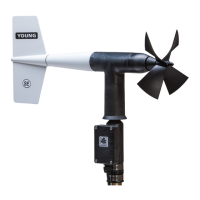
- Sensor Input Setting: "05" Wind Monitor
- Input selector switch position: "Down" (Sensor)
OPTIONS:
- Averaging: "No"
- Right hand display window: "Max Wind Speed"
- Alarms: "No"
OUTPUT:
- Voltage Outputs: 0-5Vdc=0-100m/s / 0-5Vdc = 0-360°
- Serial Output Type: "Binary"
IMPORTANT NOTE!:
Before connecting any external devices, verify the above settings
are compatible with your application. If different, refer to the
wiring diagrams for the correct settings.
CHANGING SETTINGS
Wind Tracker parameters may be inspected or changed in SETUP
mode which is enabled by simultaneously pressing both ENTER and
SELECT keys for about 4 seconds. When SETUP mode is active,
abbreviations identify each function and available options as listed
below. The SELECT key changes options or values. The ENTER key
saves and moves to the next parameter.
Appearance of options depends on parameter settings. Some
options may be hidden.
DISPLAY SETUP FUNCTION
Input / Sensor Type
InP 03 Wind Sentry
04 Wind Monitor-Jr
05 Wind Monitor
05A Wind Monitor-AQ
09 Wind Monitor-SE or YOUNG sonic anemometer
SEr Serial input when used as remote display
Ld2 Line Driver 4-20mA input (0-100 m/s)
Hd Wind Monitor HD
Ldi Line Driver 4-20mA input (0-50 m/s)
Wind Speed Units (annunciator blinks)
SPd unt SELECT key changes units. ENTER to save
Display Averaging (annunciator blinks)
dSP no Instantaneous data displayed
YES Average data displayed
PEr 030 Set averaging period in seconds (0-999).
Display will update at this interval.
Right Display Window Selection
dSP SPd Maximum wind speed
dir Wind Direction degrees
Wind Direction Alarm (annunciator blinks)
ALr no Direction alarm not armed
YES Direction alarm armed
ALr dir SELECT key sets direction alarm sector start.
ENTER key saves.
ALr SPn SELECT key sets direction alarm sector span.
ENTER key saves.
Wind Speed Alarm (annunciator blinks)
ALr no Speed alarm not armed
YES Speed alarm armed
ALr 000 Alarm set-point. SELECT key increments value.
ENTER key saves.
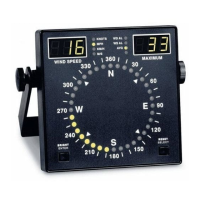
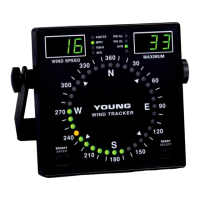
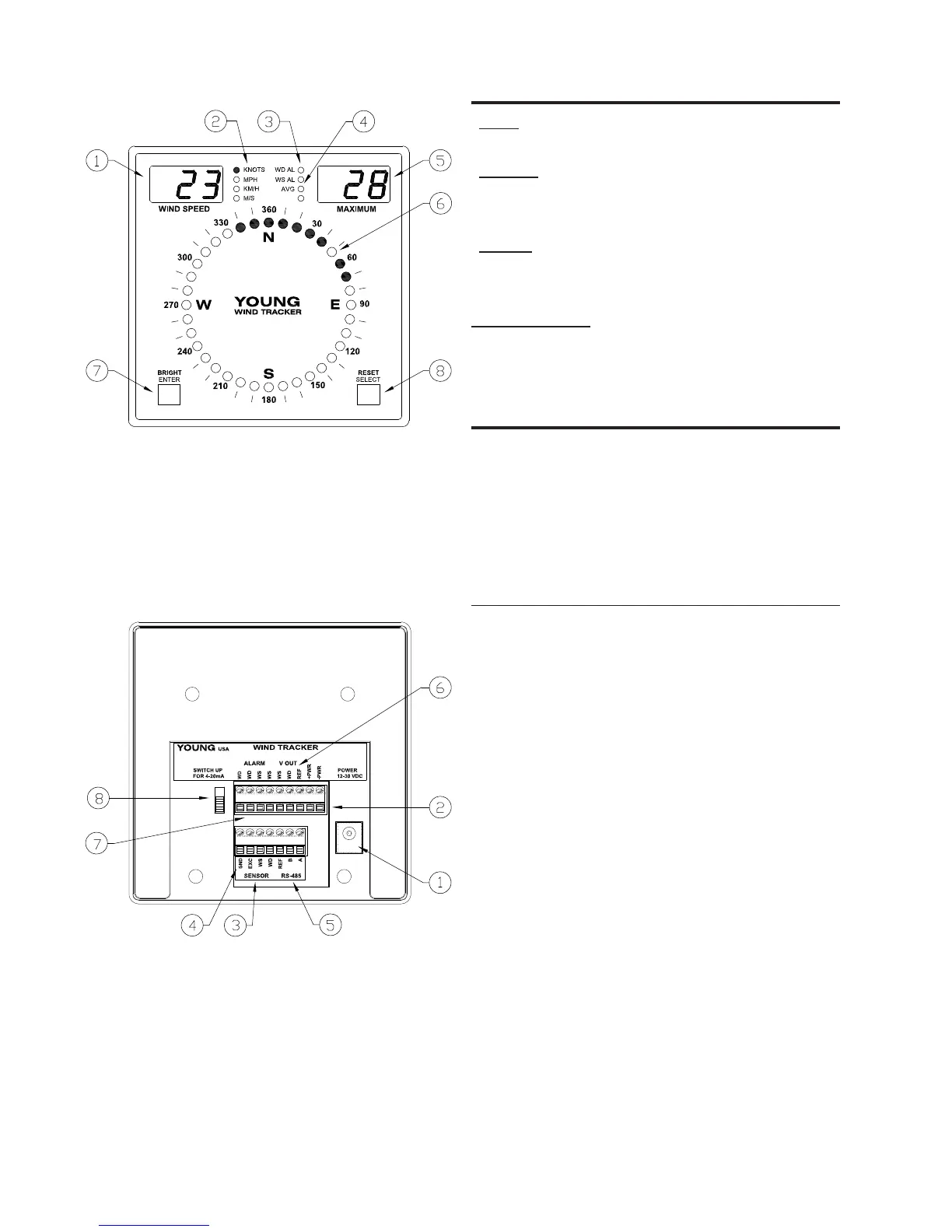
FRONT PANEL
1. Wind speed display
2. Wind speed units indicator
3. Alarm status indicators
4. Data averaging indicator
5. Maximum wind speed or direction display
6. Wind direction and variability display
7. Brightness control (operate) or Enter key (setup)
8. Maximum Reset (operate) or Select (setup)
BACK PANEL
1. Power input coaxial jack (12-30 VDC)
2. Power input terminals (12-30 VDC)
3. Sensor or 4-20 mA inputs
4. Earth ground connection
5. RS-485 serial input/output
6. 0-5 VDC calibrated outputs
7. Alarm relay connections (Normally Open)
8. Input Selector Switch (Sensor or 4-20mA)


 To Next Page
 Loading...