YSI Incorporated Model 5000/5100 Service Manual 4
SECTION 4 SETUP
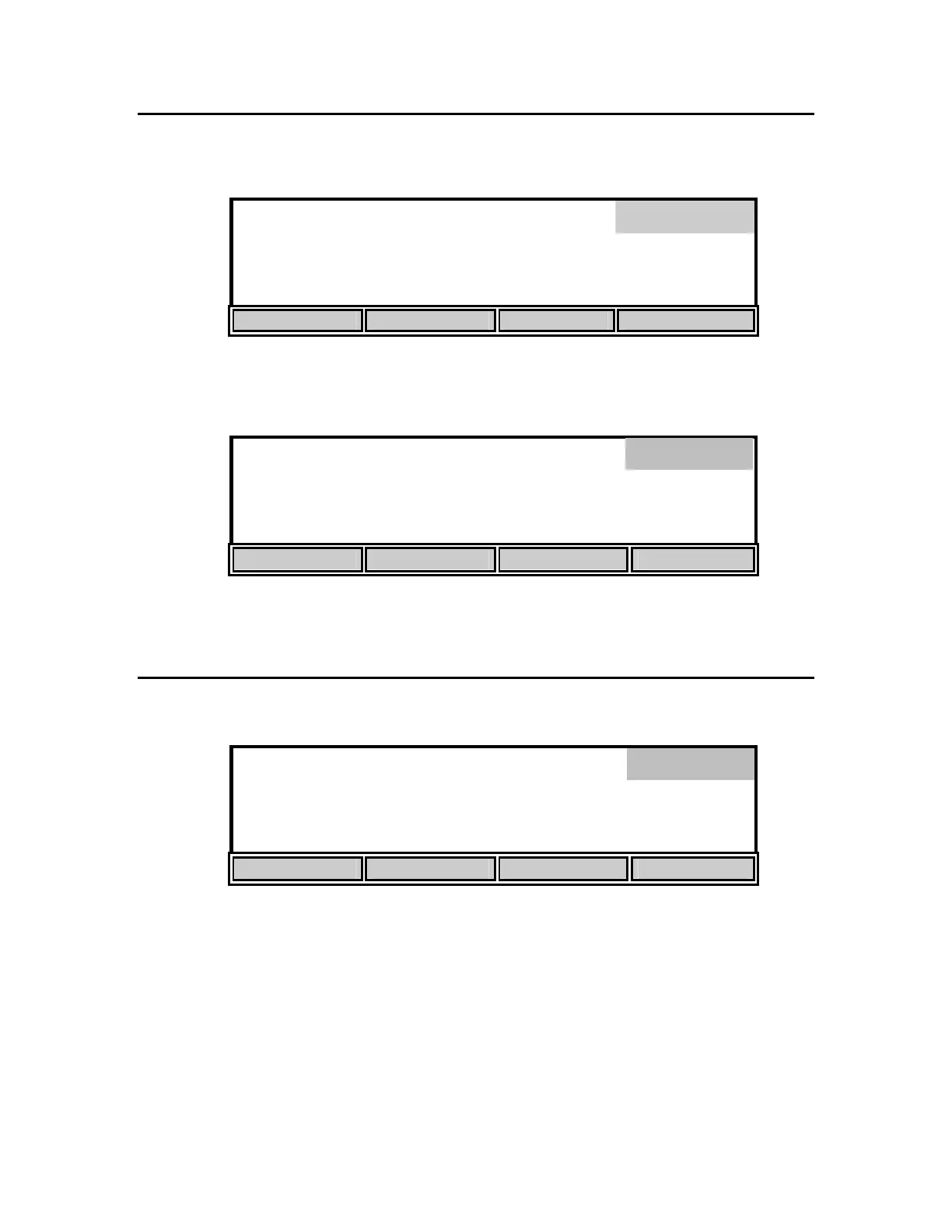
From Main mode, press the [CALIBRATE] soft-key to enter the calibration menu. Notice that
the dark bar in the top right corner of the display shows the current mode.
98.0 % 8.15
mg/L
Calibrate
0.0
ppt
740
mmHg
24.38°C 11:33
AM
AUTO CAL DO CAL SETUP DIAGNOSTICS
Next, press the [SETUP] soft-key to enter the Setup menu. The bottom row of the display will
show the following soft-key setup selections.
8.15
*
mg
/L
24.38°C 11:33
AM
DISPLAY REPORT STABLE SYSTEM
These four selections are used to change the instrument setup.
4.1 DISPLAY SETUP
Press the [DISPLAY] soft-key to show the following menu.
8.15
*
mg
/L
24.38°C 11:33
AM
SIZE UNITS CONTRAST LAST DIG.
The [SIZE] soft-key cycles among the two possible display arrangements for Main mode. One
selection shows as many parameters as possible, the other shows Dissolved Oxygen in large type
with temperature and time in small type.
Setup
Display


 To Next Page