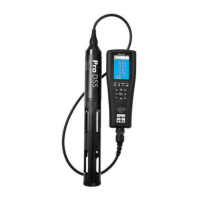
Pro-DSS
YSI ProDSS supplement 3 July 2015
• Individual parameter units are correct:
Units:
temperature - °C
barometer – inHg
dissolved oxygen – DO%
dissolved oxygen – DO mg/L
conductivity – SPC-µS/cm
salinity – SAL-ppt
turbidity – NTU
If any parameters are not displayed on the
Run Screen, or if any of the above units do
not match the units displayed on the Run
Screen, refer to the “Settings and
Troubleshooting” section under “Sensor
Display Details”.
4. Select Site and Data ID:
(Data ID will determine the sample type, i.e.
primary sample or replicate)
a) Select the
System Button
, and then
select
logging
b) Before selecting a site and data ID, make
sure the
Use Site List
and
Use Data ID
List
check boxes have been selected
c) Select
Site [site name]
, scroll down until
you find the desirable site and hit enter
d) Select
Data ID [sample type]
, scroll
down until you find the desirable sample
type and hit enter (i.e.
Primary Sample
)
e) Hit escape to return to the Run Menu
NOTE: You will want to change the site
settings and the sample type (if
appropriate) at each site you visit
5. Place the probe in the stream. Set the
meter in a safe place on the bank for ____
minutes to let the meter warm up and the
probe stabilize to stream temperature.
6. Record the barometric pressure, to the
nearest 0.01 in Hg (inches of mercury), plus
time and sampler’s initials. If it does not
say “inHg” next to the reading, refer to the
“Settings and Troubleshooting” section
under “Sensor Display Details”.
TAKING MEASUREMENTS FOR DISSOLVED
OXYGEN, TEMPERATURE, CONDUCTIVITY,
SALINITY, AND PH.
1.
Insert the probe in the stream:
Standing downstream or to the side of the
probe, place it in the current facing the
probe downstream, in a place with steady
flow, adequate depth, good mixing, and no
surface turbulence. Leave the probe at this
location in the stream for approximately 10
minutes.
2.
Stabilize:
After the probe has acclimated to the
stream conditions, turn on the Auto Stable
feature:
a) Hit the
probe button
, then select Auto
Stable
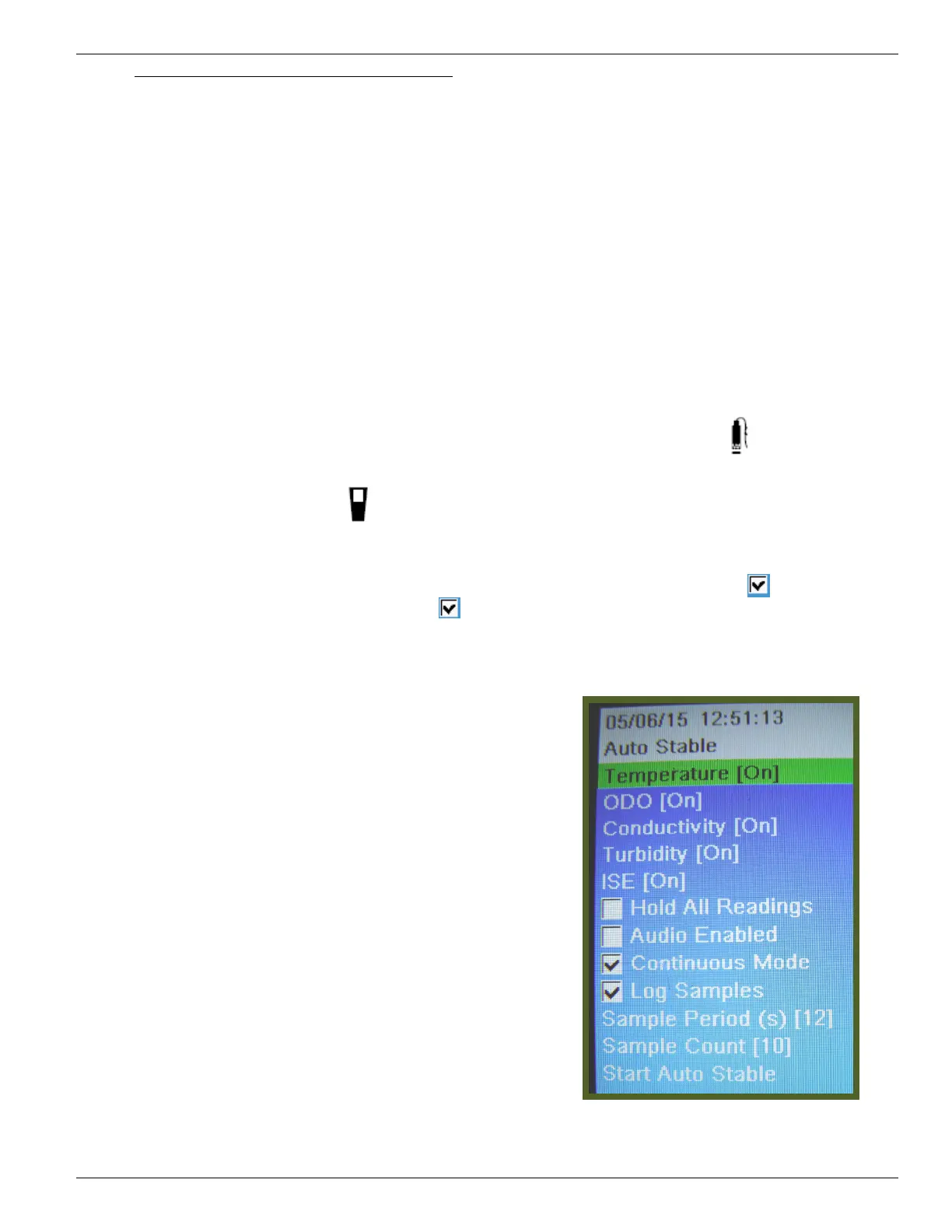
b) Confirm the following:
- Parameters are set to [on] (pH is in
ISE)
-
Continuous Mode
and
Log Samples
boxes are checked
-
Sample Period(s)
is set to [12]
-
Sample Count
is set to [10]
Auto Stable screen should match
the image below
c) Scroll to the bottom of the screen and
select Start Auto Stable.



 To Next Page
 Loading...