First:Assembly Products
1.Insert the SD card into the camera card slot.
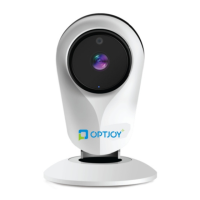
2.Headgear in the network camera holder.
3.Power Connection: Plug the power cord is connected to
the 220V AC power, the other end of the power cord into
the camera interface.
4. Use communication equipment landing "cloud to cloud"
account, bind camera.
5.Turn on the video monitor.
Second:Use Operation Steps
1.Client Downloads
Method One: Two-dimensional code scanning on the pack-
age quickly download
Method two: The Cloud2Me to android version is available in
pea pods, application treasure download
Cloud2Me to ios version can be downloaded in
app store
Method three: The Cloud2Me to download and install android
version also directly through the link:
http://android.myapp.com/myapp/detail,htm?apk
Name=com.cn.Cloud2Me
http://apps.wandoujia.com/apps/com.cn.Cloud2Me
Assembly and Use


 To Next Page