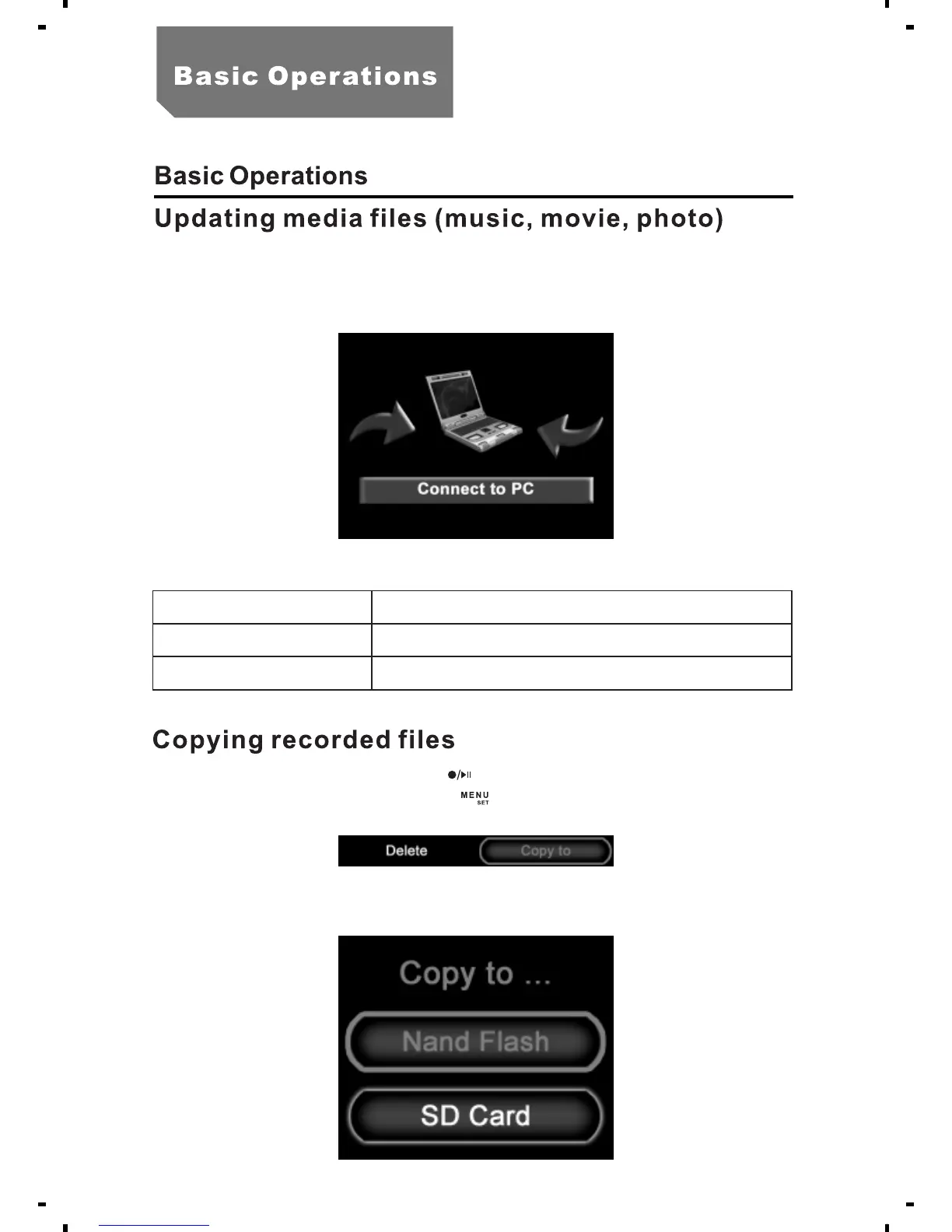
a.
b.
Remove the SD card, connect it with the computer via a card reader.
Connect the MPR with the computer via a USB cable.
"PC Connection" message shows on the screen.
c. Media formats
Music
Movie
Photo
MP3/MP2.5
AVI
JPG/JPEG
a. In the playback mode, press [ ] to enter submenu.
b. Select the required file, press [ ].
c. Select "Copy to", Press "Nand flash" or "SD" as illustrated.
14



 To Next Page