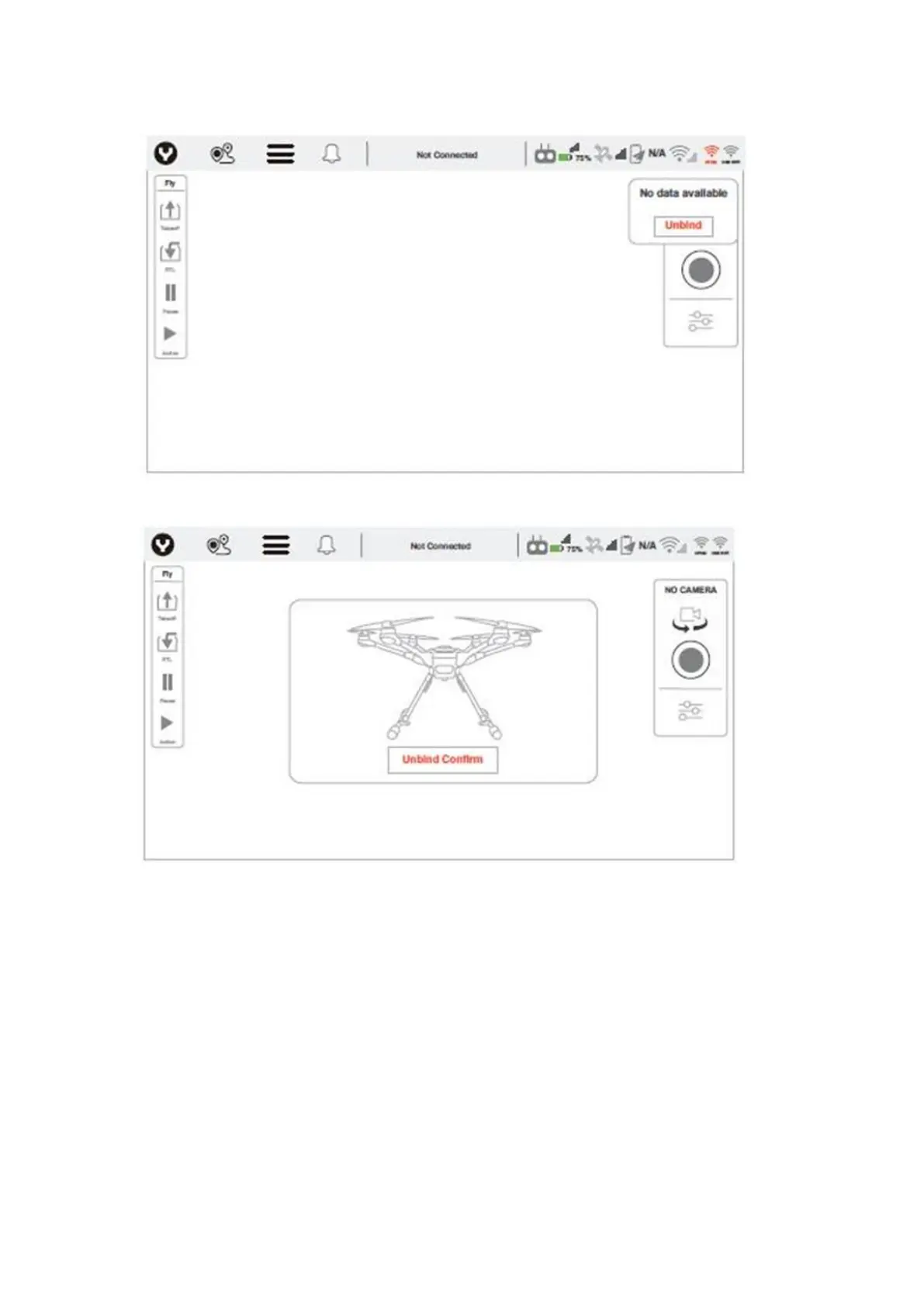
Step 3: Tap the Unbind Confirm button to finish the unbind process.
Step 4: Tap the OFDM logo on the top right corner again.
Step 5: Power on the drone until see the dialog box shown below.
Step 6 : After initialization completes, Use a paperclip or something like a needle to push the bind
button inside the right hole of the OFDM module. Release the button until the LED blink quickly.



 To Next Page