Pattern
Pattern is designed for mapping and 3D scanning of ground-based objects.
Survey Mode
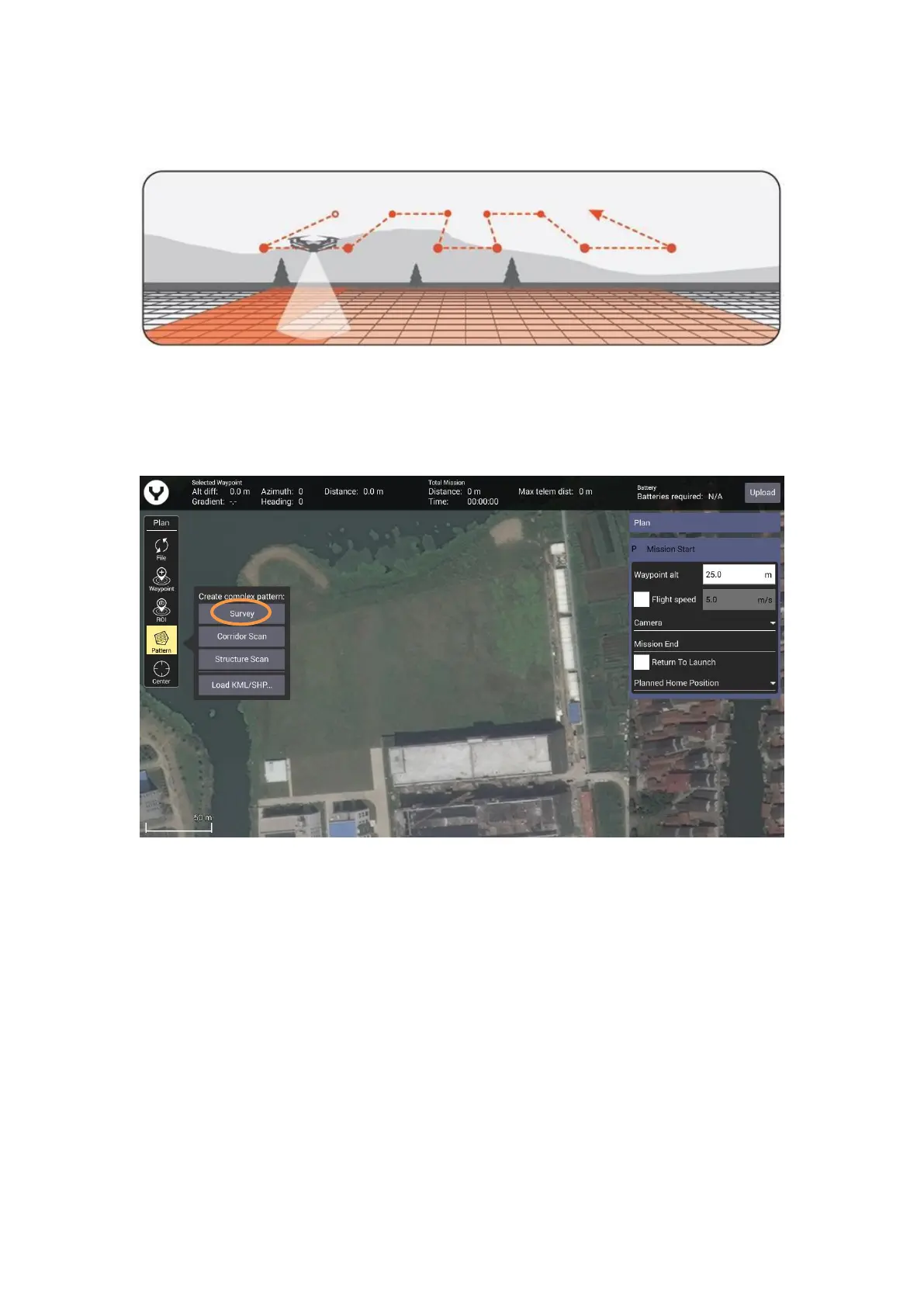
Survey mode allows the Pilot to quickly place a survey grid over a desired area. To select a survey
grid mission, tap the Pattern Icon in the Plan panel and select Survey function.
This will place a green survey grid in the middle of the screen over the map. To move the survey
grid around the map, hold and drag the white dot in the center of the survey grid. Tapping and
dragging a white dot on the outside of the survey grid allows the dimensions of the survey grid to
be adjusted. Tapping a ‘+’ dot allows the Pilot to add more white dots to the edge of the
survey grid for finer flight paths.



 To Next Page