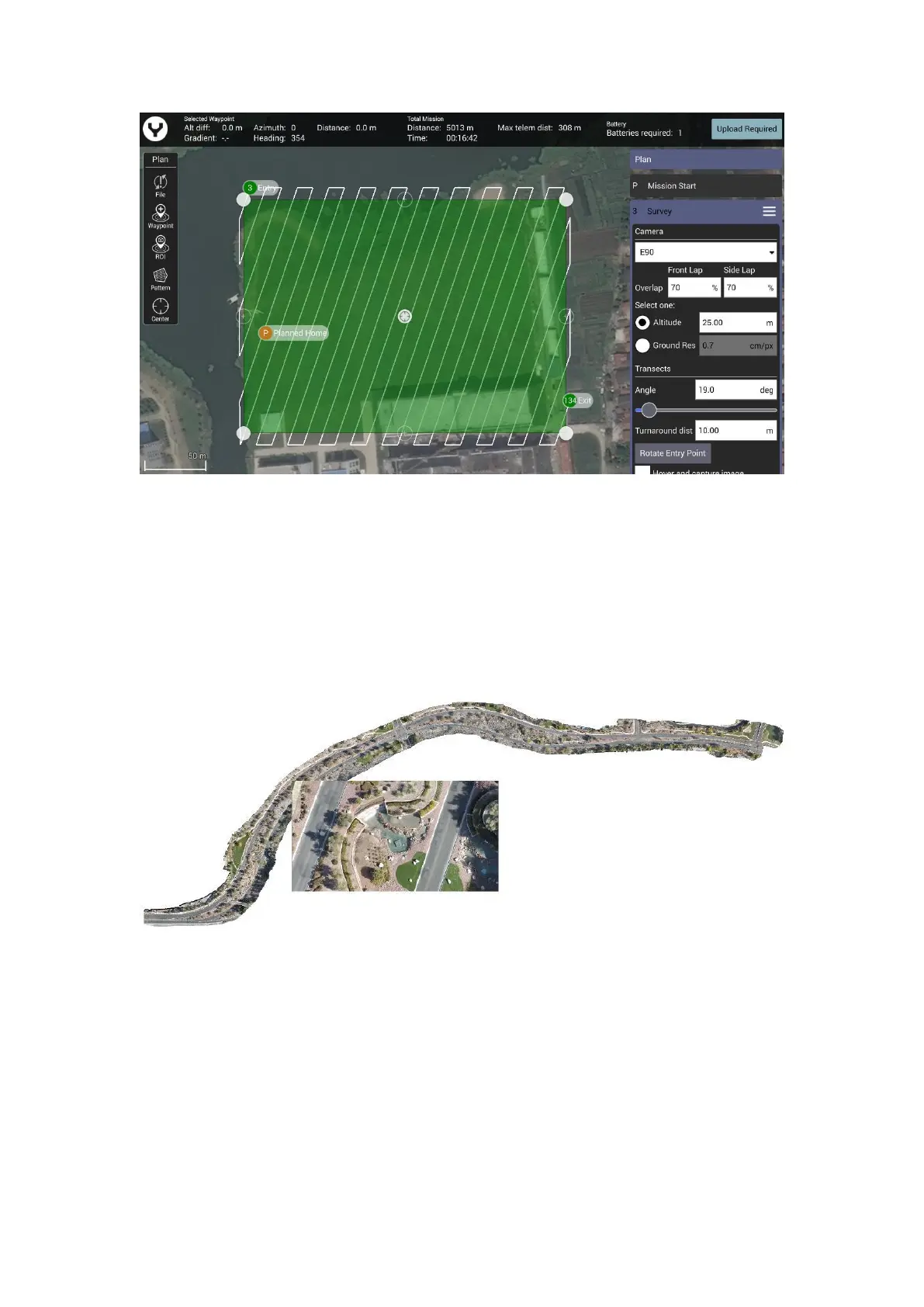
Notice: As same as the Waypoint function there is also a Survey Setting Panel on the right side.
Through this panel users can set all the Survey parameters. Drag the panel up and down to view
more items.
CORRIDOR SCANS
Roadways, power lines, train tracks, footpaths, and other narrow winding areas may be set up as
“corridor scans.” Corridor scans enable the drone to fly long pathways with overlap for these
sorts of missions
This is an example of a corridor scan
To create the CORRIDOR SCAN, tap the “Pattern” soft key, and select CORRIDOR SCAN.



 To Next Page