EasyManua.ls Logo

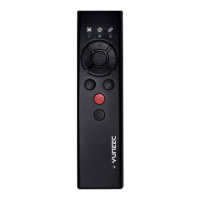
YUNEEC TYPHOON Wizard - Aircraft and Wizard Binding; Binding Procedure Step 1; Binding Procedure Step 2

YUNEEC TYPHOON Wizard
19 pages
Print Icon
To Next Page IconTo Next Page
To Previous Page IconTo Previous Page
Loading...
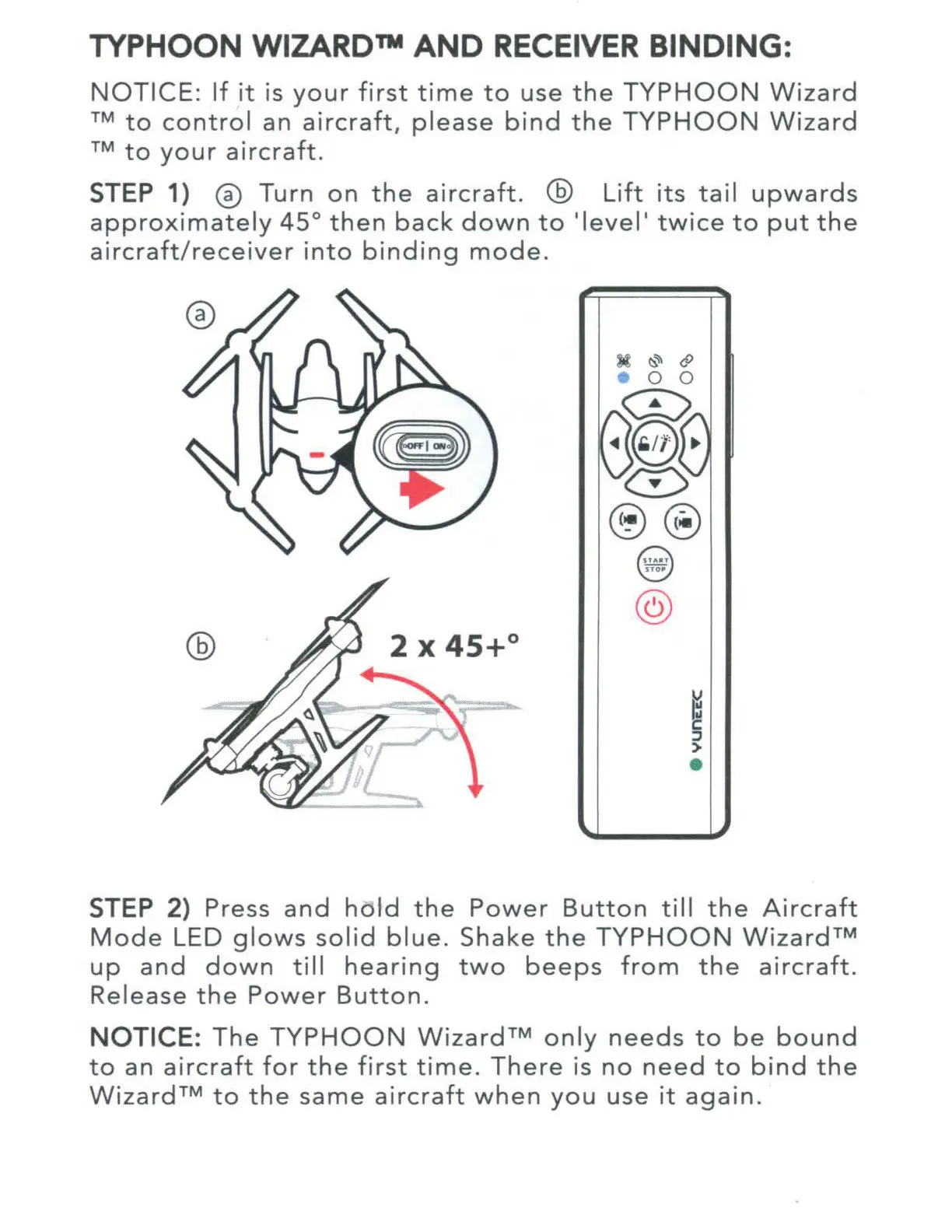
TYPHOON WIZARD™
AND
RECEIVER BINDING:
NOTICE:
If
it
is
your
first
time
to
use
the
TYPHOON
Wizard
TM
to
control
an
aircraft,
please
bind
the
TYPHOON
Wizard
rM
to
your
aircraft.
STEP 1) ®
Turn
on
the
aircraft
. @
Lift
its
tail
upwards
approximately
45°
then
back
down
to
'level'
twice
to
put
the
aircraft/receiver
into
binding
mode.
~
§
>
STEP 2) Press
and
hold
the
Power
Button
till
the
Aircraft
Mode
LED
glows
solid
blue.
Shake
the
TYPHOON
Wizard™
up
and
down
till
hearing
two
beeps
from
the
aircraft.
Release
the
Power
Button.
NOTICE:
The
TYPHOON
Wizard™
only
needs
to
be
bound
to
an
aircraft
for
the
first
time.
There
is
no
need
to
bind
the
Wizard™
to
the
same
aircraft
when
you
use
it
again.

Other manuals for YUNEEC TYPHOON Wizard