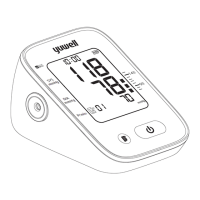
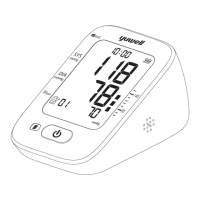
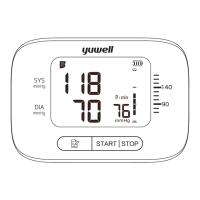
Memory function
28 29
Auxiliary measuring function
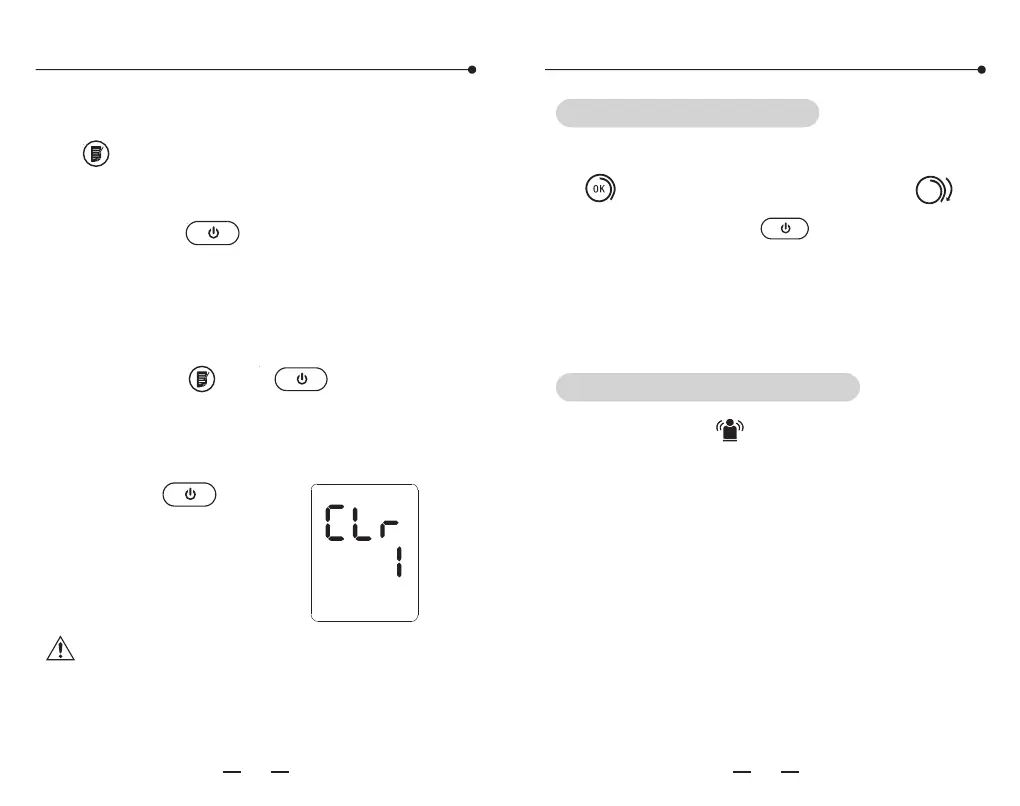
Press the both " " and " " button until
the display shown as the following picture,
which means the recorded data is cleared.
Press the " " button
to turn off the monitor
after deleting.
Note: This operation will delete all the
recorded data.
C. Read the recorded data by pressing the
" "button as the sequence: "1", "2"
......"99"(max).
D. Press the " " button to shut off the
monitor.
2. Delete the recorded data
If the cuff winded properly, it will show the
" "icon. Otherwise it will show the" "
icon, then press the " " button to stop
and wind properly to measure again. (Please
refer to page 18 to 19 for how to properly
wrap the cuff.)
It will show the " " icon, if body moves
when measuring. Please measure again or it
will show inaccurate results.
Cuff Wrapping Detection
Body Movement Detection


 To Next Page