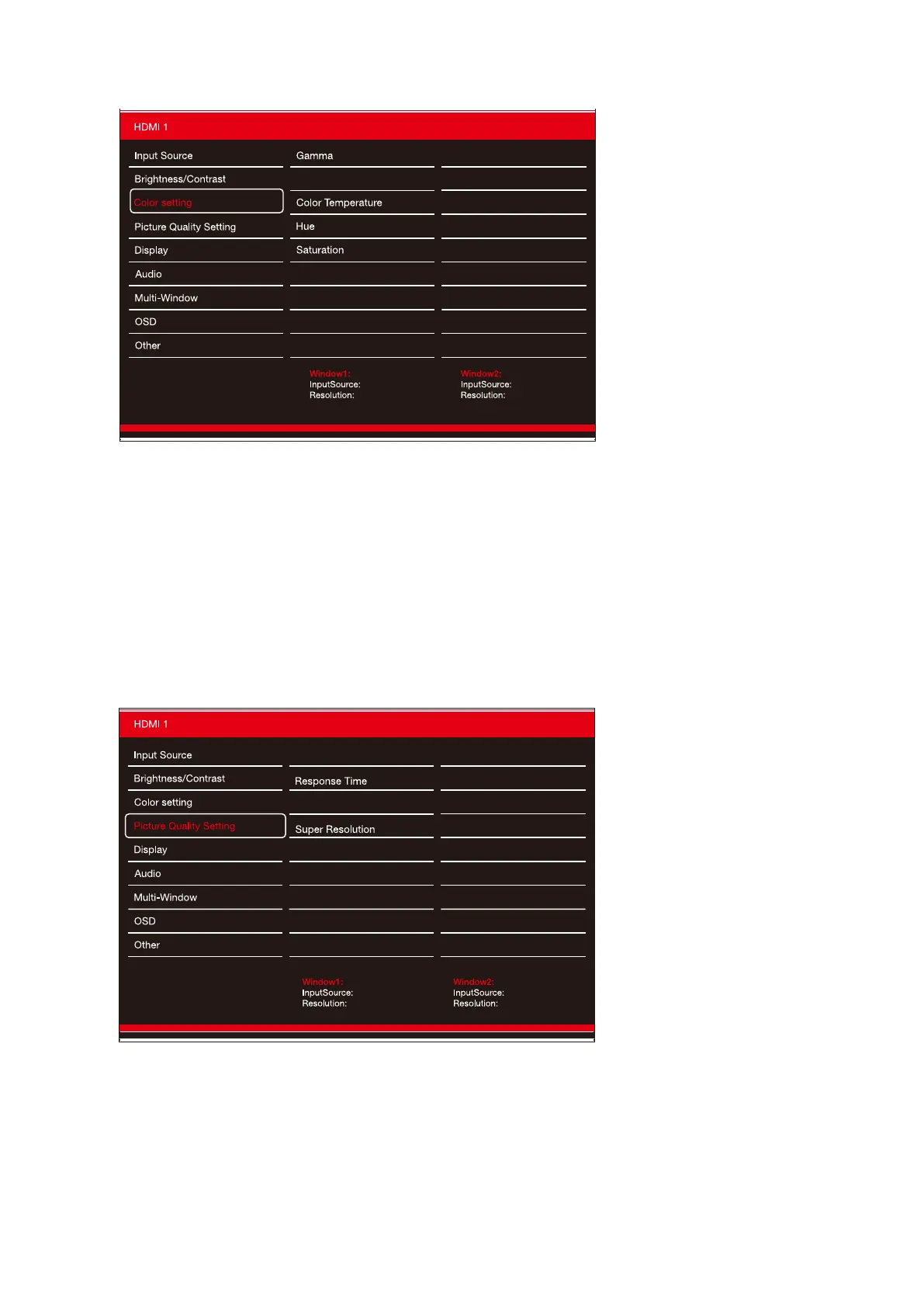
Color Seng
Gamma: Change he gamma value to 1.8/2.0/2.2/2.4/2.6.
Picture M ode: Change the picture mode to Standard/photo/movie/ game.
Color T emper ature: change the color temperature to Standard/warm/cool/user.
Hue: change Hue value from 0 to 100.
Saturaon: Change the color saturaon value from 0 to 100 .
Low blue light: Change the LBL value from 0 to 100 .
Picture Mode
Low Blue Light
2.2
Standard
Warm
50
50
0
Resolution: 3440x1440@100Hz
3440x1440@100Hz
HDMI1
Picture Quality Seng
Sharpness: change the sharpness vlaue from 0 to 100.
Response time: adjust the response time by High/middle/low.
Noise Reduction: adjust the noise reduction by High/Middle/Low.
Super Resolution: adjust the Super Resolution by Hight/Middle/Low.
Dynamic Luminos Control: adjust the DLC by On/Off.
Sharpness
Dynamic Luminous Control
Off
50
Off
Off
Off
Noise Reduction
Resolution: 3440x1440@100Hz
3440x1440@100Hz
HDMI1


 To Next Page
 Loading...


