12
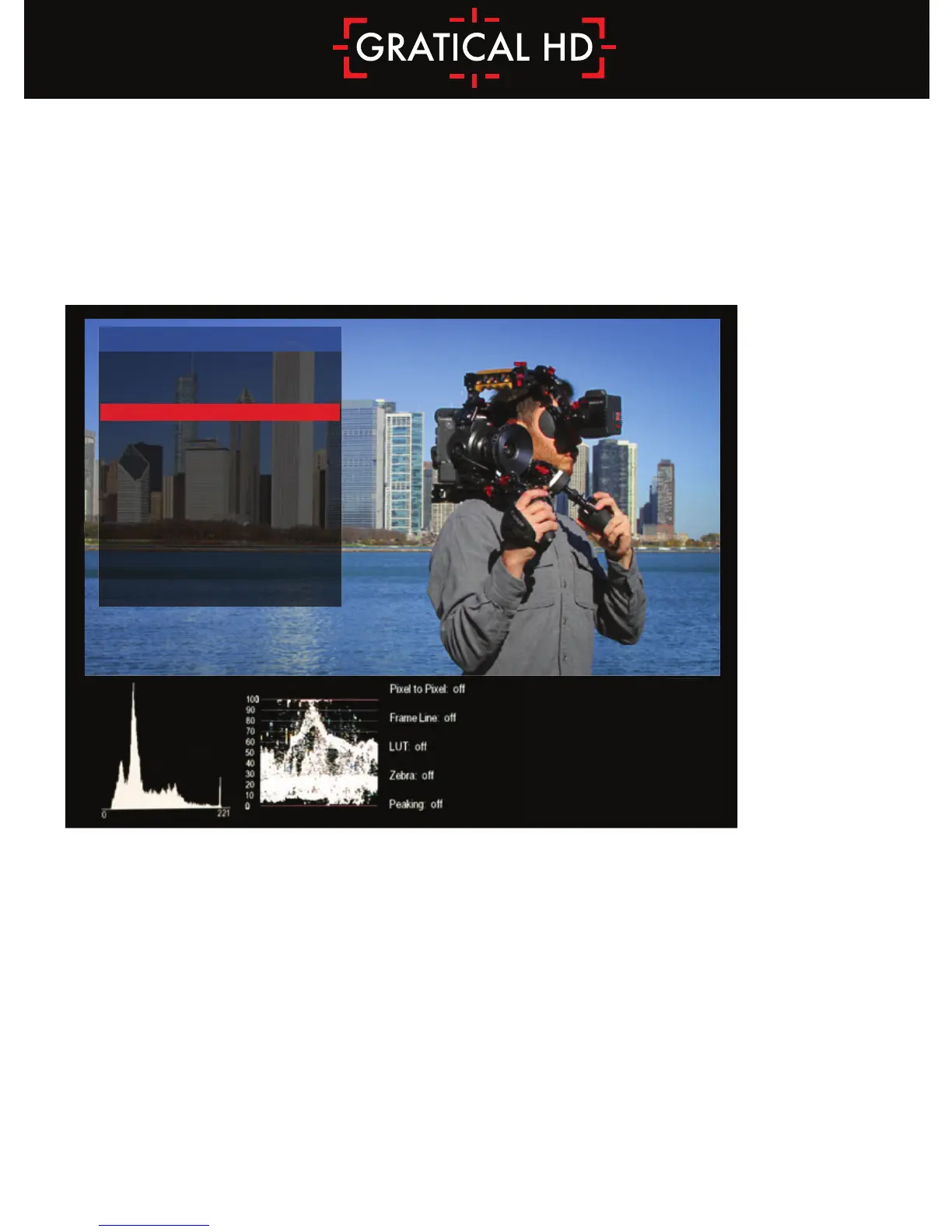
Scope Settings
• TOGGLE SCOPES: Select to toggle scopes ON/OFF.
All scopes off defaults image to the center.
• WAVEFORM/VECTORSCOPE: Select to toggle waveform or Vectorscope.
Only one can be active at a time.
• SCOPES LOCATION: Select to change the location of the scopes. Scopes can be
positioned on either the bottom or top of the image.
• SCOPES SOURCE: The scopes can reflect data based on the raw input signal from the
camera, pre LUT, or from a LUT applied image, POST LUT.
• See Function Buttons Section p18 to assign to a function button.
SCOPES
TOGGLE SCOPES
HISTOGRAM TYPE
HISTOGRAM SCALE
WAVEFORM
VECTORSCOPE
SCOPES LOCATION
SCOPES SOURCE
PREVIOUS MENU
ON
LUMA
LINEAR
ON
OFF
BOTTOM
PRE LUT



 To Next Page