BATTERY LIFE
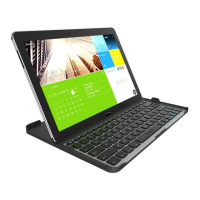
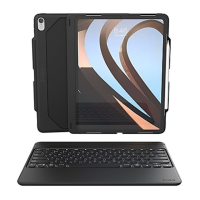
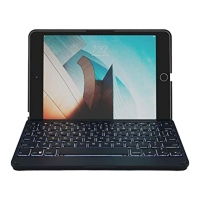
As mentioned, the Cover features a powerful, rechargeable battery that lasts up to
three months between charges. To check your Cover’s remaining battery power, press
the battery key. The LED indicator will flash one of three ways.
1. Three green flashes indicate 50% or more battery life remaining.
2. Three yellow flashes indicate between 25%-49% battery life remaining.
3. Three red flashes indicate less than 25% battery life remaining. When your Cover
reaches critical battery level, the red light will flash once every five minutes.
To help preserve battery life, your Cover will enter sleep mode if left on and not used
for several minutes. To awaken your Cover, press any key. The Cover’s battery has no
memory and may be charged whenever you wish. For optimal battery life, turn your
Cover o when not in use for a prolonged time.
3
SPECIAL FUNCTION KEYS
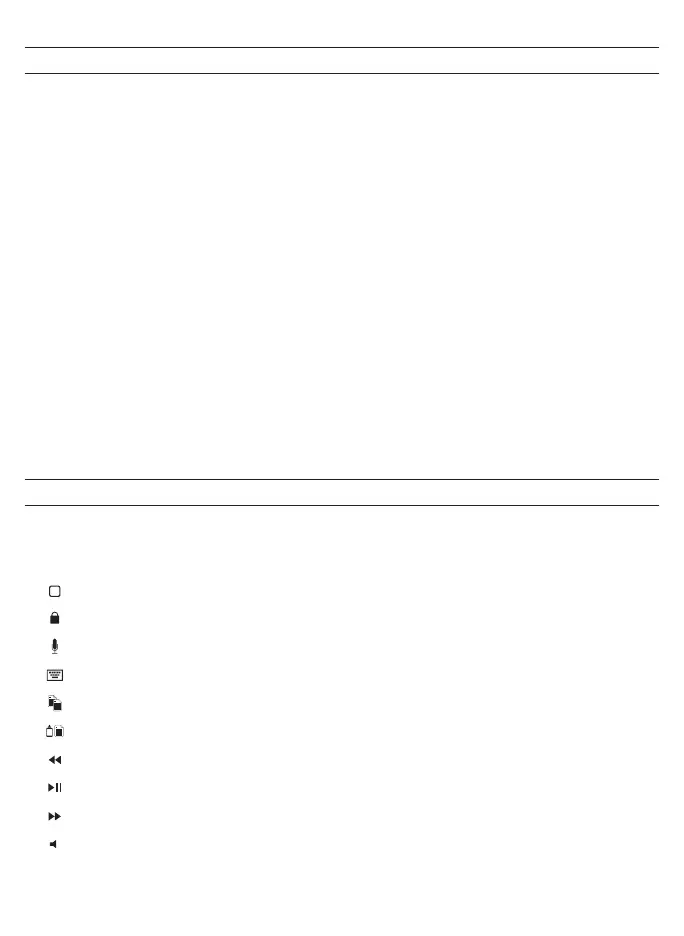
Your Cover keyboard has been designed with the following special
function keys to give you more control of your iPad:
HOME – Displays your iPad’s home screen.
LOCK – Activates and deactivates your iPad’s sleep mode.
MIC – Activates Siri from your keyboard.
KEYBOARD HIDE/SHOW – Hides or shows your iPad’s on-screen keyboard.
COPY – Copies selected text to your clipboard.
PASTE – Pastes clipboard content in your selected field.
PREVIOUS TRACK – Skips to the previous track on your current playlist.
PLAY/PAUSE – Starts or stops your current playlist.
NEXT TRACK – Skips to the next track on your current playlist.
MUTE – Mutes your iPad’s audio.


 To Next Page