Need help?
Do you have a question about the ZALMAN Z5 and is the answer not in the manual?
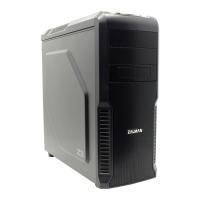
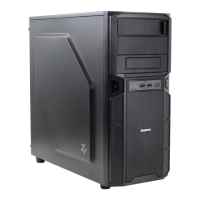
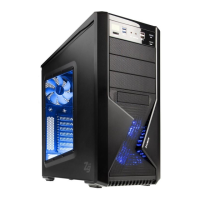
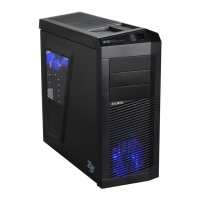
Detailed technical specifications of the Z5 Series PC case models.
List and illustration of all components and accessories included with the Z5 Series PC case.
Step-by-step instructions for safely removing the side panel of the PC case.
Guidance on installing ATX and m-ATX motherboards, including standoff placement.
Procedures for installing optical drives and storage devices into the designated bays.
Specific instructions for mounting 3.5-inch HDDs using the provided HDD guide.
Diagrams and instructions for connecting power buttons, LEDs, and fan cables to the motherboard.
Instructions for installing 2.5-inch HDDs or SSDs on the right side of the case.
 General
| Model | Z5 |
|---|---|
| Type | Mid Tower |
| Material | Steel, Plastic |
| Color | Black |
| Motherboard Compatibility | ATX, Micro-ATX, Mini-ITX |
| 5.25" Drive Bays | 2 |
| 2.5" Drive Bays | 2 |
| Expansion Slots | 7 |
| Radiator Support Front | 120mm |
| Maximum CPU Cooler Height | 160mm |
| Maximum PSU Length | 180mm |
| Cooling System Rear | 1 x 120mm |
| Cooling System Bottom | 1 x 120mm |
| Front Ports | 2 x USB 3.0, Audio In/Out |


 To Next Page