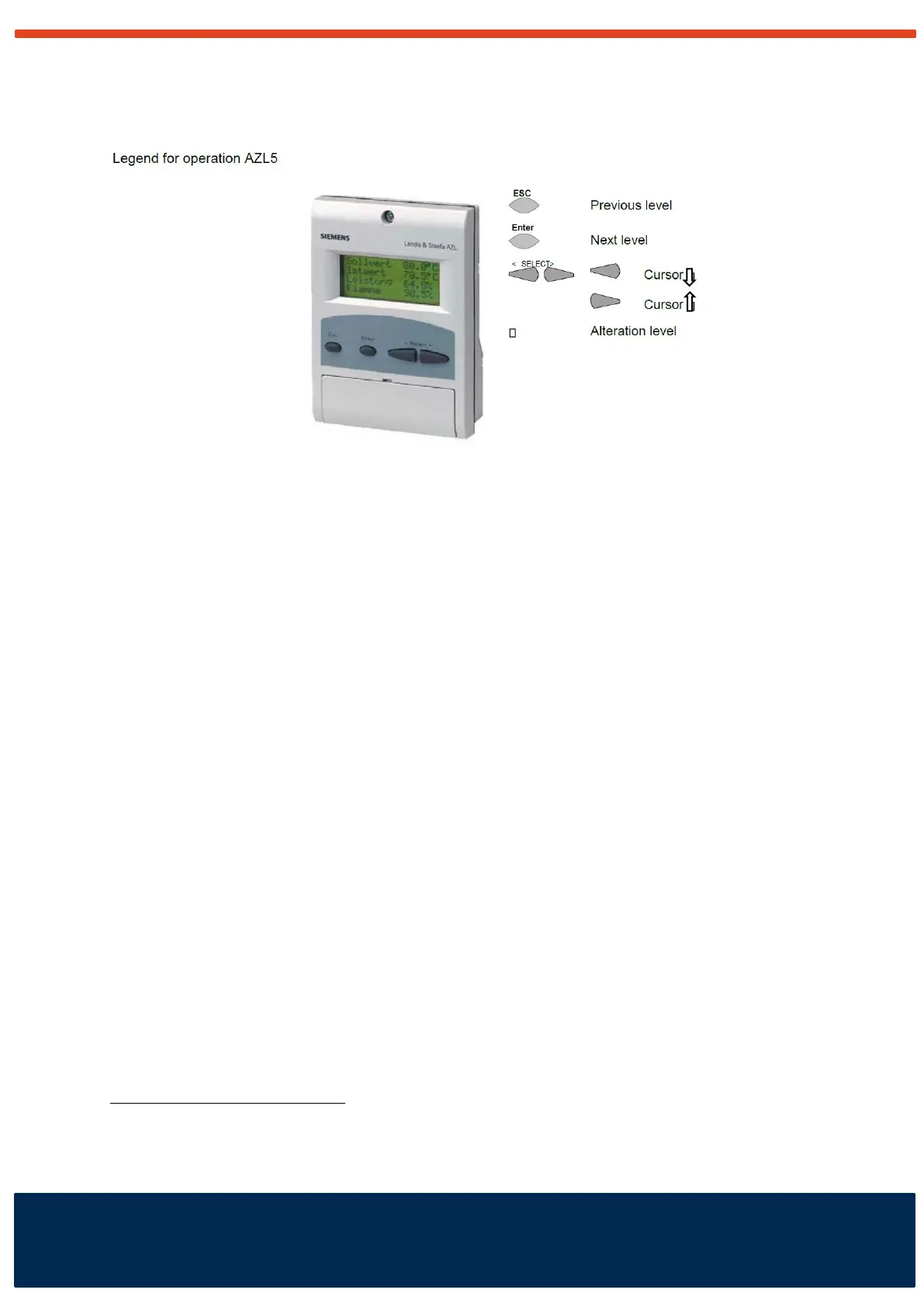
Description of the buttons and display
Setpoint change
The end user is allowed to change a number of settings in the display of the LMV.
This text contains information about these changes.
Press the buttons < and > + ENTER to read and to select values.
The arrow buttons < and> can be used to change the setpoint value (required boiler
temperature in ºC).
Main menu:
<
Display of current functioning level
<
Operation → Setpoint → Setpoint W1 → Act.: 80
Nw: 80
Set the new value with the buttons < and >. Press ENTER to confirm the value.
Change maximum load
Operation → User Max Load → User MaxLoadMod → Act.: 100
Nw.: 100
Set the new value with the buttons < and >. Press ENTER to confirm the value.
Temperature settings
Check the maximum operating temperature before you enter changes. When the
temperature is too high the maximum limit thermostat will activate a lockout.
Default settings for the LMV:
Setpoint plus 6 degrees Celsius; burner stops.
Setpoint minus 2 degrees Celsius; burner start.



 To Next Page