3
b. Connect all cables
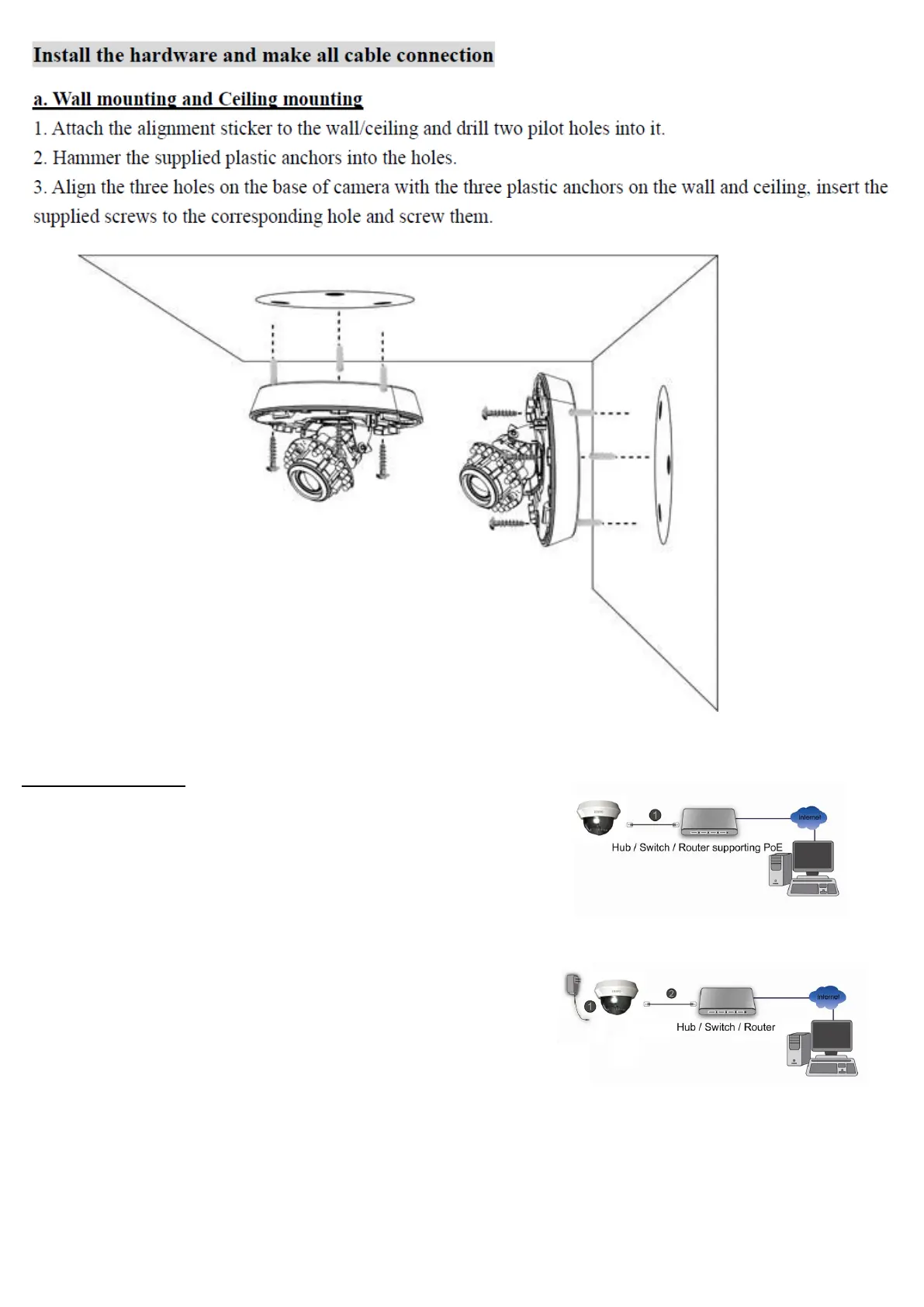
c1. Without Power over Ethernet (PoE) connection
1. Connect the power adaptor to the IP Camera.
2. Using a standard RJ-45 network cable, connect the IP Camera
to a normal Hub / Switch / Router.
c2. Power over Ethernet (PoE)
1. Using a standard RJ-45 network cable, connect the IP Camera
to a PoE-enabled Hub / Switch / Router.



 To Next Page