EasyManua.ls Logo

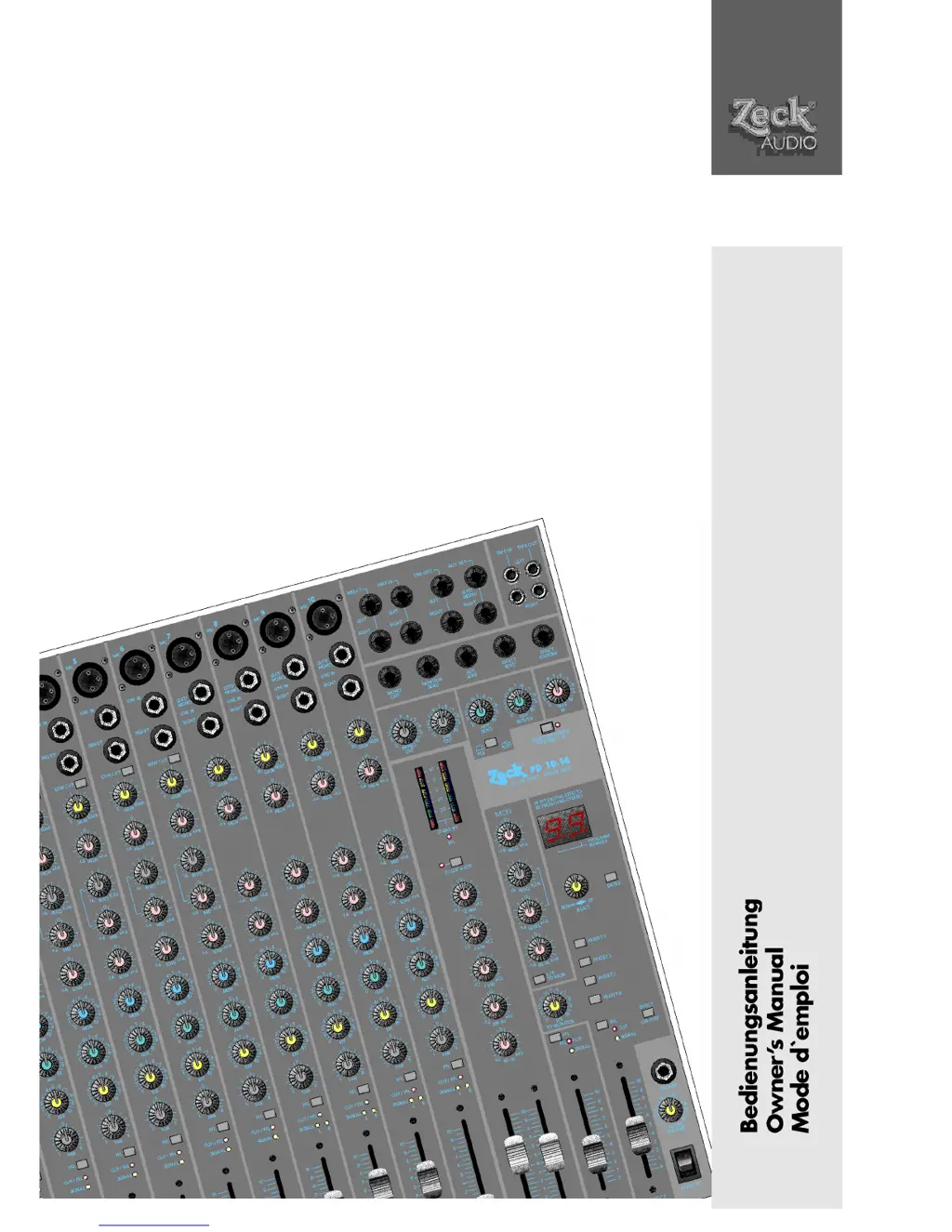
Zeck Audio PD 10.14 - User Manual

Zeck Audio PD 10.14
40 pages
Go to English
Print Icon
To Next Page IconTo Next Page
Loading...
PD 10.14
MD 10.14

Table of Contents

Questions and Answers

  • W
    wendyjohnsonAug 19, 2025
    Why is there a hum noise when I turn on phantom power on my Zeck Audio PD 10.14 Music Mixer?
    • B
      brandy19Aug 19, 2025
      If you hear a hum when you turn on the phantom power on your Zeck Audio Music Mixer, it might be because you've connected an unbalanced instrument like a keyboard to one of the XLR inputs. To fix this, either connect your instruments to the LINE IN or use a DI-Box. This will give you a balanced, ground-free signal for the XLR input.
  • B
    Brittney BoydAug 21, 2025
    What to do if the internal effect unit distorts on my Zeck Audio Music Mixer?
    • A
      Aaron ColonAug 21, 2025
      If the internal effect unit on your Zeck Audio Music Mixer is distorting, it's likely that the channel EFF controls are set too high. Gradually reduce the EFF controls until the effect CLIP LED just stops flashing.
  • D
    Denise AyersAug 23, 2025
    Why does the internal effect unit produce too much noise on my Zeck Audio Music Mixer?
    • M
      Mark CollinsAug 25, 2025
      If the internal effect unit on your Zeck Audio Music Mixer is producing too much noise, the channel EFF controls may be set too low. Try gradually increasing the EFF controls until the effect CLIP LED just barely flashes.
  • A
    Ashley MathewsAug 26, 2025
    What to do if the CLIP LED is always on without signal on my Zeck Audio Music Mixer?
    • L
      Laura GarciaAug 26, 2025
      If the CLIP LED on your Zeck Audio Music Mixer's input, monitor, or effect section stays on even when there's no signal, it means the PFL pushbutton has been activated. Deactivate the PFL pushbutton to resolve this.
  • M
    Mr. Peter CooperAug 28, 2025
    Why can't I select effect programs on my Zeck Audio PD 10.14 Music Mixer?
    • A
      Alison TorresAug 28, 2025
      If you're unable to select effect programs and the buttons aren't working on your Zeck Audio Music Mixer, the SELECT rotary knob might be accidentally set between two notch positions. Adjust the SELECT rotary knob to a proper notch position.
  • G
    Gregory CarterAug 30, 2025
    Why does the master LED chain show no signal on my Zeck Audio Music Mixer?
    • C
      Crystal MurrayAug 30, 2025
      If the Master LED chain on your Zeck Audio Music Mixer isn't showing any signal, it's likely that the PFL function has been activated somewhere. Deactivate the PFL function to fix this.
  • D
    Douglas BernardSep 1, 2025
    What to do if there's no signal at the AUX SEND output on my Zeck Audio PD 10.14?
    • D
      David KingSep 1, 2025
      If there's no signal at the AUX SEND output on your Zeck Audio Music Mixer, even with the Master AUX SEND control at zero, the AUX might be switched to 'POST' and the channel fader is at '0'. Adjust the AUX to 'PRE' or increase the channel fader.
  • A
    April PotterSep 3, 2025
    Why is there a clicking noise when using phantom power with dynamic mics on my Zeck Audio Music Mixer?
    • J
      Jennifer MendozaSep 3, 2025
      If you hear a 'click' noise inside dynamic microphones when activating the phantom power supply on your Zeck Audio Music Mixer, the issue might be an improper microphone cable. Use a two-conductor dynamic microphone cable for balanced, ground-free operation.
  • F
    fredjohnsonSep 5, 2025
    How to restore ultra-deep bass notes on Zeck Audio PD 10.14?
    • C
      Christopher WoodSep 5, 2025
      If you're missing ultra-deep bass notes on your Zeck Audio Music Mixer, check if the LOW CUT switch has been activated on the MIC input. If it is, deactivate the LOW CUT switch.
  • M
    Michael Richards IIISep 7, 2025
    Why doesn't the channel MON control affect the monitor signal on my Zeck Audio PD 10.14 Music Mixer?
    • J
      joseph36Sep 7, 2025
      If the Channel MON control on your Zeck Audio Music Mixer isn't affecting the L/R level in the monitor signal, the TO MON button may have been activated. This sends only the master signal to the monitor output. Deactivate the TO MON button.

Summary

Safety Instructions

Input Channels

Proper Input Gain Setting

Guidance on adjusting the GAIN control for clean, noise-free sound using PFL and LEDs.

Channel Equalization

Channel EQ Details

Description of the 3-band EQ section for monaural and stereo channels, including LOW CUT.

Other Channel Controls

Master Section

Master EQ Section

Explains the 5-band master EQ for room-acoustic compensation and its usage.

Line Out Post Fade and Aux Send;Return

Aux Send;Return Function

Using Aux path for monitor signal or as a Send/Return loop for external effects.

Phantom Power Supply

Dyloc Processor, Limiter, and Speaker Outputs

Limiter Function (PD 10.14 only)

Details the built-in limiter that counteracts signal overload and protects the PA system.

Speaker Outputs (PD 10.14 only)

Information on Speakon SPEAKER OUT connectors and speaker impedance.

Headphones, Standby, and Power Supply

Power Supply Details

Details the mains input connector, fuseholder, and the power switch.

Monitor Path

Monitor Signal Routing and Controls

Describes tapping pre-fade signals for monitor mix, using MON controls, fader, and SEND jack.

Effect Section Overview

Internal Effect Levels and Selection

Internal Effect Levels

Guidance on setting EFF controls for optimal effect sound and avoiding noise/distortion.

Internal Effect Sounds - Reverbs and Delays

Troubleshooting Guide

Zeck Audio PD 10.14 Specifications

General IconGeneral
BrandZeck Audio
ModelPD 10.14
CategoryMusic Mixer
LanguageEnglish

Related product manuals