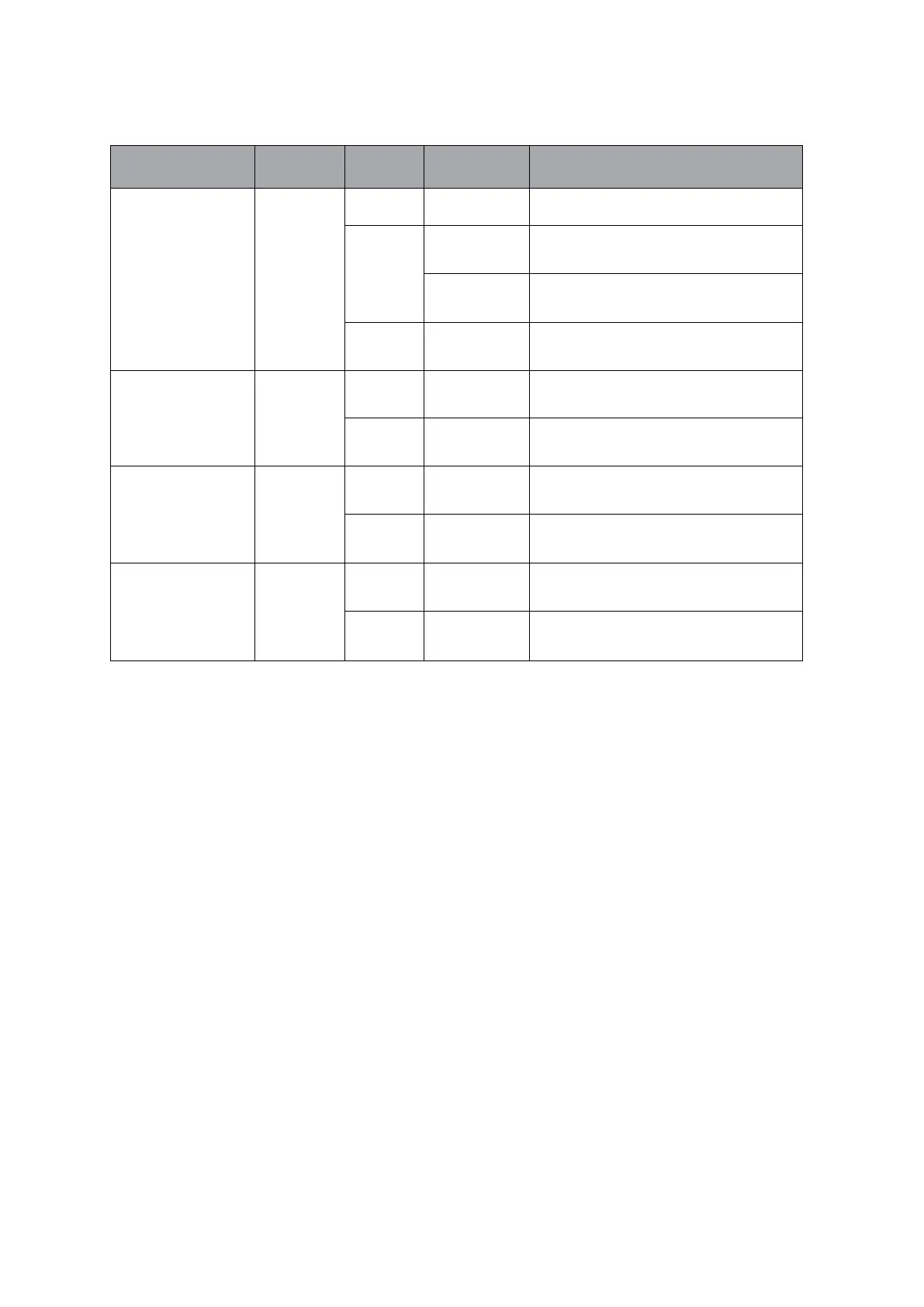
WiFi is not connected and will automatically tun off after
successful connection.
The waste bin is full or objects are detected by the sensors of the
waste bin's infrared rays.
Gear guards not in place.
Short press,start working, once completed, the light will
go off.
When an abnormality is detected during operation, the
product is suspended
Short press, to start working,once completed, the light will go
off.
When an abnormality is detected during operation,the
product is suspended.
Short press,start working,once completed, the ight will go off.
When an abnormality is detected during operation,the
product is suspended.


 To Next Page