30
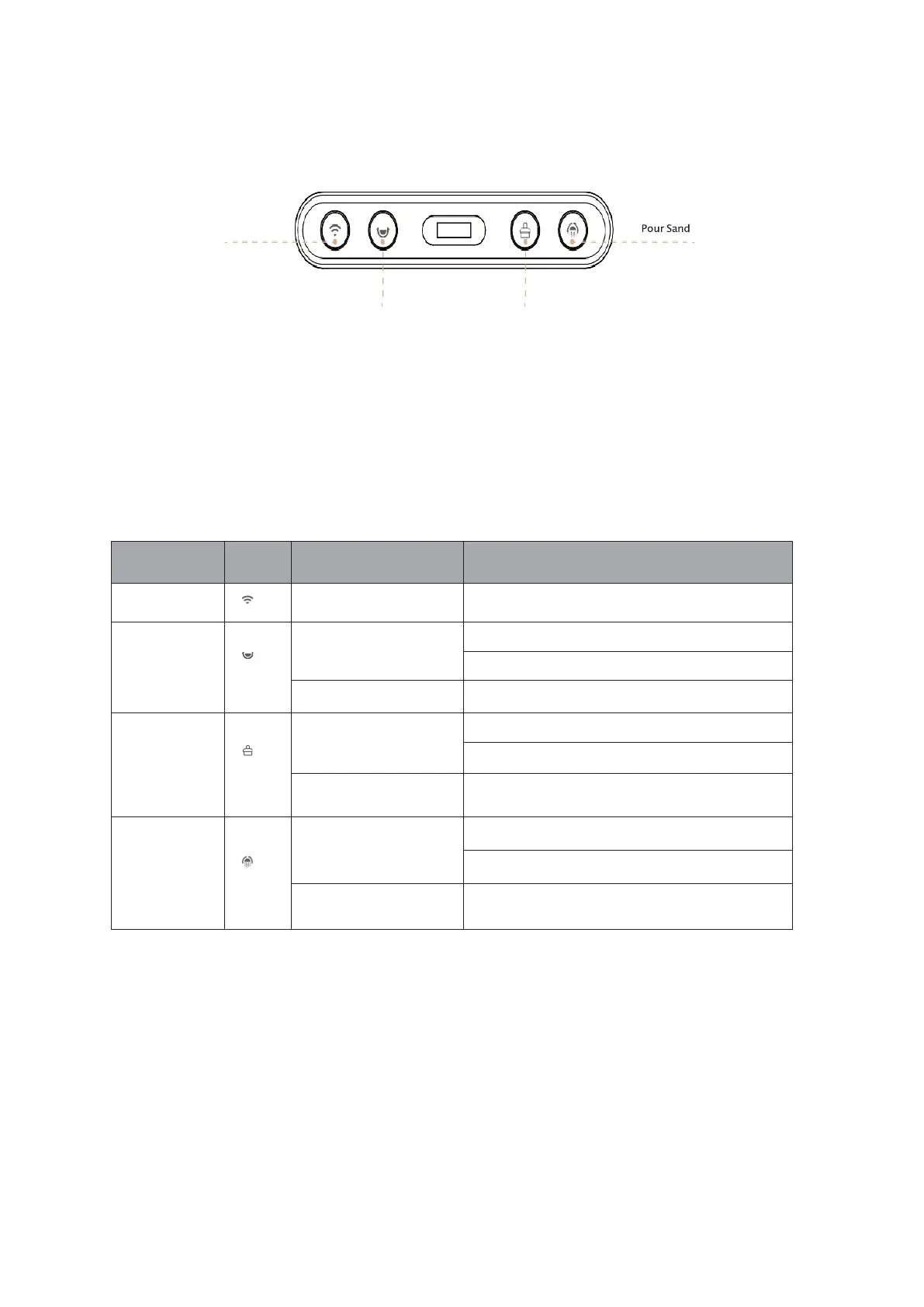
Control panel
Calibrate Manual cleaning
Buttons
Press and hold for 5 seconds
Short Press, ON sand smoothing mode
Short Press, OFF sand smoothing mode
Press and hold for 5 seconds
Short press, ON cleaning mode
Short Press again, OFF Cleaning mode
Press and hold for 5 seconds
The litter box is allowed to be calibrated without cat litter
Short Press, ON Sand Pouring Mode
Short Press again, OFF Sand Pouring Mode
Press and hold for 5 seconds


 To Next Page