EN
15. Use the device only on a at and stable surface.
16.
If ironing is interrupted, place the iron on the base. Make sure
the base is placed on a at and stable surface.
17.
Do not immerse the device and cable in water or other liquids.
18.
Before connecng or disconnecng the device from the power
source, set the steam control knob to the “0” posion.
19. Never pull on the cord when unplugging from an outlet. To
disconnect the device from the power source, grab the plug
and pull.
20.
Do not allow the cable to come into contact with sharp edges
and hot surfaces.
21. Always disconnect the device from the power source when
lling or pouring water, and when it is not in use.
22. Do not use the iron with a damaged cord or plug, or if the
device malfuncons, has been dropped or damaged in any
way, and if there are traces of leakage.
23.
Do not aempt to repair or modify the iron yourself. This
could cause a risk of electric shock or damage to the device.
In the event of problems, contact an authorized service center.
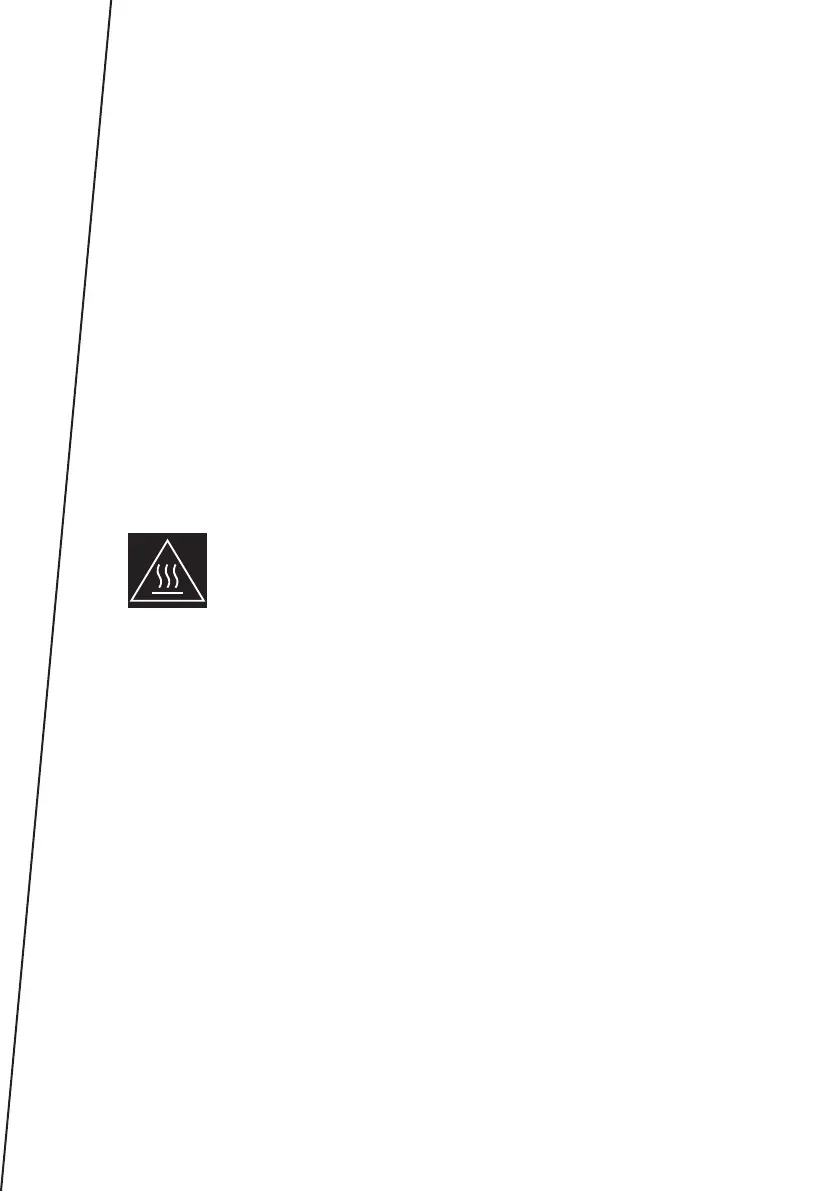
NOTE! Hot surface - surfaces can get hot during use.
PRODUCT DESCRIPTION (FIG. A)
A.
Steam control knob / Self-
cleaning
B. Steam ejecon buon
C. Spray buon
D. Light indicator
E. Cable cover
F. Temperature control knob
G. Water tank
H. Ceramic-coated plate
I. Sprinkler
J. Water inlet cover
K. Wireless base buon
DEVICE OPERATION
NOTE
Before using it for the rst me, it is necessary to remove any protecve
lm that may have been stuck to the case or sole plate of the iron.
The rst me the device is used, there may be a slight emission of smoke
and a specic odor. This is a normal phenomenon that does not adver-
sely aect the funconality of the device. This does not pose a risk to the
safety of use.
FILLING THE WATER TANK
1. Before lling the water tank, unplug the iron from the power supply and



 To Next Page