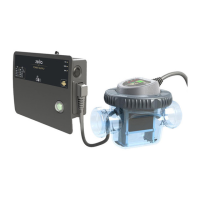
Technical instructions ZELIA ZLT
11
7. Operation
7.1. Supply
On the supply box, a switch powers on the electrolyser. When the supply is powered on, this switch
is lit.
If an automatic cover dry contact is connected to the box, the switch present on the side of the
box should be in EXT position to enable detection. It is still possible to flip the switch to 100% to
disregard the tank cover information and force nominal production, or even to 25% to divide the
production by 4 regardless of the status of the shutter.
If the dry contact is not connected, it is possible to indicate that the tank is covered by switching to
the position "25%". The switch must then be flipped back by hand to "100%" to return to normal
operation.
7.2. Control interface
The interface consists of a 2-digit multi-function display (temperature, programming, parameters,
etc.) of 3 indicators and 3 buttons;



 To Next Page