1
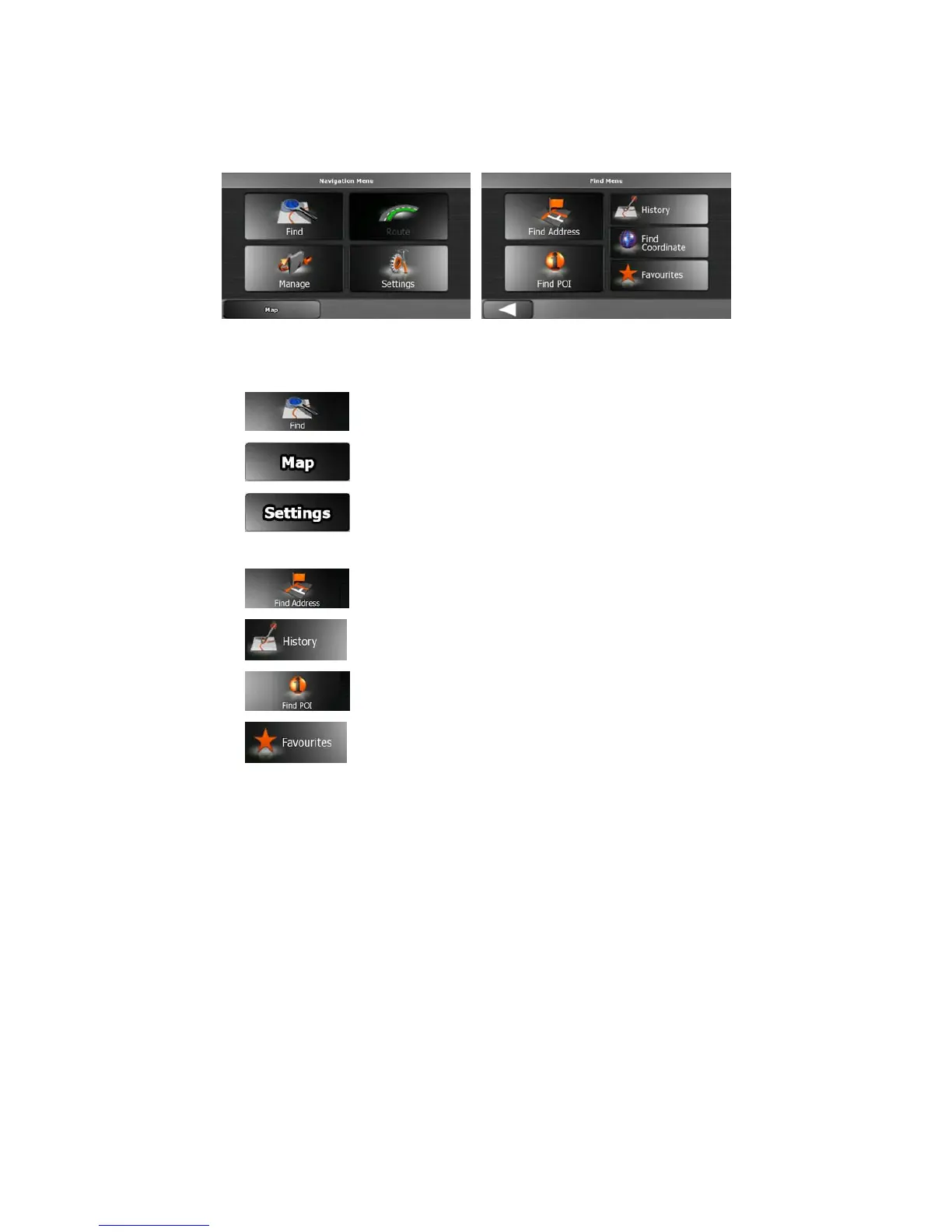
Startup screen: the Navigation menu
When ZENEC Navigation Software starts, the Navigation menu appears. From here you can
reach all parts of ZENEC Navigation Software.
The Navigation menu contains the following options:
• Tap
to specify your destination.
• Tap
to navigate or to browse the map.
• Tap
to customise the way ZENEC Navigation Software works.
The Find menu contains the following options:
• Tap
to specify an address as your destination.
• Tap
for the list of recent destinations.
• Tap
to select one of the stored Points of Interest.
• Tap
for the list of your favourite destinations.



 To Next Page