4
Navigating to a POI
On the Map screen, tap
to return to the Navigation menu.
In the Navigation menu, tap
, .
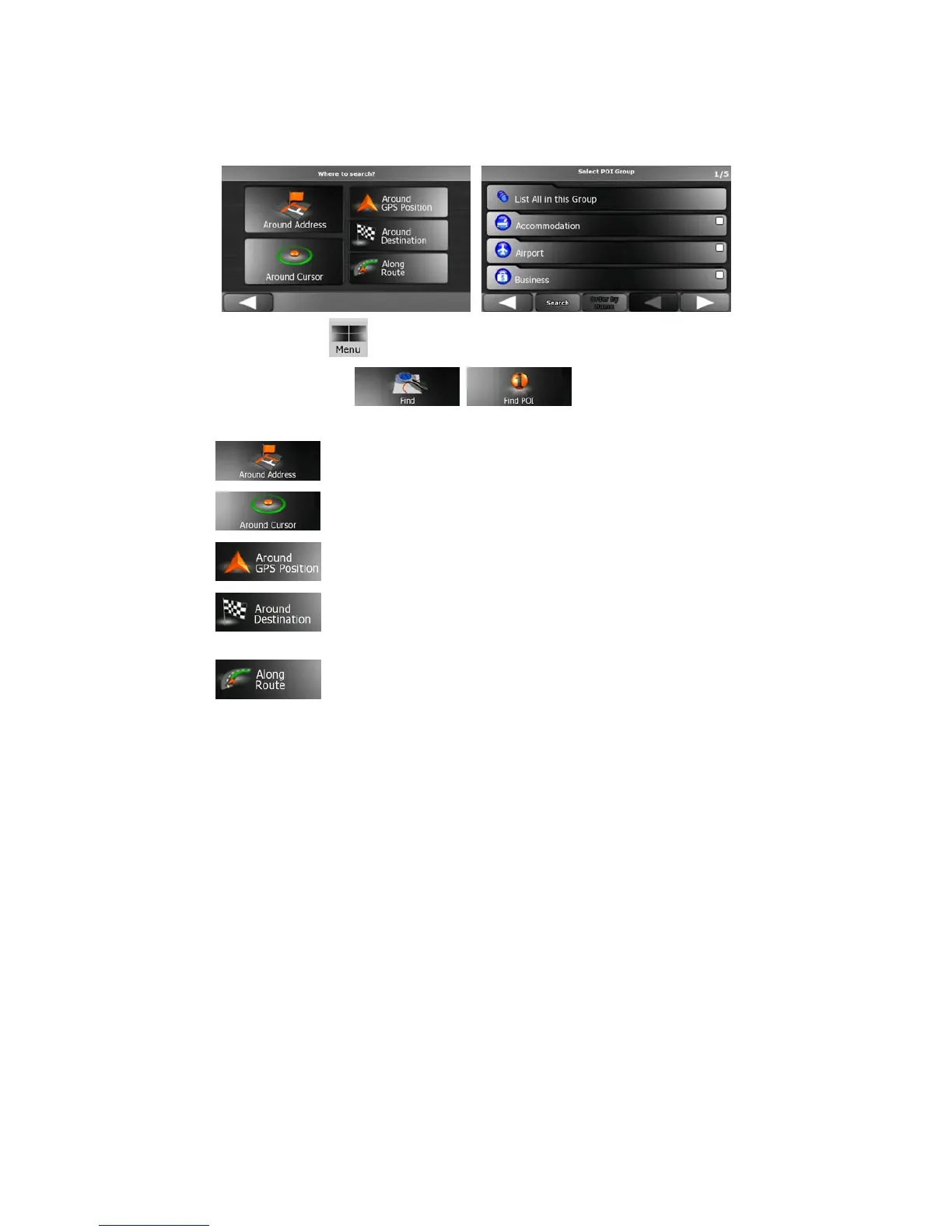
Select the area around which the POI should be searched for:
•
: The POI will be searched for around a given address.
•
: The POI will be searched for around the Cursor.
•
: The POI will be searched for around the current GPS position.
•
: The POI will be searched for around the destination of the active
route.
•
: The POI will be searched for not around a given point, but by the size
of the detour it adds to the active route. This can be useful if you search for a later
stopover that causes only a minimal detour, for example upcoming petrol stations or
restaurants.
After this, the list of POI categories appear.



 To Next Page