P,o_¸.¸2o!s_,°,I,E.us
f
Choosethe
languageyou
want all the
menusto
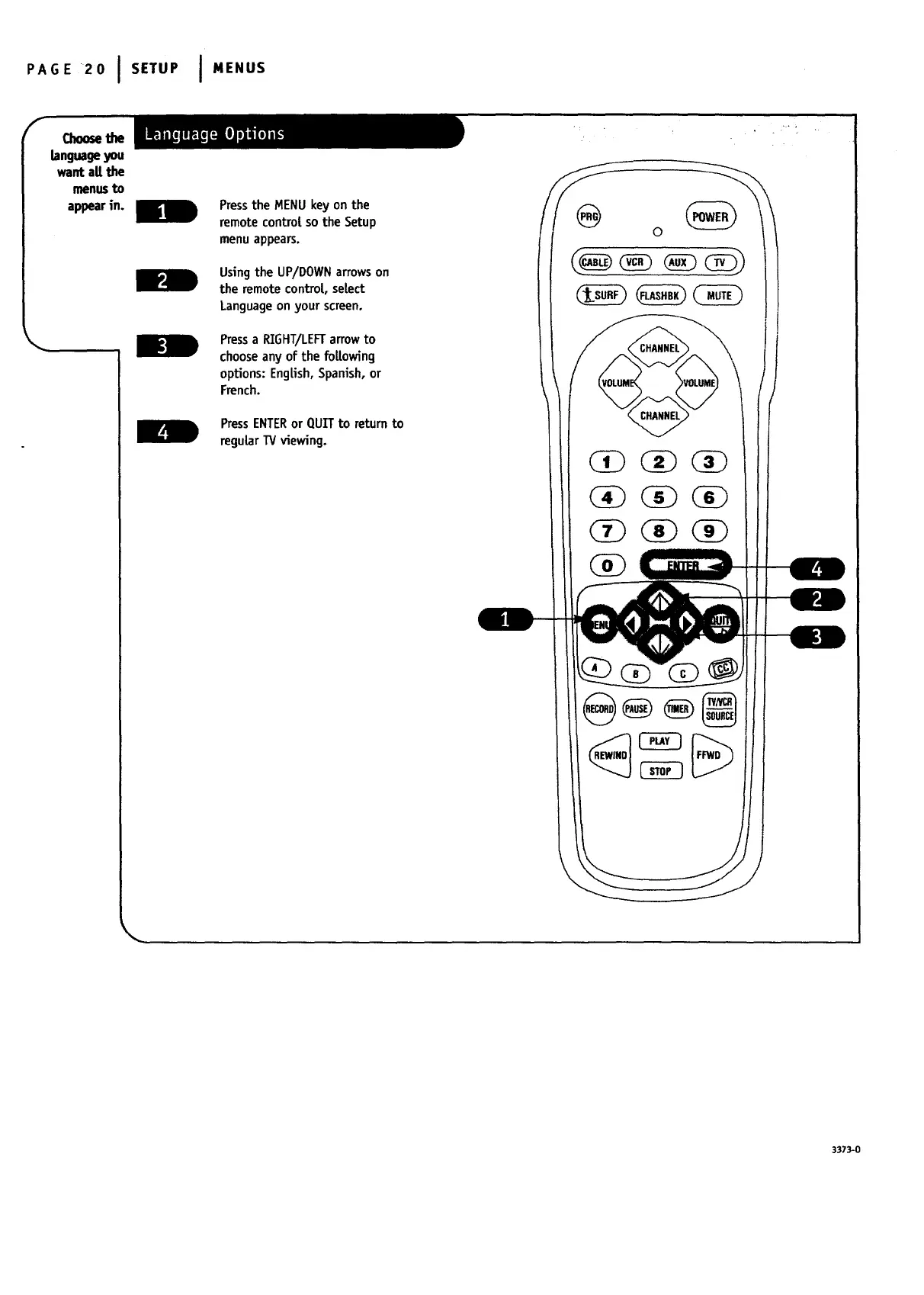
appearin. Press the MENU key on the
remote controt so the Setup
menu appears.
Usingthe UP/DOWNarrowson
the remote contro|, select
Languageon your screen.
Pressa RIGHT/LEFTarrow to
choose anyof the following
options: English,Spanish,or
French.
PressENTERor QUITto return to
regular TV viewing.
0
3373-0




 To Next Page