. NUSI ,OO,O.ENUSIP,0E
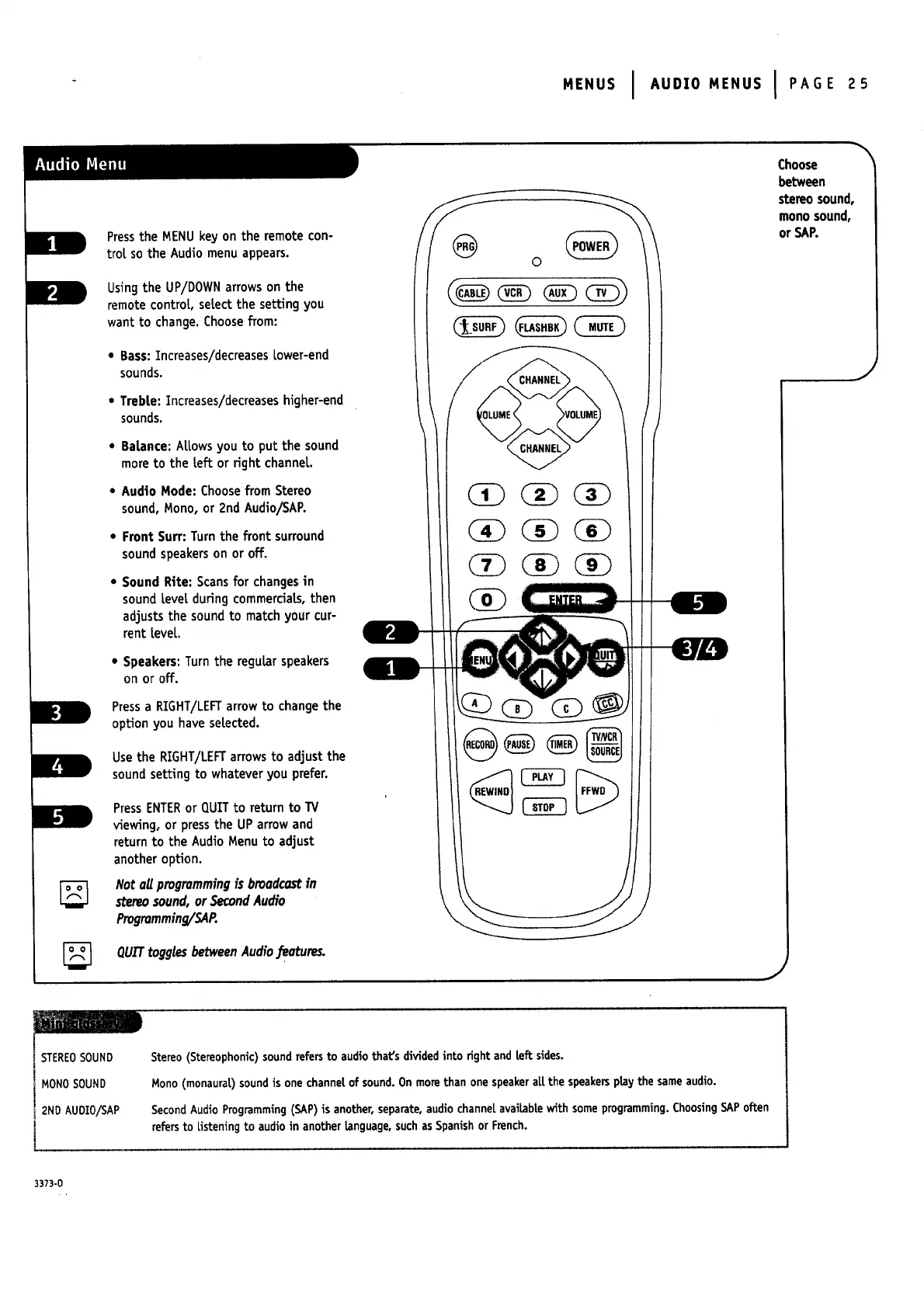
Press the MENU key on the remote con-
trot so the Audio menu appears.
Usingthe UP/DOWNarrowson the
remote control, select the setting you
want to change.Choosefrom:
• Bass:Increases/decreases Lower-end
sounds.
• Treble: Increases/decreases higher-end
sounds.
• Balance: Allowsyou to put the sound
moreto the left or right channel.
• Audio Mode: Choosefrom Stereo
sound,Mono, or 2nd Audio/SAP.
• Front Surf: Turn the front surround
soundspeakerson or off.
• Sound Rite: Scans for changesin
soundlevel duringcommercials,then
adjuststhe soundto match your cur-
rent level
• Speakers: Turn the regularspeakers
on or off.
Pressa RIGHT/LEFTarrow to changethe
option you have selected.
Usethe RIGHT/LEFTarrowsto adjustthe
soundsetting to whateveryou prefer.
PressENTERor QUIT to returnto TV
viewing, or pressthe UParrowand
returnto the AudioMenuto adjust
another option.
Not oil progrommingis brood¢ostin
stereosound,or SecondAudio
Progromrning/SAP.
QUITtogglesbetweenAudiofeatures.
Choose
between
stereosound,
monosound,
or SAP.
STEREOSOUND
MONOSOUND
2NDAUDIO/SAP
Stereo (Stereophonic)soundrefersto audio that's dividedinto right and Leftsides.
Mono (monaural) soundis one channe|of sound.On morethan one speakerall the speakersplaythe sameaudio.
SecondAudio Programming(SAP)is another,separate,audio channelavailablewith someprogramming.ChoosingSAPoften
refersto Usteningto audio in another Language,suchasSpanishor French.
3373-0


 To Next Page
 Loading...


