,_.usI souRc_,E.usIP,0E2,
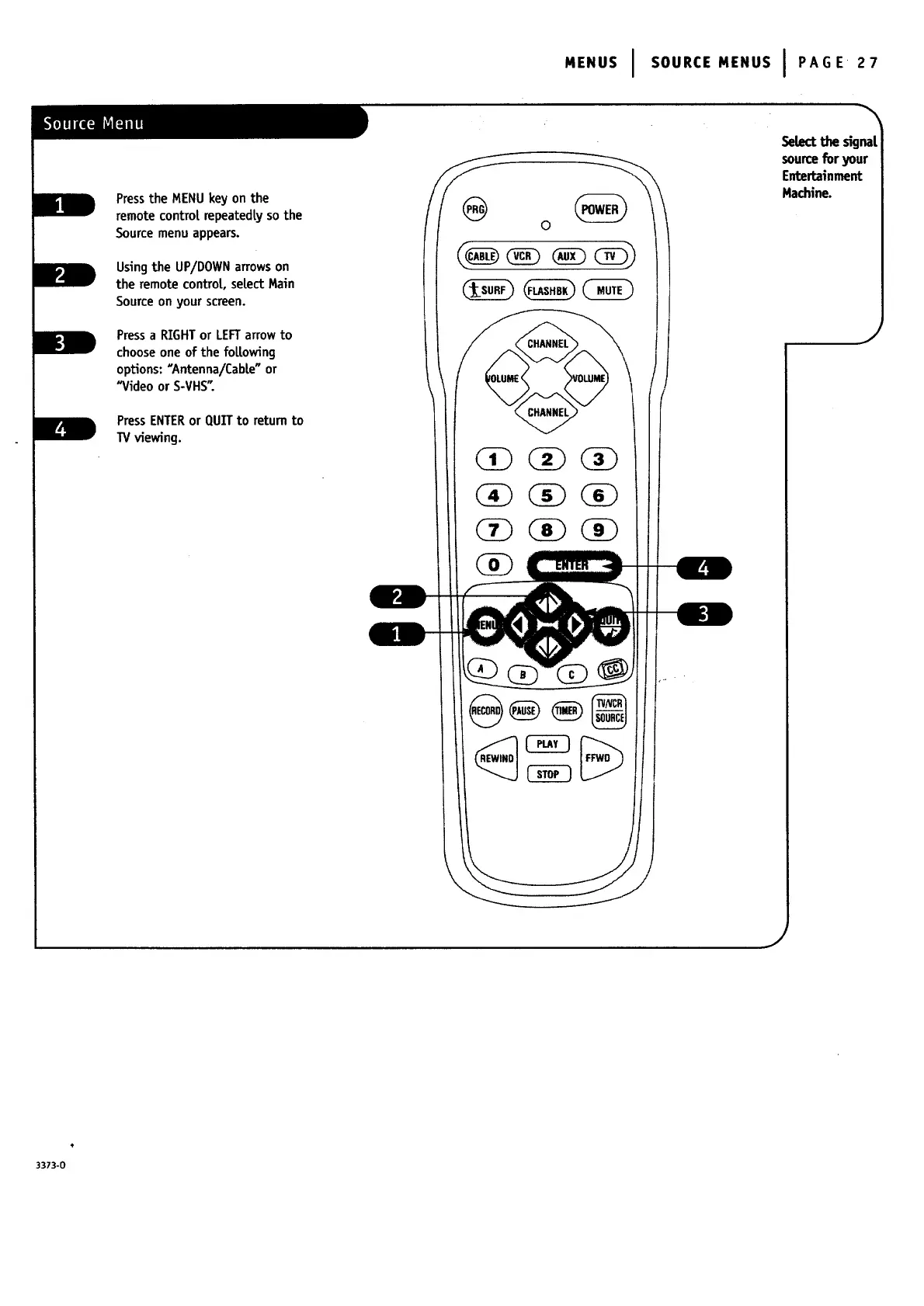
Pressthe MENUkey on the
remotecontrol repeatedLyso the
Sourcemenuappears.
Using the UP/DOWN arrows on
the remote controL, select Main
Source on your screen.
Pressa RIGHTor LEFTarrowto
choose one of the foLLowing
options: "Antenna/Cable"or
"Videoor S-VHS_.
L
mmw F
PressENTERor QUITto returnto
TVviewing.
SeLectthe signal
sourceforyour
Entertainment
Hachine.
J
J
3373-0


 To Next Page
 Loading...


