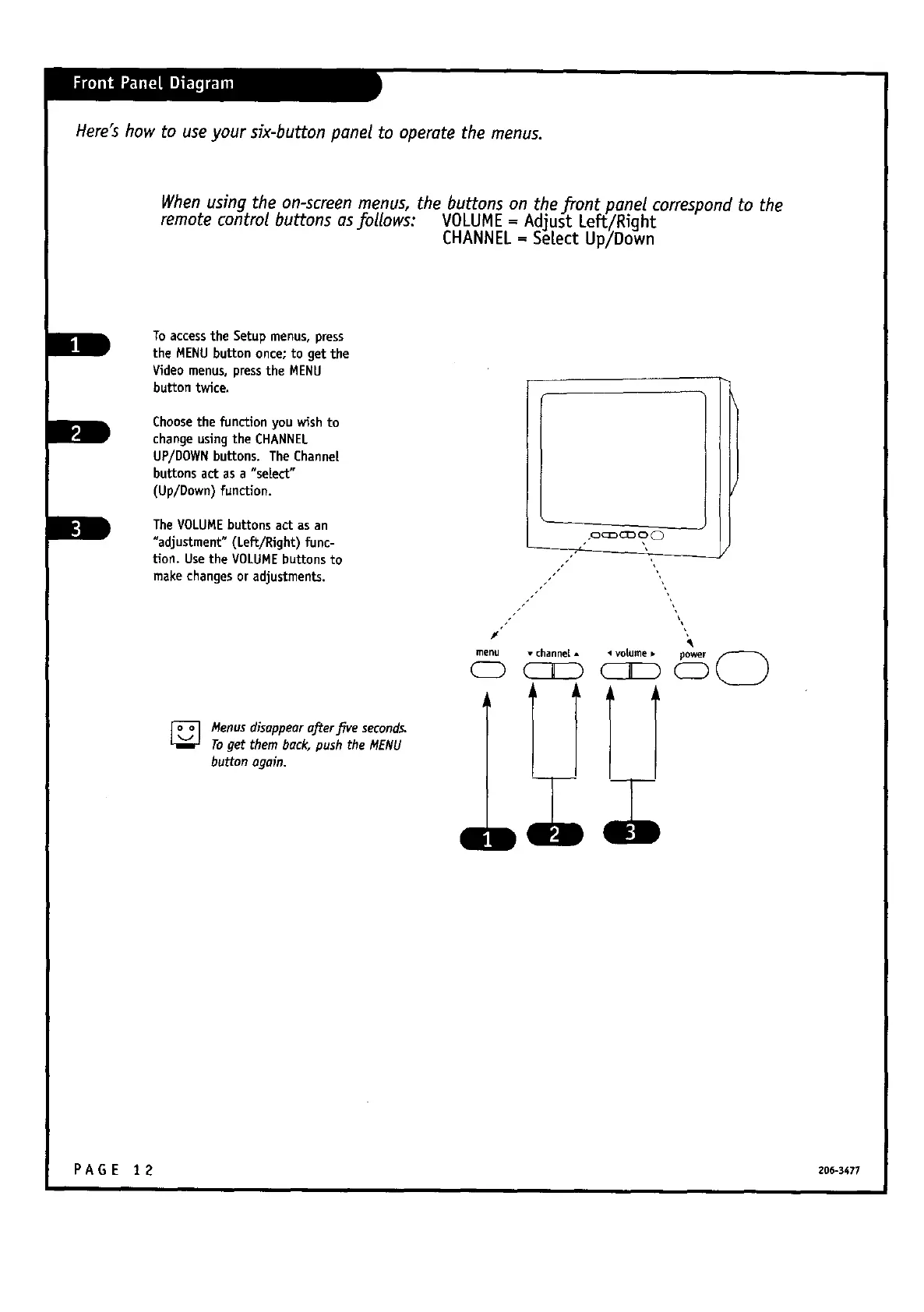
Here's how to use your six-button panet to operate the menus.
When using the on-screen menus, the buttons on the _ont ponet correspond to the
remote control buttons asJ:ollows: VOLUME==Adjust Left/Right
CHANNEL Se[ect Up/Down
To accessthe Setupmenus, press
the MENU buttononce;to getthe
Videomenus,presstheMENU
buttontwice.
Choosethefunctionyou wishto
changeusingtheCHANNEL
UP/DOWN buttons.The Channel
buttonsactas a "select_"
(Up/Down)function.
TheVOLUME buttonsactasan
"adjustment"(Left/Right)func-
tion.UsetheVOLUME buttonsto
make changesoradjustments.
menu • channel •
,oc_o_o 0
k
Menusdisappeara.ftersfiveseconds,
Toget them back,push the MENU
button ogain.
a
PAGE 12 zo6-s477



 To Next Page