Introducingyou to thebasicsofyour EntertainmentMachine.
m
The sourcebutton(TV/VCR/SOURCE)on theremoteswitchesbetween
theVideoinputand Cable/Antennainput.On some models,theA/V
inputisdesignatedas a channe|thatisone belowthelowest/one
abovethe highest.You'Uhaveto usetheChanne[Up/Down buttonsto
accessit. The Time/Channeldisplay wit[ read "Video" in place of a
channetnumber.
Cable/Antenna Input: This setting a[tows you to change came or
antenna channels and to view videocassettes on channel 3 (or 4)
in mono sound.
Video Input: This setting affows stereo pl.aybackof videocassettes. The
television cannotchangechannelsin the Videomode,but the VCRcan.
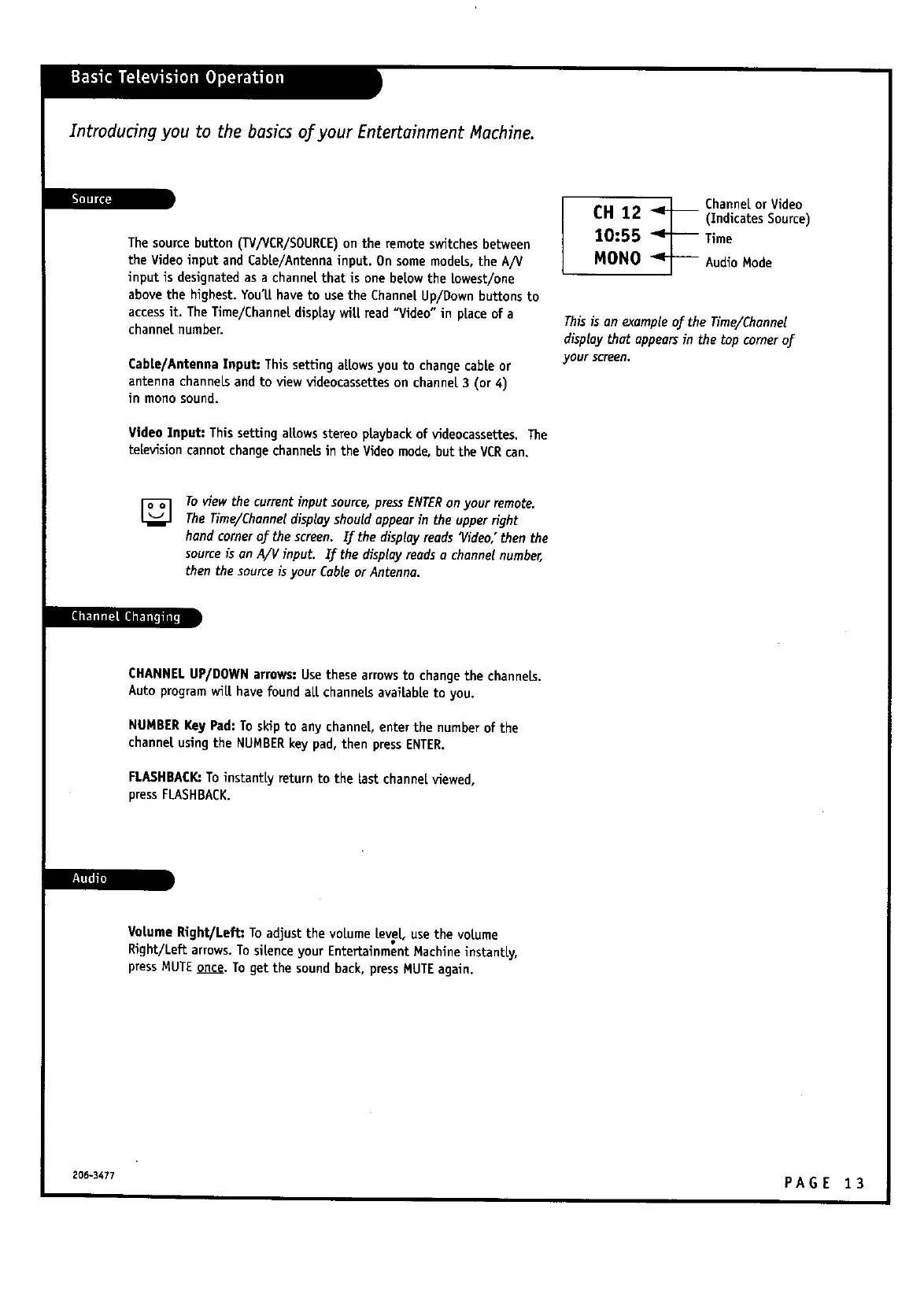
_.1 Channel or Video
CH 12 _j (Indicates Source)
10:55 _ Time
MONO AudioMode
Thisisan exampleoftheTime/Channel
displaythatappearsinthetopcornerof
your screen,
[]
Toview the currentinput source,pressENTERonyour remote.
TheTiree/Channe[displayshould appearin the upperright
hand cornerof the screen. If the displayreadsVideo,"then the
source;isan A/V input. Zf the display readso channel number,
then the source is your Cableor Antenna.
CHANNELUP/DOWN arrows:Use these arrowsto changethe channels.
Auto programwi[[ havefound al.[channelsavai[abl.eto you.
NUMBERKeyPad: To skip to any channel, enter the number of the
channel,using the NUMBERkey pad, then pressENTER.
FLASHBACK:To instantly return to the last channelviewed,
press FLASHBACK.
B111ifa
Vol.umeRight/Left: To adjust the voLumel.eveL,usethe vol.ume
Right/Left arrows.Tosil.enceyour Entertainment Machine instantly,
pressMUTEonce.To get the soundback, pressMUTEagain.
206-3477 PA G E 1 3



 To Next Page