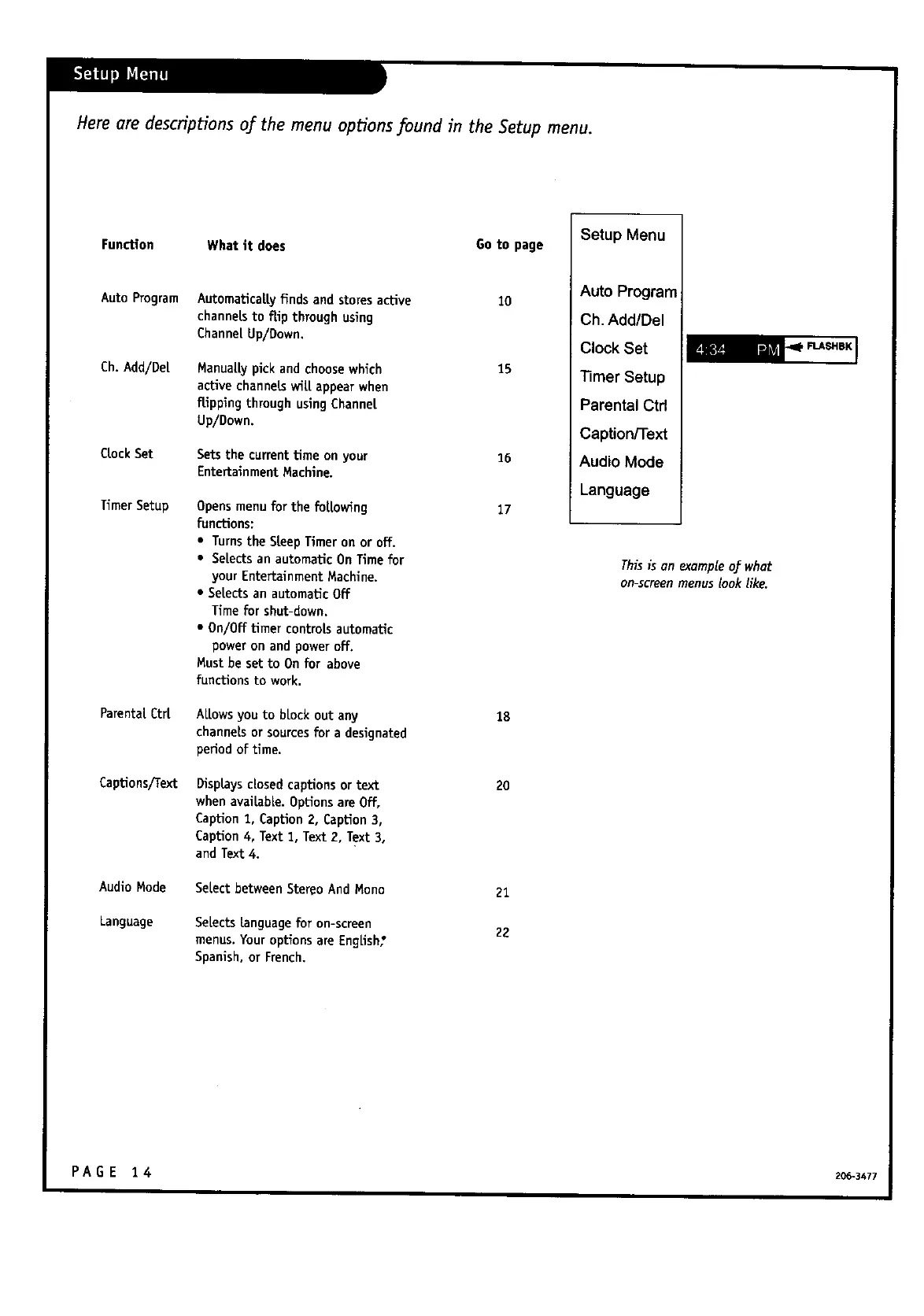
Herearedescriptionsofthemenu optionsfound intheSetup menu.
Functlon What it does Go to page
Auto Program Automaticattyfinds and storesactive 10
channelsto flip through using
ChannetUp/Down.
Ch.Add/De[
CrockSet
TimerSetup
Parental.Ctrt
Captions/Text
AudioMode
Language
Manuat_ pick and choosewhich
activechanne_wi_ appear when
flip_ng through usingChanne[
Up/Down.
Setsthe currenttime onyour
Entertainment Machine.
Opensmenu for the for[owing
functions:
• Turnsthe SteepTimer on or off.
• Selects an automaticOn Time for
your EntertainmentMachine.
• Selects an automaticOff
Timefor shut-down.
• 0n/0ff timer controlsautomatic
power on and power off,
Must be set to Onfor above
functions to work.
At.towsyou to brock out any
channels or sourcesfor a designated
period of time.
Disp_ysdosed captionsor text
when avaibb_. Optionsare Off,
Caption1, CapUon2, Caption 3,
Caption4, Text 1, Text 2, Text 3,
and Text4.
Se[ectbetweenStereoAnd Mono
Selects language for on-screen
menus. Your options are English;
Spanish, or French,
15
16
17
1B
20
21
22
Setup Menu
Auto Program
Ch. Add/Del
Clock Set
Timer Setup
Parental Ctrl
Caption/Text
Audio Mode
Language
This is on exampleof what
on-screenmenus look like.
PAGE 14 2o6.3+z7



 To Next Page