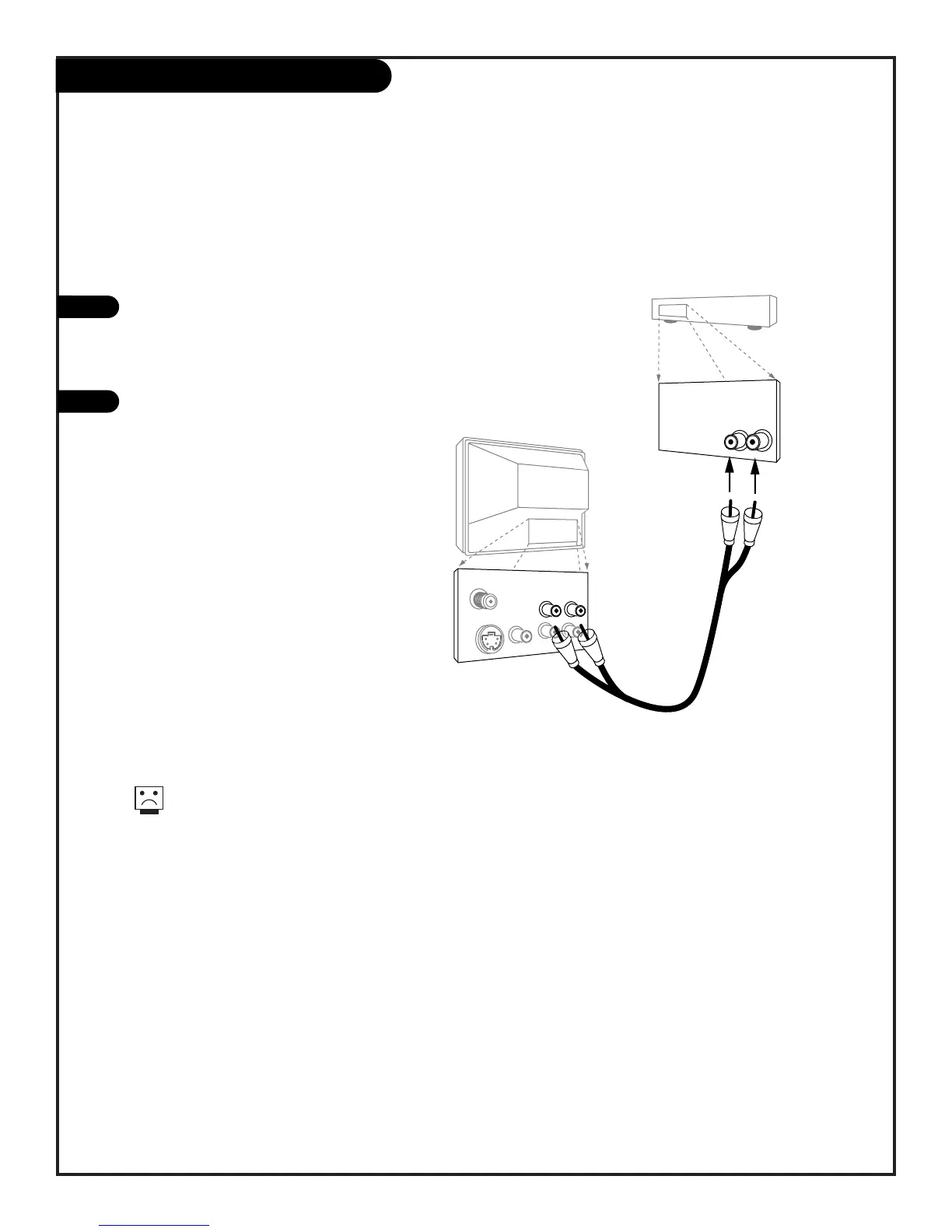
Hook Up Your TV to a Stereo Amplifier
206-3479
PAGE 11
Connecting your Entertainment Machine to a stereo amplifier.
1
2
For added audio depth and clarity, you can connect your Entertainment Machine to
a stereo amplifier.
Locate the Left/Right Audio Input jacks
on the back of your stereo amplifier.
Connect the Audio cables directly to
these jacks.
Connect these cables from the Left/Right
Variable Audio Input jacks to the
corresponding Left/Right jacks on the
back of your TV.
No Audio cables are included with your
Zenith Entertainment Machine but they
can be purchased in most consumer
electronics stores.



 To Next Page