PAGE 5
Hook-Up Directory
IMPORT
ANT!!
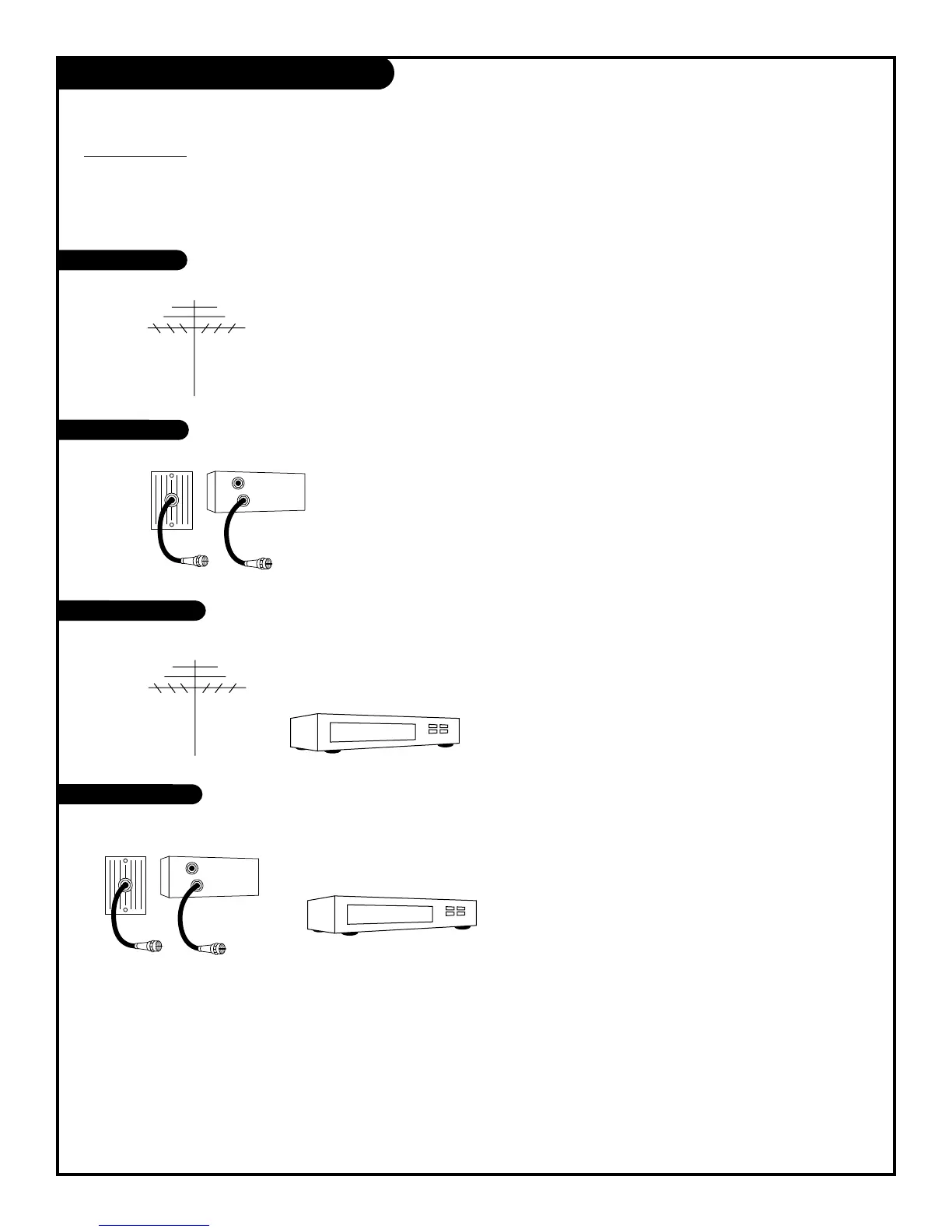
Use this page to decide where you need to begin your setup. First, find the line below that best
describes what you want to do, then go to that page number.
If you are using an antenna and no other equipment, go to . . . . . . . . . . . . . . . . . . page 6
If you have cable service or a cable box and no other equipment, go to . . . . . . . . . . page 7
If you are using an antenna and have a VCR, go to . . . . . . . . . . . . . . . . . . . . . . . page 8
If you have cable service or a cable box and a VCR, go to . . . . . . . . . . . . . . . . . . . . page 9
Antenna only
Cable only
Antenna with VCR
Cable and VCR
206-3479



 To Next Page