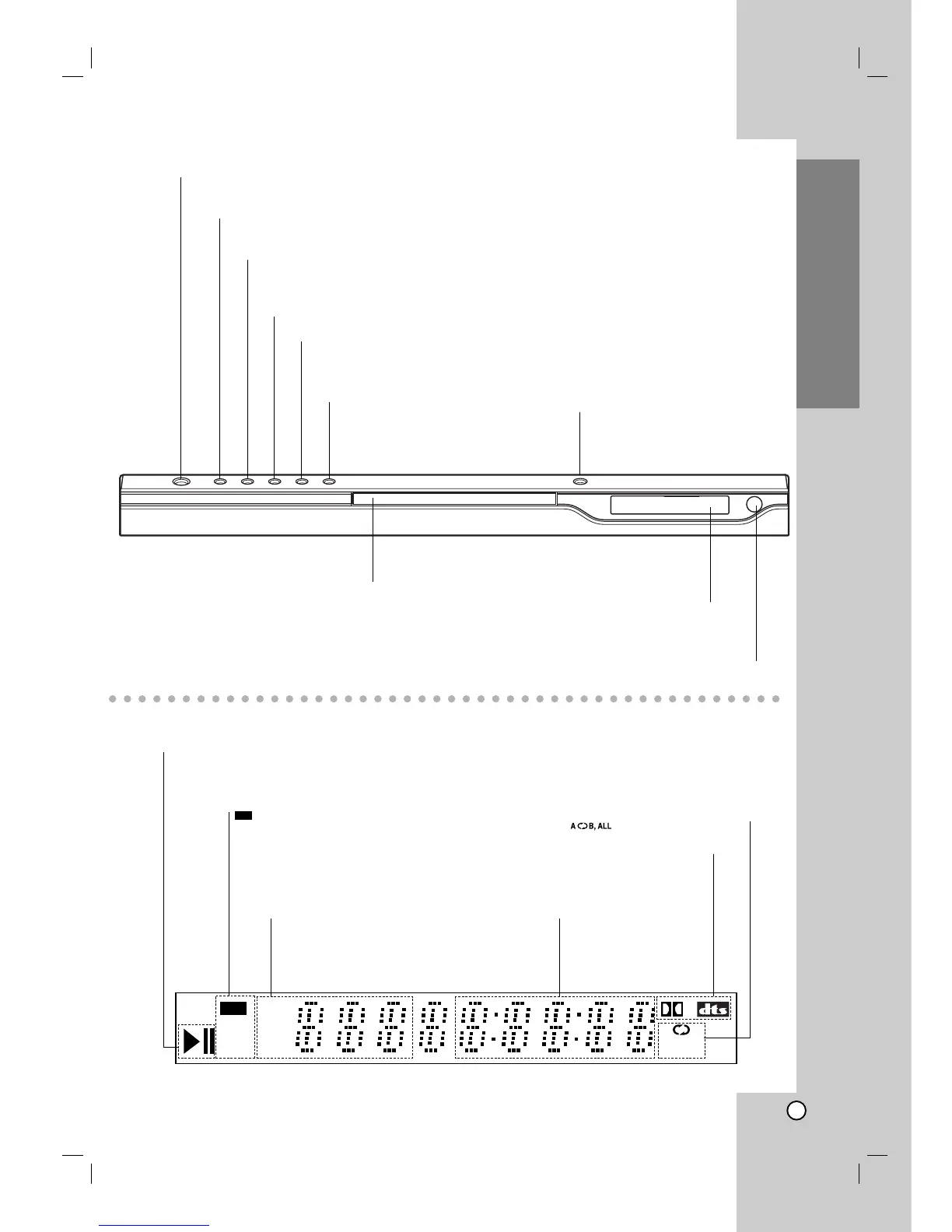
CHP/TRK Indicates
current chapter or
track number
Indicates total playing
time/elapsed time
Indicates encoding
DTS and Dolby digital
of the current disc.
Display Window
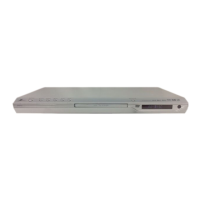
Front Panel
Indicates repeat mode
Forward Skip/Scan ( > / M )
Go to the next chapter / track.
Press and hold for two seconds for
fast forward search.
Reverse Scan/Skip ( m / . )
Go to previous chapter / track or to the beginning.
Press and hold for two seconds for fast reverse search.
STOP ( x ) Stops playback.
PAUSE ( X )
Pauses playback. Press repeatedly for
frame-by-frame playback.
PLAY ( N )
Starts playback.
OPEN / CLOSE ( Z )
Opens or closes the disc tray.
Disc Tray
Insert a disc here.
POWER
Switches the player ON and OFF.
Remote Sensor
Point the DVD Player remote control
here.
Display window
Shows the current status of the
player.


 To Next Page