Operation Reference Introduction
15
Installation and Setup
Area Code
Enter the code of the area whose standards were
used to rate the DVD video disc, based on the list on
page 22.
1. Select “Area Code” on the LOCK menu then
press B.
2. Follow the step 2 as shown previous page
(Rating).
3. Select the first character using v / V buttons.
4. Press B and select the second character using
v / V buttons.
5. Press ENTER to confirm your Area code selection.
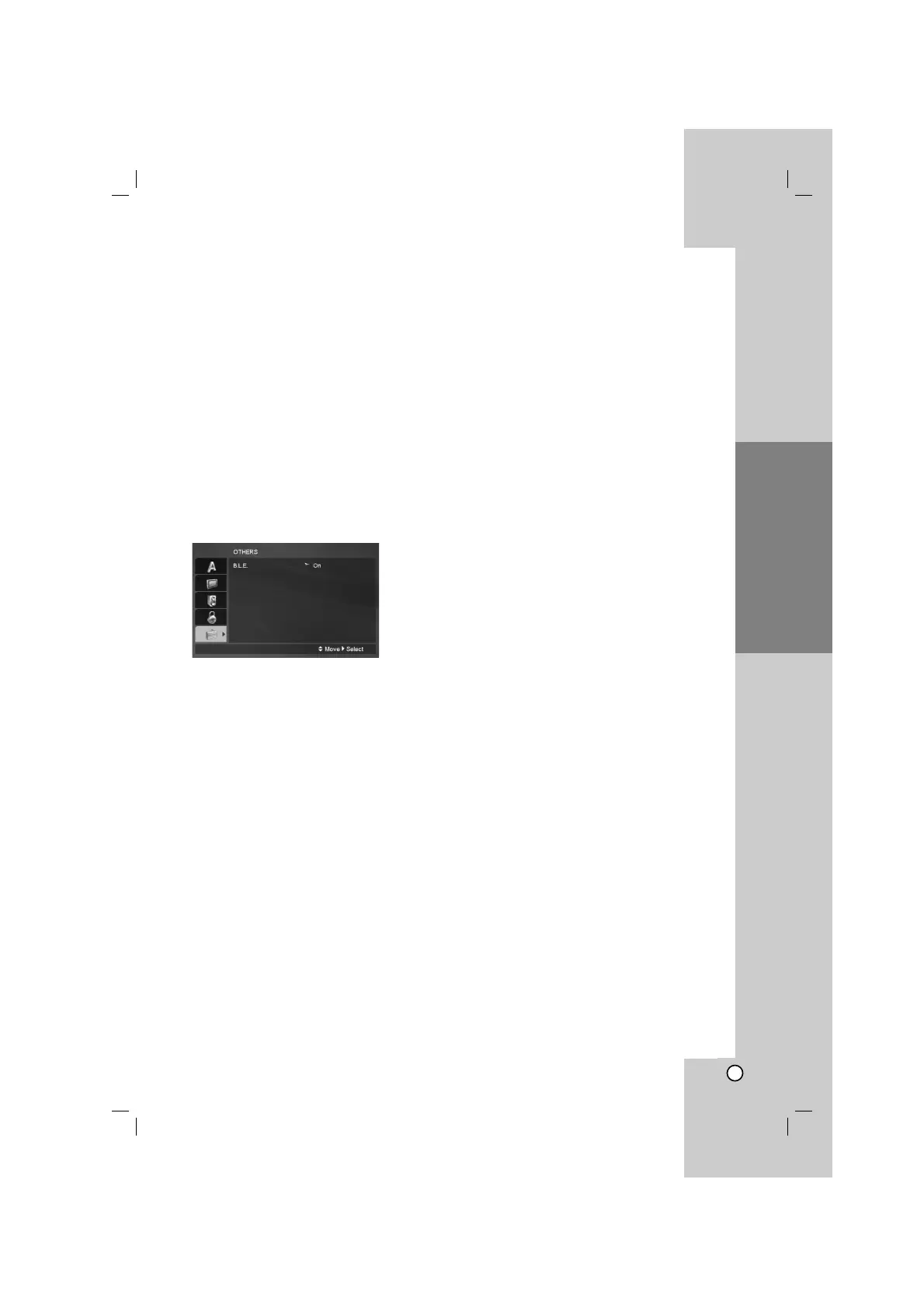
OTHERS
B.L.E. (Black Level Expansion)
To select the black level of playback pictures.
Set your preference and monitor’s ability.
On: Expanded grey scale. (0 IRE cut off)
Off: Standard grey scale. (7.5 IRE cut off)


 To Next Page