EasyManua.ls Logo

Zenith HydroTap G4 - User Manual

Zenith HydroTap G4
28 pages
Print Icon
To Next Page IconTo Next Page
Loading...
801912NZ - G4 BCS, BCSHA Commercial User Guide - Aug 2015 - v2.00 Page 1 of 28
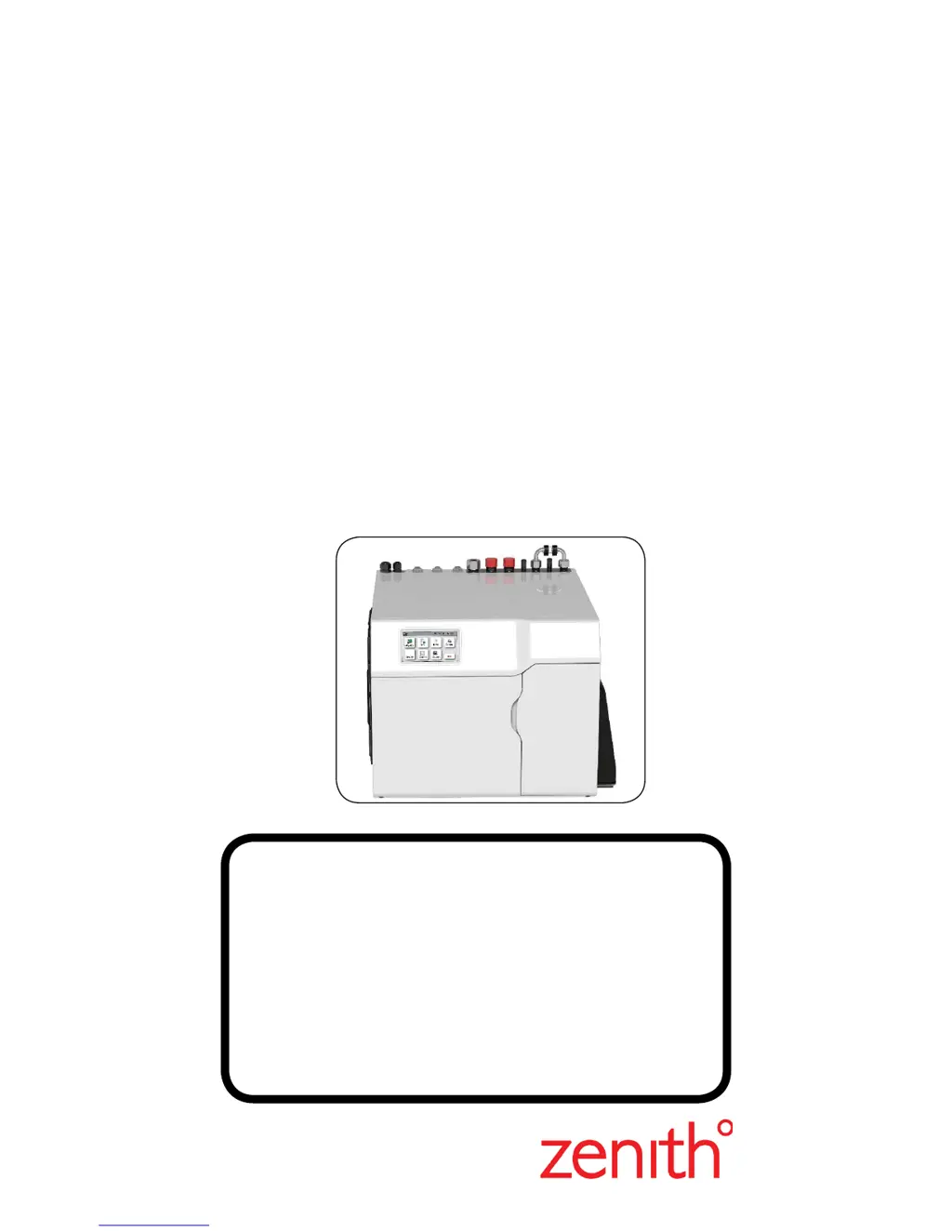
HydroTap G4
User Guide
®
Tap Operation..................(Pages 2-10)
LCD Screen & Menu .......(Pages 11-22)
Maintenance.................... (Pages 23-26)
Home Menu Icons............(Page 27)
Contact details.................(Page 28)
Date of Installation.........../........../...........
Affix Model Number Label
Here
801912NZ
BCS Commercial

Other manuals for Zenith HydroTap G4

Questions and Answers

  • N
    Nicholas ConleyAug 19, 2025
    What to do if my Zenith Water Filtration System has a water leak?
    • V
      Valerie MaynardAug 20, 2025
      If you notice a water leak, immediately turn off the mains water supply to prevent further leakage. After that call for service.
  • D
    Dr. Brian PetersonAug 21, 2025
    How to fix condenser screen blocked in Zenith Water Filtration Systems?
    • K
      Kevin MillerAug 21, 2025
      If the condenser screen is blocked, it is likely due to a blocked air filter. Remove the blockage, clean the filter, and check the user guide for detailed instructions.
  • K
    Kristin PerezAug 23, 2025
    What to do if my Zenith Water Filtration System shows condenser overtemp.?
    • I
      Isabella Meadows MDAug 25, 2025
      If your Zenith Water Filtration System shows a condenser overtemp message, this is likely due to a blocked air filter. Remove the blockage, clean the filter, and consult the user guide for further assistance.
  • M
    Morgan RoweAug 26, 2025
    Why Zenith Water Filtration System compressor over-run?
    • M
      Michael RogersAug 26, 2025
      A compressor over-run in your Zenith Water Filtration System is caused by the compressor being too hot. Ensure that the ventilation is adequate to cool the compressor.
  • J
    Jeffery DukeAug 27, 2025
    What to do for boil dry protection in Zenith Water Filtration Systems?
    • L
      Lisa ReynoldsAug 27, 2025
      If the boil dry protection is activated on your Zenith Water Filtration System, turn the power OFF and then ON to reset the system.
  • L
    Leslie FreemanAug 29, 2025
    What causes hot tank under filled in Zenith Water Filtration Systems?
    • K
      Karen FernandezAug 29, 2025
      A hot tank that is under filled is caused by low water pressure. Check the water supply to ensure adequate pressure.
  • K
    Kurt Patton DVMAug 31, 2025
    What to do if Zenith Water Filtration System has a power board fault?
    • C
      Cassandra BartlettAug 31, 2025
      If there is a power board fault, check the power supply and all fuses.
  • M
    Megan SullivanSep 2, 2025
    What to do if I see a water leak in my Zenith Water System?
    • D
      debra85Sep 3, 2025
      If you observe a water leak in your Zenith Water System, immediately turn off the main water supply. It is also recommended to call for service.
  • S
    Sharon StokesSep 4, 2025
    Why has the water supply failed in my Zenith Water System?
    • S
      Samuel GordonSep 5, 2025
      If the water supply to your Zenith Water System has failed, first check that the water supply is turned ON.
  • P
    Phillip WrightSep 6, 2025
    How to fix a blocked condenser screen on my Zenith Water System?
    • T
      Tanya LewisSep 7, 2025
      If the condenser screen is blocked on your Zenith Water System, it is likely due to a blocked air filter. Remove the blockage, clean the filter, and check the user guide for further assistance.

Summary

Tap Operation Guide

Tap Safety Features

Explains the safety lock feature to prevent boiling water flow.

Elite Tap Operation

Details touch sensitive controls for dispensing Boiling, Chilled and Sparkling water.

All-In-One Tap Operation

Explains operation of levers for dispensing and mixer tap function.

HydroTap Arc;Cube Operation

Describes operation of select button and rotary control for dispensing water.

MixerTap Operation

Explains handle operation for flow rate and temperature control.

Dispensing Chilled Water

Instructions for dispensing chilled water on Classic, Elite, and Arc/Cube taps.

Dispensing Boiling Water (Safety OFF)

Instructions for dispensing boiling water with safety feature disabled.

Dispensing Boiling Water (Safety ON)

Instructions for dispensing boiling water with safety feature enabled.

Dispensing Sparkling Water

Instructions for dispensing sparkling water on Classic, Elite, and Arc/Cube taps.

Tap Indicator Lights

Explains the meaning of Red Boiling and Blue Chilled water indicator lights.

System Fault Warning Light

Details the flashing warning light indicating system faults.

Filter Status Lights

Describes filter light status for different tap models.

Safety Sensor Calibration Procedure

Step-by-step guide for calibrating the safety sensor on lever models.

LCD Screen and Menu Navigation

LCD Screen Overview

Introduces the TOUCH screen for easy setup and operation adjustment.

LCD Menu Structure

Details the main menu, sub-menu, and sub-menu options with section references.

Setting the Language

Instructions on how to change the language setting via the LCD menu.

System Information and Faults

How to view product info, system faults, and filter logs.

Filter Installation and Maintenance

Guide to filter flush and filter reset procedures via the LCD.

Boiling Calibration and Booster Setup

Instructions for boiling calibration and booster unit configuration.

Purge CO2 and Lux Sensor Calibration

Procedures for purging CO2 gas lines and calibrating the Lux sensor.

Security Settings

How to set or change a password to protect system settings.

Communication Features

Information on using Wifi for remote monitoring and control.

System Settings: Date;Time and Temperature

How to set date/time and adjust boiling/chilled temperatures.

Filter Life and Usage Settings

Instructions to adjust filter life and edit filter usage.

Energy Saving Modes

Details on Sleep mode and ON/OFF mode for energy saving.

ON;OFF Mode Scheduling

How to schedule ON/OFF times for different days or groups.

Tap Safety Settings

Instructions for setting tap safety and activating Hot Isolation.

Maintenance and Troubleshooting

Dispense Times Adjustment

How to change the maximum dispensing time for hot, chilled, and sparkling water.

Filter Replacement Notification

Explains how the unit notifies when filter replacement is due.

Filter Replacement Procedure

Step-by-step instructions for changing the water filter cartridge.

Filter Cartridge Handling Precautions

Cautions regarding water spillage, O-ring contact, and cartridge insertion.

Air Inlet Filter Maintenance

Instructions for cleaning and maintaining the air inlet filter.

CO2 Gas Bottle Replacement

Procedure for changing the 2.6kg CO2 gas bottle for sparkling water.

Home Menu Icons Explained

Safety Switch Icons

Explains icons indicating the safety switch status (LOCKED/UNLOCKED).

Sleep Mode Icon

Details the icon indicating when sleep mode is active.

Heater OFF Mode Icon

Explains the icon that shows the heater is in OFF mode.

Filter Usage Indicator

Describes the icon displaying remaining filter life.

Temperature Display Icons

Explains icons for Boiling and Chilled water temperatures.

Contact and Company Information

Head Office Contact Information

Provides Zenith Heaters Limited's head office address, phone, and website.

Product Trademarks and Patents

Lists registered trademarks and patent information for Zenith products.

Zenith HydroTap G4 Specifications

General IconGeneral
BrandZenith
ModelHydroTap G4
CategoryWater Filtration Systems
LanguageEnglish

Related product manuals