806835NZ v1.05 03.22 G5 User guide
30
SECTION 3: Command Centre Screen
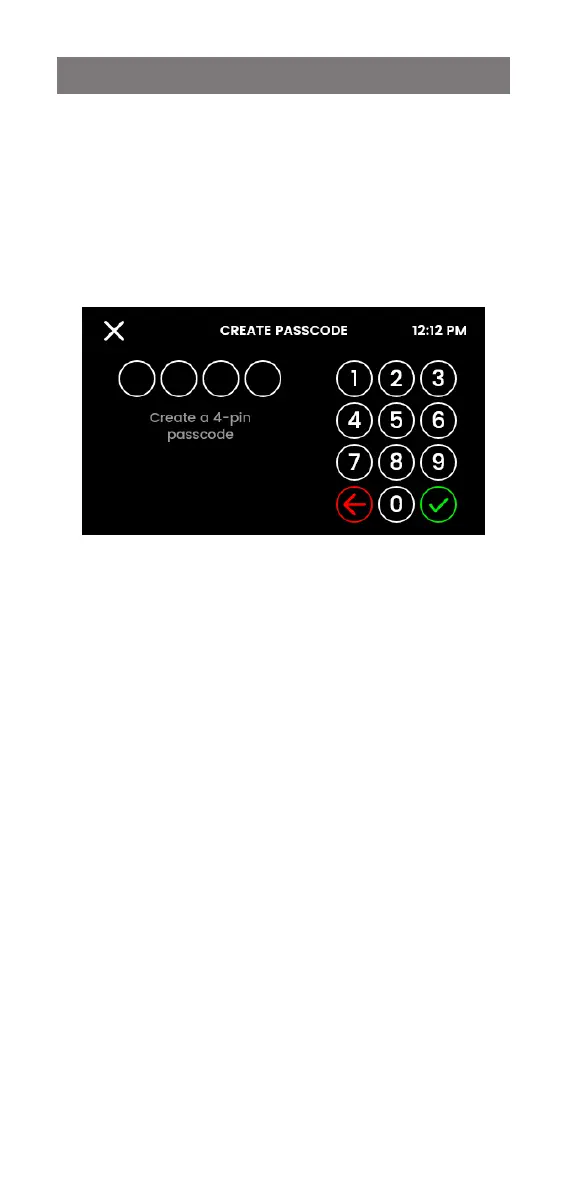
3.6.2 Passcode protect
Activate passcode protection to limit access to certain
settings. Users will be prompted for this passcode when
attempting to access settings.
Create a 4-digit passcode and re-enter, as prompted.
The passcode will be deactivated if the HydroTap is reset
(powered off and on again).


 To Next Page